


Unable to add a personal Outlook email to Thunderbird

Hi,
I'm having issues adding this email to Thunderbird. I did the steps below, but I am unable to add this email:
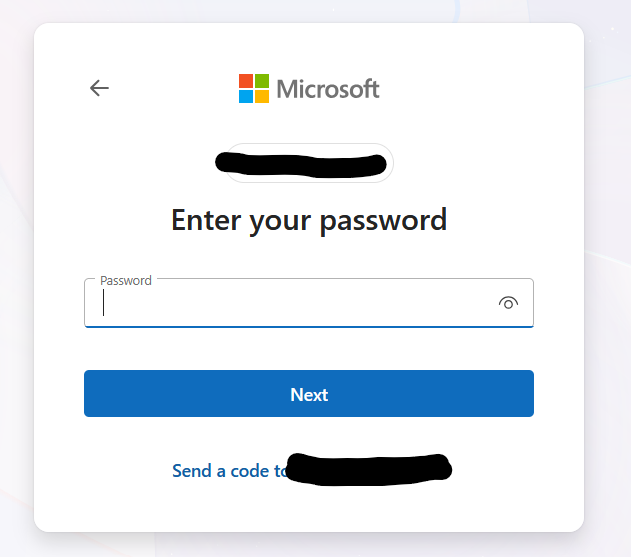
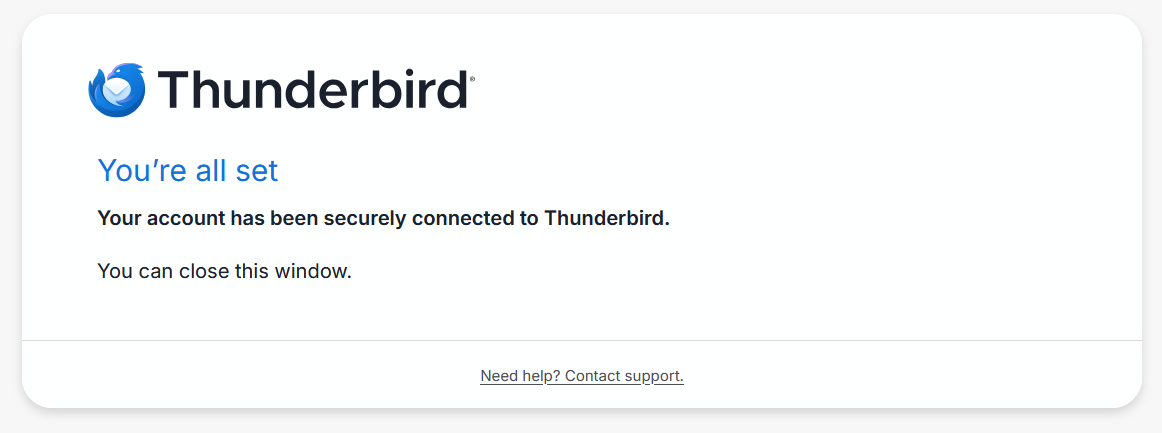
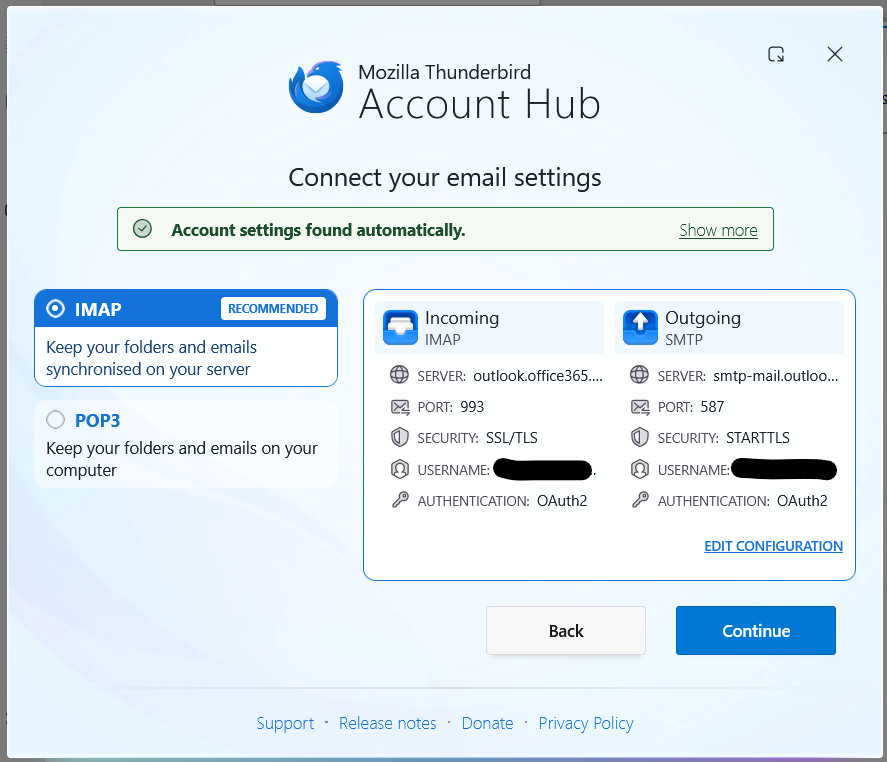
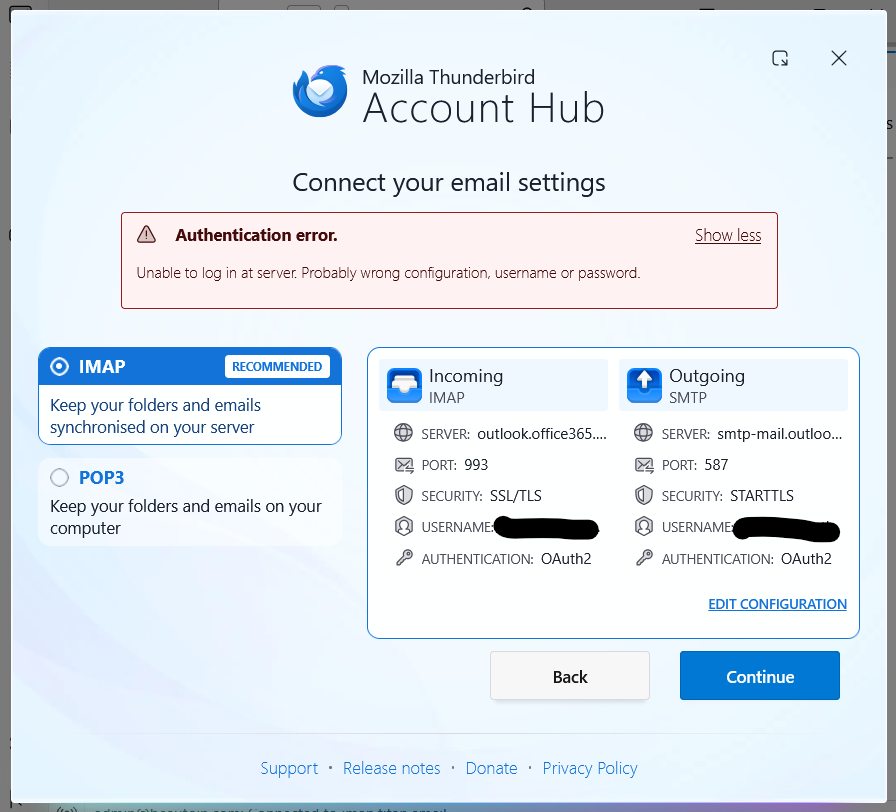
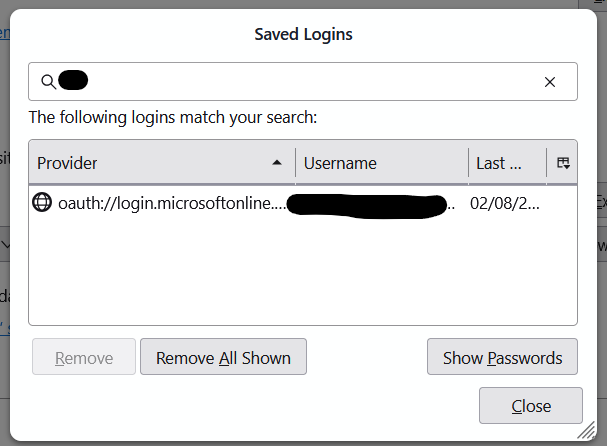
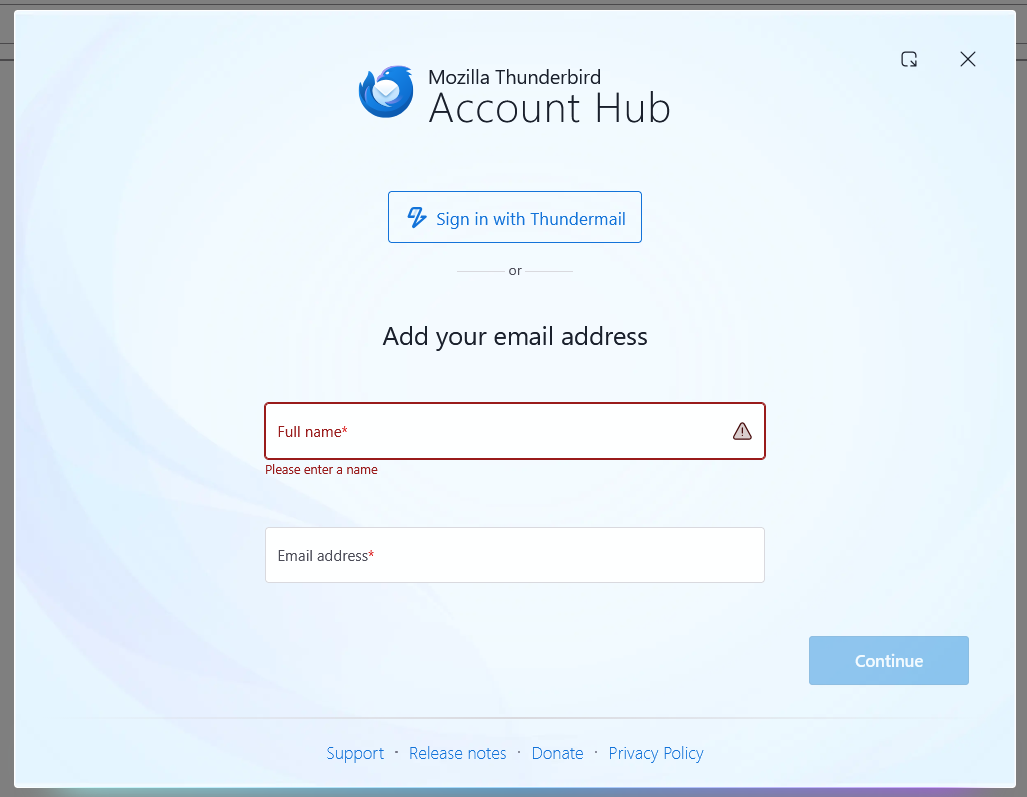
1. I enter my name and email (see image 1), then click Continue. 2. Outlook tab opens in my browser (see image 2). I enter my password and click Next. 3. Tab changes to Thunderbird - You're all Set (see image 3). 4. I go back to Thunderbird, and I see this (see image 4), then I click the Continue button. 5. After I click the Continue button, I see an error message (see image 5). 6. The email I tried to add isn't added, but the password is added to Thunderbird (see image 6).
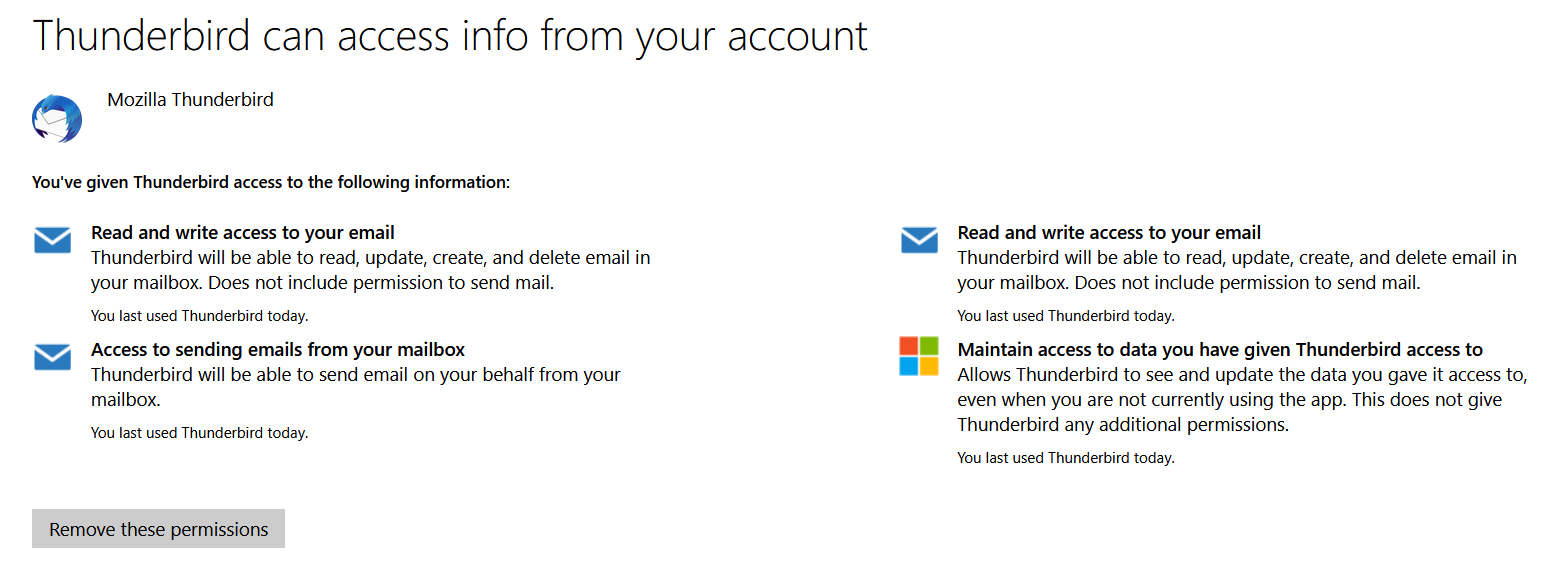
When I go to https://outlook.live.com/mail/ in the browser I am logged in and can see my emails etc. So, the email address and password I entered is definitely correct. Also, Outlook has given Thunderbird access to the email account (see image 7).
Please advise what the issue is and how to fix it, so I can add the email to Thunderbird.
Thank you
Modified by cf5436