


On iOS 15.8.7, I cannot have my CapitalOne.com account page show full detail after authorization

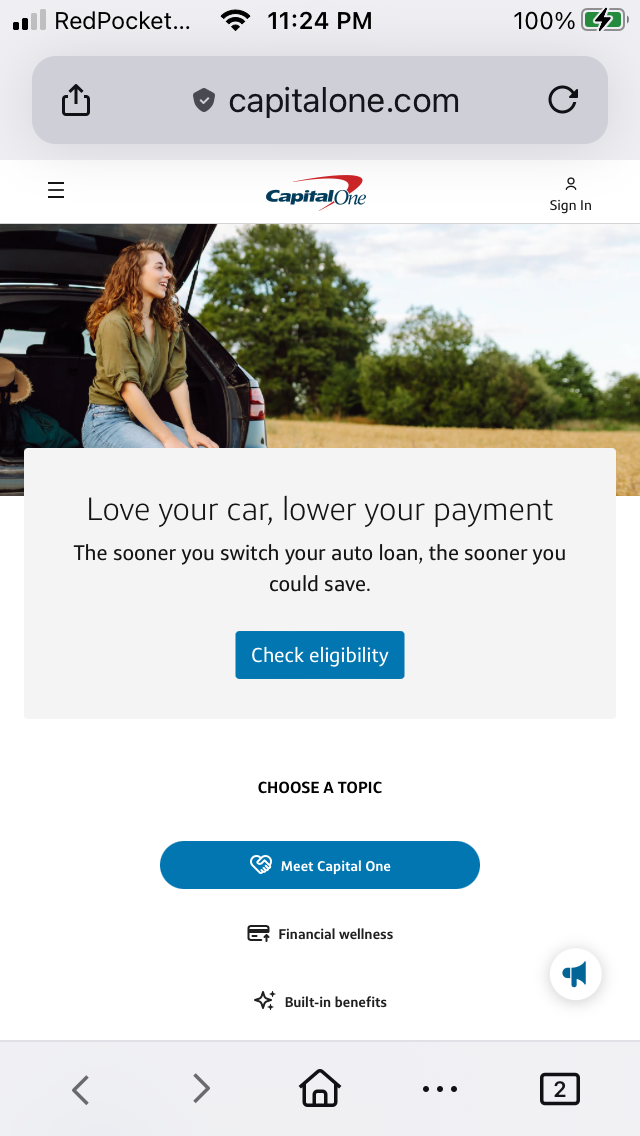
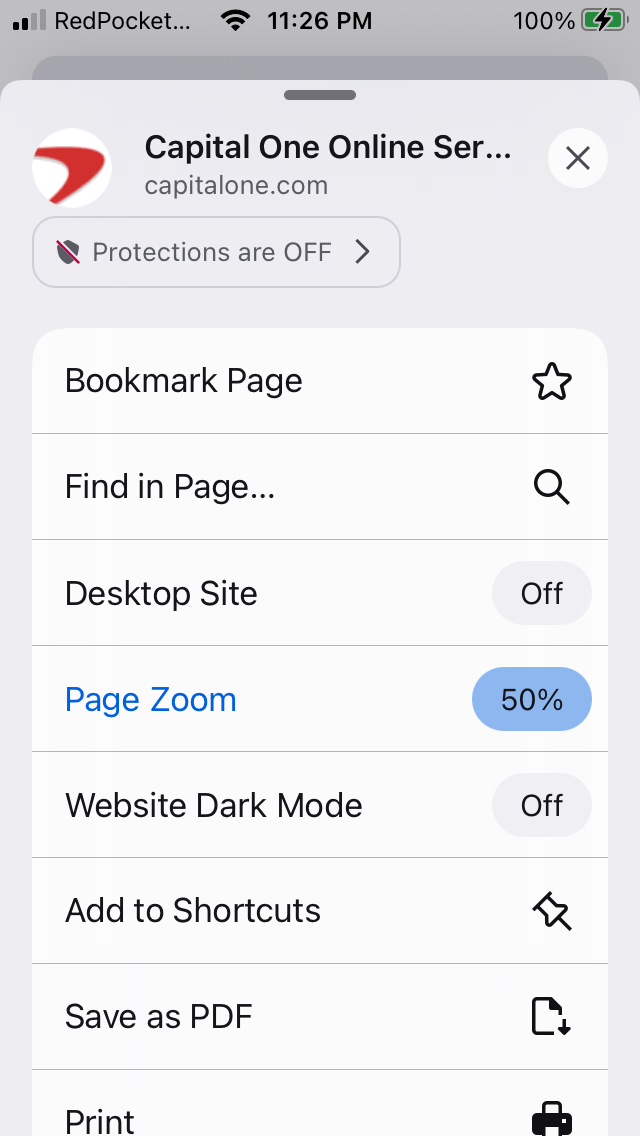
I was using my iPhone SE 1st gen iOS 15.8.7 with the latest Firefox and tried disabling Enhanced Tracking Protection and reloaded the website.
I was using my iPhone SE 1st gen iOS 15.8.7 with the latest Firefox and tried disabling Enhanced Tracking Protection and reloaded the website.
All Replies (2)
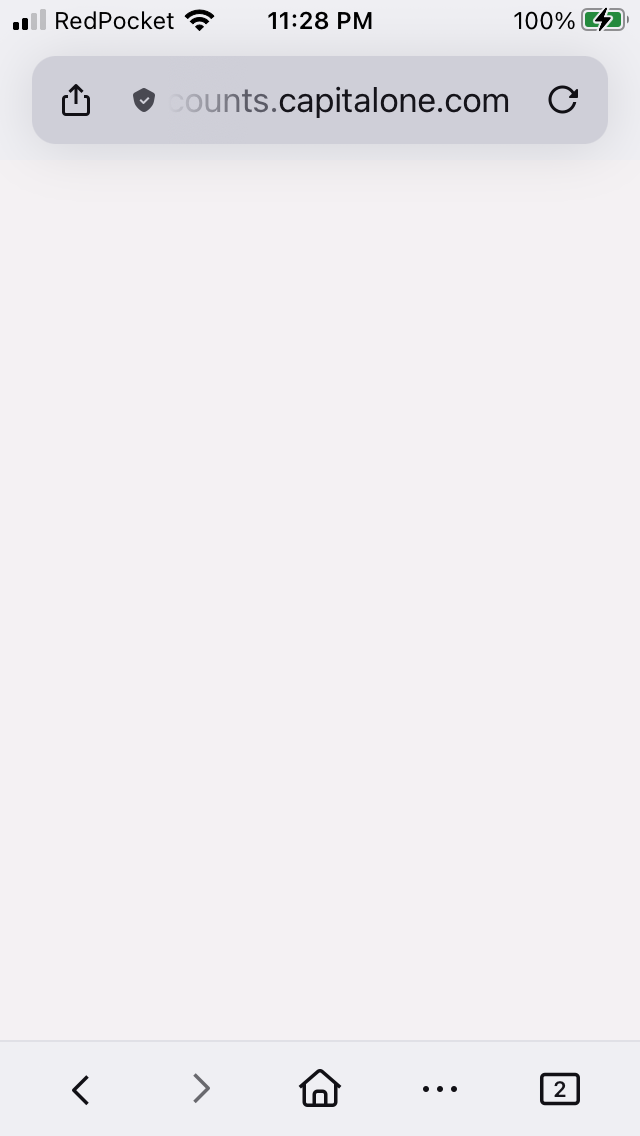
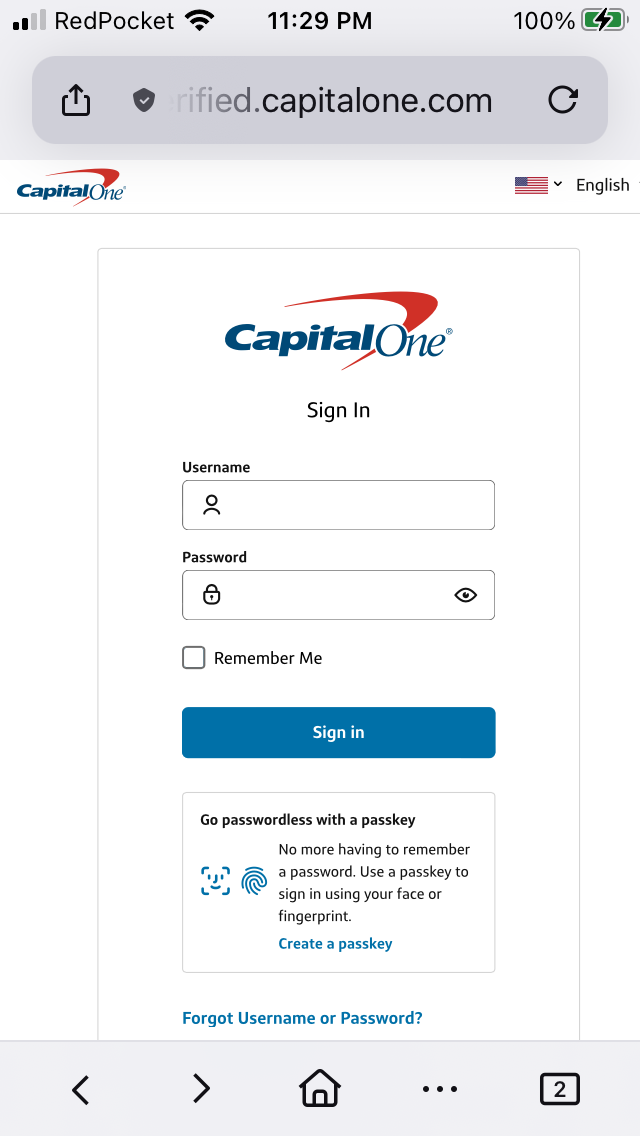
After successfully logging into my account at www.capitalone.com and https://verified.capitalone.com/auth/signin I get a blank page instead on https://myaccounts.capitalone.com/#/welcome

This seems to be a common issue on iOS where some apps ignore the default browser setting and still open links in Safari. Even if Mozilla Firefox is set as default, certain apps use their own in-app browser or system behavior.