


No emojis display in Firefox.
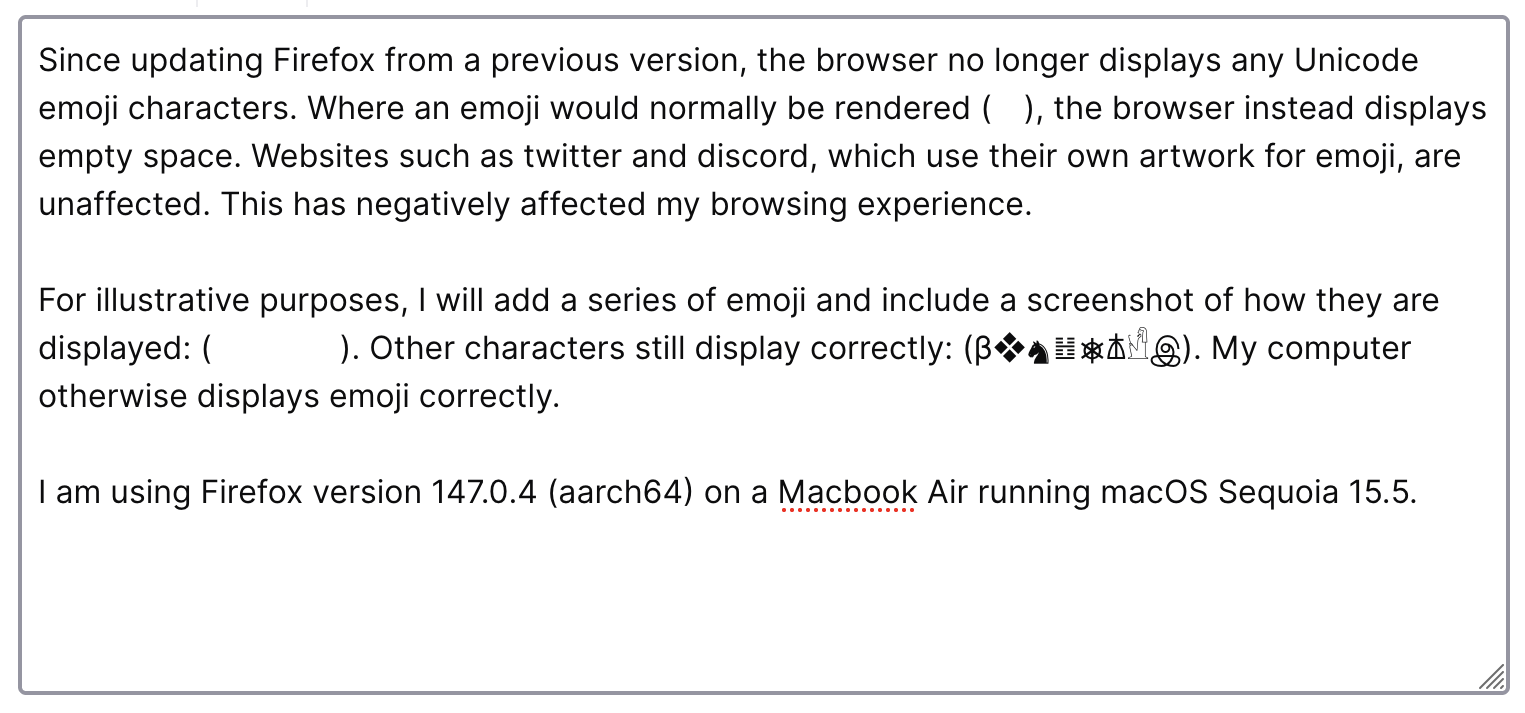
Since updating Firefox from a previous version, the browser no longer displays any Unicode emoji characters. Where an emoji would normally be rendered (👁️), the browser instead displays empty space. Websites such as twitter and discord, which use their own artwork for emoji, are unaffected. This has negatively affected my browsing experience.
For illustrative purposes, I will add a series of emoji and include a screenshot of how they are displayed: (😀🙁😡💀). Other characters still display correctly: (β❖♞䷲⎈𐘢𓀺இ). My computer otherwise displays emoji correctly. The issue persists after disabling extensions, and has persisted between computer restarts.
I am using Firefox version 147.0.4 (aarch64) on a Macbook Air running macOS Sequoia 15.5.
Chosen solution
The issue is being investigated as Bug 2005440, and a workaround can be found in the comments. The problem seems to be a consequence of how MacOS handles emoji rendering during lockdown mode.
Read this answer in context 👍 0All Replies (5)
Chosen Solution
The issue is being investigated as Bug 2005440, and a workaround can be found in the comments. The problem seems to be a consequence of how MacOS handles emoji rendering during lockdown mode.
Modified by second
Hi there,
Thank you so much for coming back to this thread to share your solution and marking it as the answer! By doing this, you're not only resolving your own issue but also helping others who might run into the same problem. We really appreciate it!

I hope this is helpful, but I'm having the same issue on Linux running Firefox 148. This started a couple of days ago. I have font.name-list.emoji set to "Noto Color Emoji, Twemoji Mozilla" and haven't changed any settings. The same sites are loading fine on Chrome based browsers, which I'd like to avoid using. 😊 Not sure that pasted correctly, because it's blank on my end...
Maybe the bug is bigger than just on MacOS, or it's a new one from 148.
Hi seedsca,
Since it sounds like a different bug, would you please create a separate thread? Feel free to share the link here once you do that.
Thanks for the advice Kiki. I've created a new thread. https://support.mozilla.org/en-US/questions/1568808 https://support.mozilla.org/en-US/questions/1568808
Modified by seedsca