


Inline reply

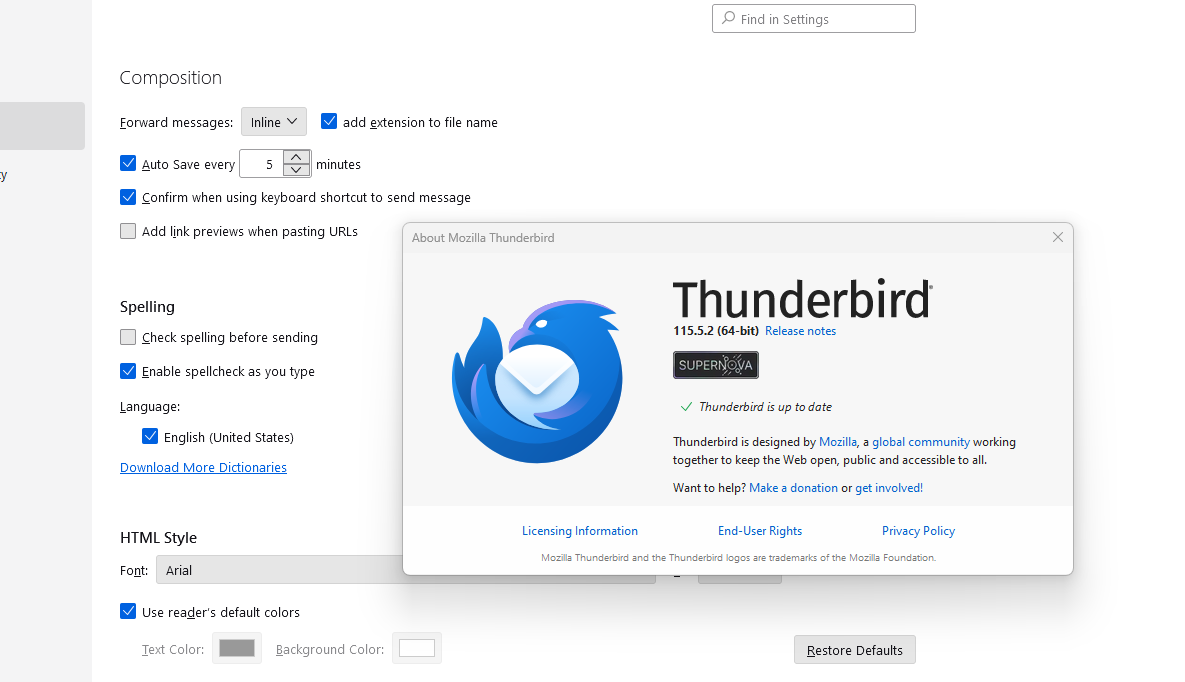
Is it possible to respond 'inline' meaning the message I'm responding to will also appear in the message I create/send? I have the 'Forward messages:' setting at 'Inline' but that doesn't do it.
Chosen Solution
You need to differentiate between settings>general and account settings. I specified account settings. You can get there from the hamburger menu in upper right, from the menu bar from tools, and by rightclicking an account and selecting settings
All Replies (5)
click 'account settings' and then 'composition & addressing' and tick the box to quote the original message.
I don't have 'composition & addressing' as an option in account settings. Only 'Composition'. On that page there is no box to quote the original message. Pls see screen caps.
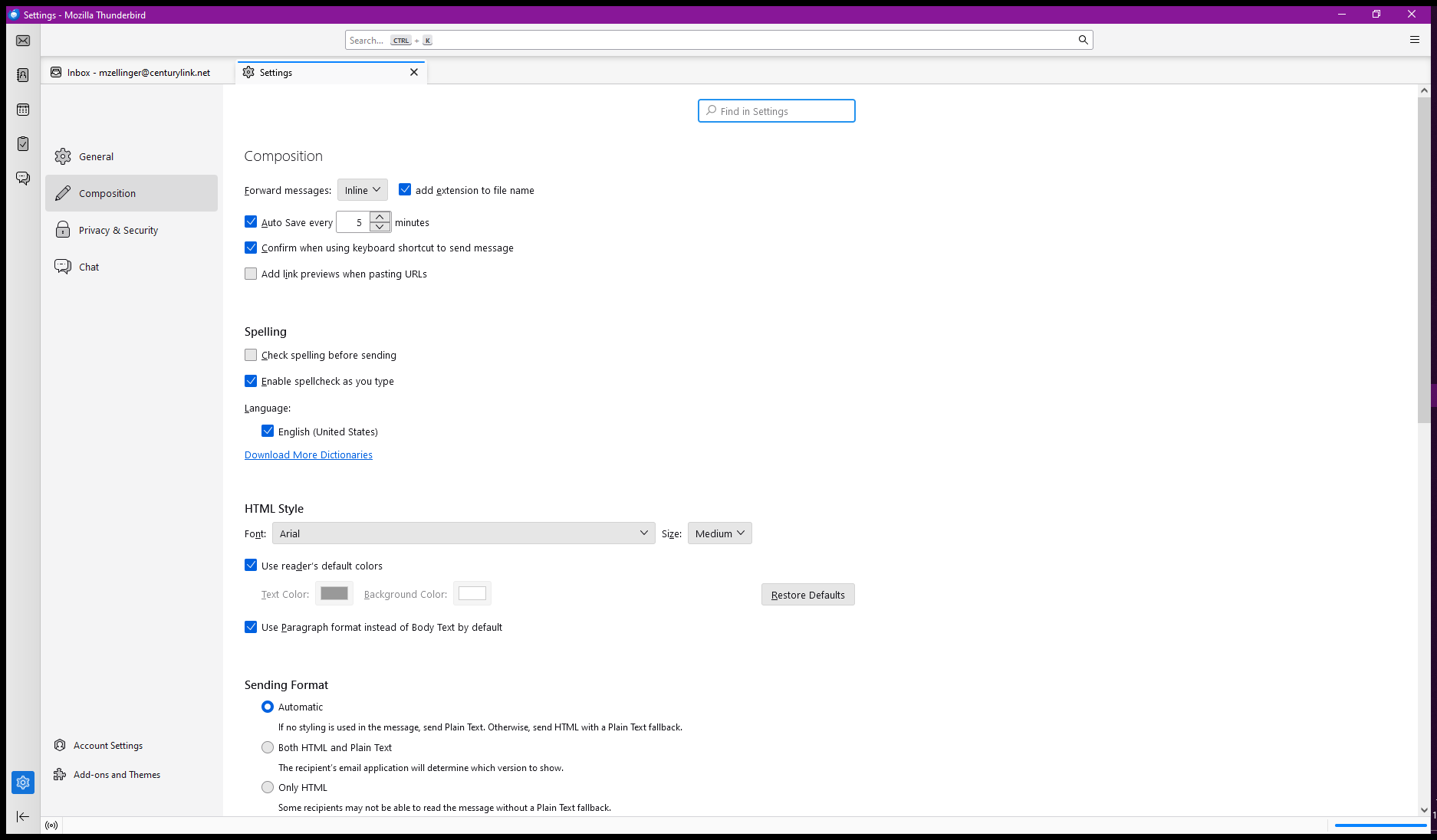
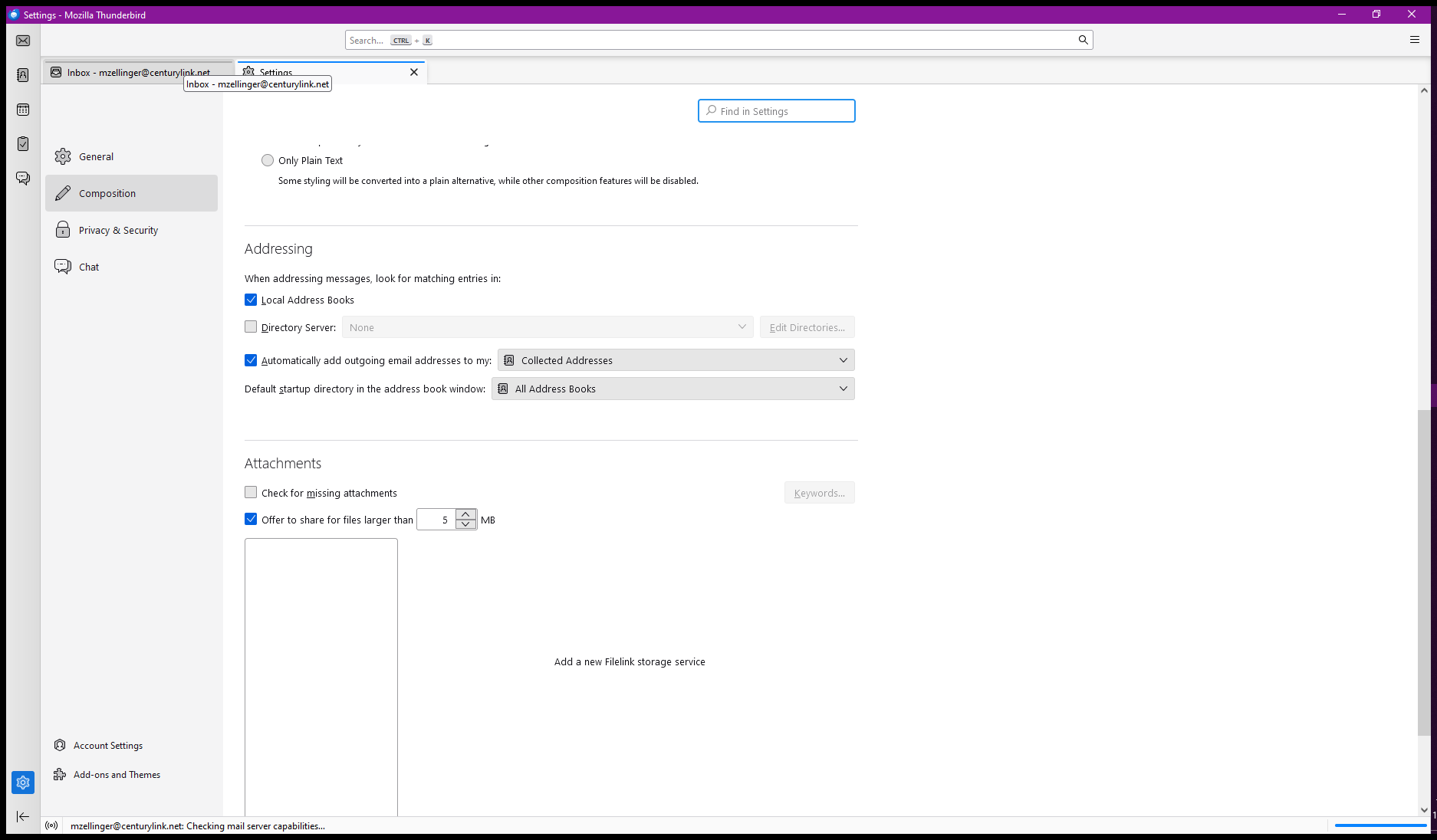
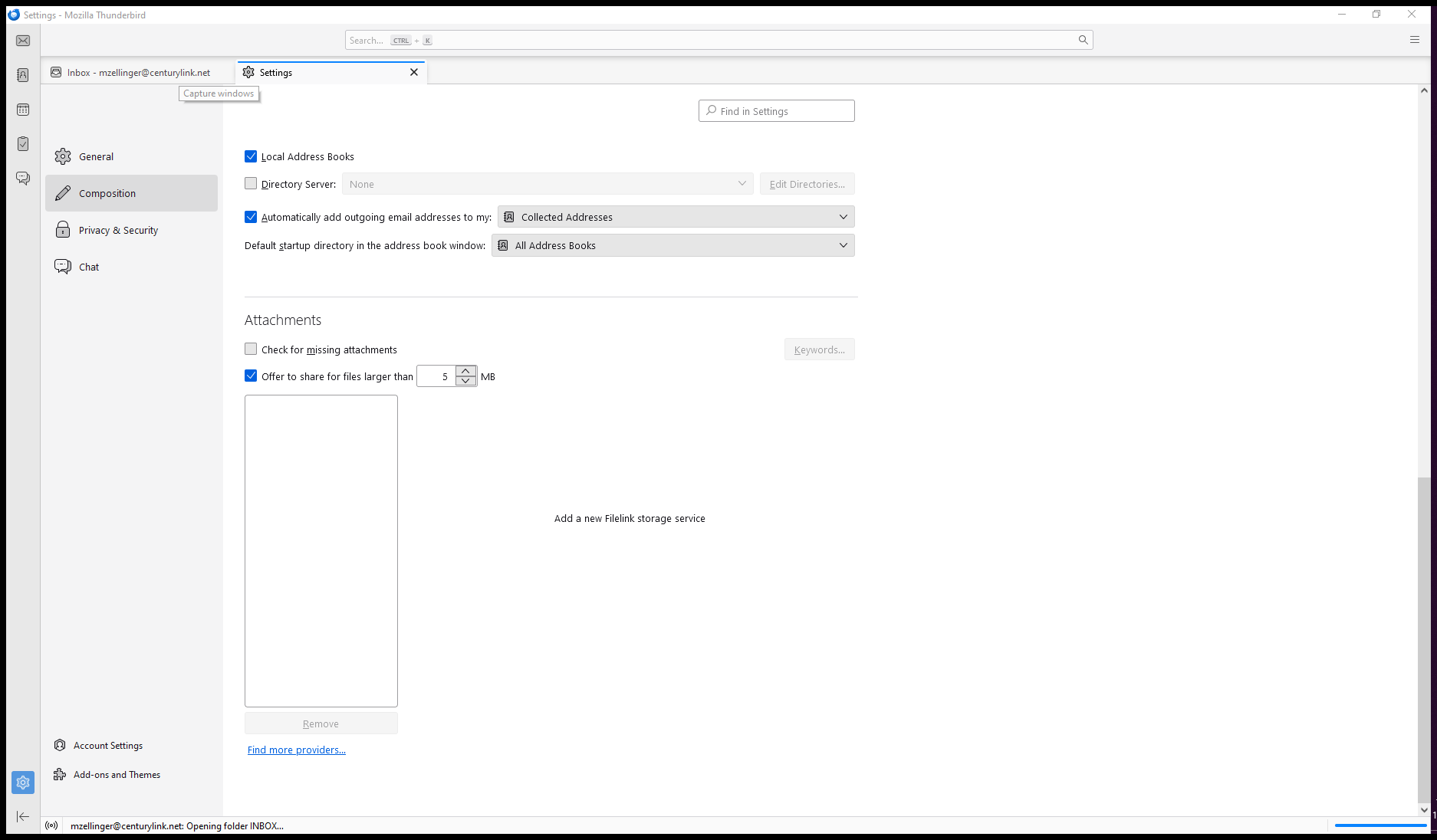
Addendum: What you describe WAS available in the older versions of Thunderbird but I can't find it in the latest version.
Chosen Solution
You need to differentiate between settings>general and account settings. I specified account settings. You can get there from the hamburger menu in upper right, from the menu bar from tools, and by rightclicking an account and selecting settings
Got it. Thank-you for the bit of education there.