


Site continues to play audio when blocked

even the settings say blocked but audio still plays. I've written every filter I can for uBlock and tweaked as many about:config settings I can find. Anyone got a solution?

All Replies (4)
Hi catwirk....!
disable all auto-play videos
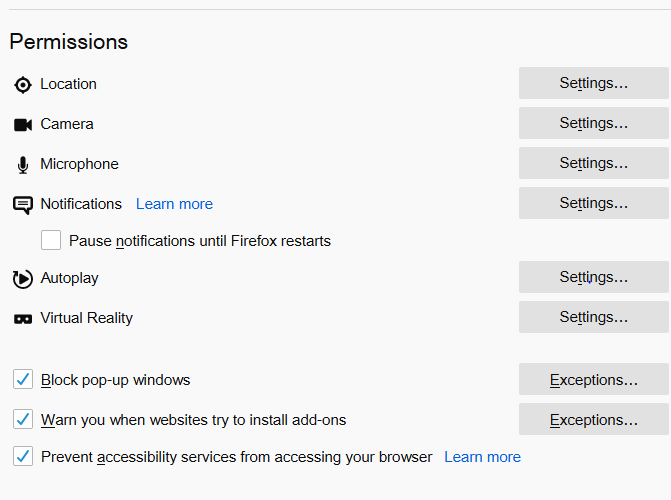
Step 1: Open the Firefox menu, and then click Options. Step 2: Click the Privacy & Security side-tab. Next, scroll down to the section labeled Permissions, and then check the box next to Block Websites From Automatically Playing Sound.
just try this easy steps and it's all set
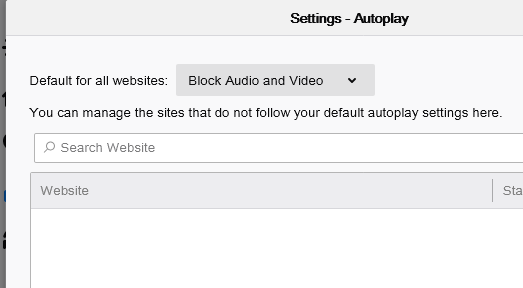
I don't know what version of Firefox you're using but there is no check box. There is a drop-down menu for Autoplay. My default setting, as mentioned before, is Block Audio and Video for all websites.

Could you please post the url for the site. I can't make out what it is in your screenshot.