


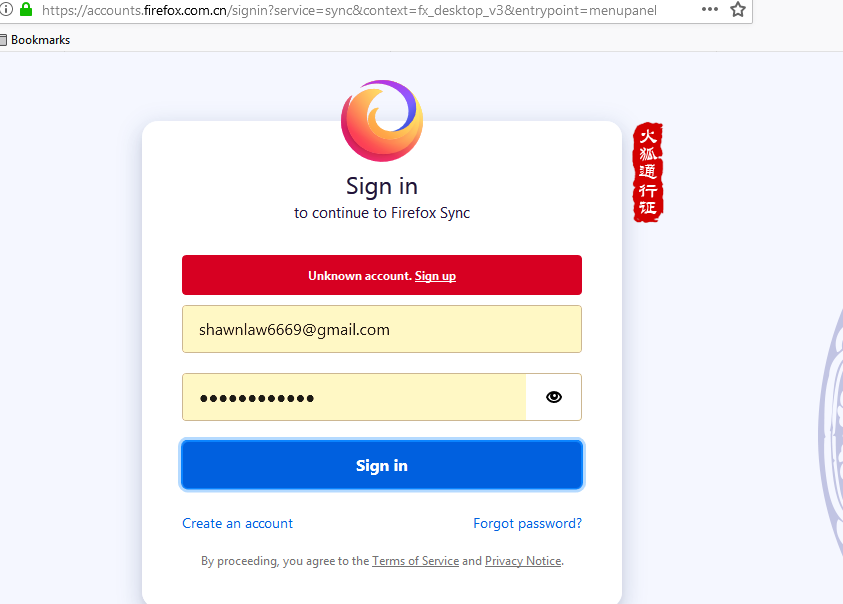
Unknown account when signing in to Firefox sync..
I can sign into firefox sync on android but firefox on windows fails to sign in, it says unknown account.
I am using the sign in to sync button in firefox itself..
I didn't had this issue before..so this is something new to me...
Chosen Solution
Hey it's fixed! I reinstalled firefox and then refresh it
Reinstall alone didn't work, but refreshed after that and now sync is working again..
All Replies (7)
Can you try signing in on the web portal here https://accounts.firefox.com/signin to see if the account is correctly registered?
Gary Gadget said
Can you try signing in on the web portal here https://accounts.firefox.com/signin to see if the account is correctly registered?
oh yeah that worked! so is it a bug in the firefox sync button?
EDIT: sorry for late reply :(
Modified by Dominique
see? it works if I follow the link you gave me
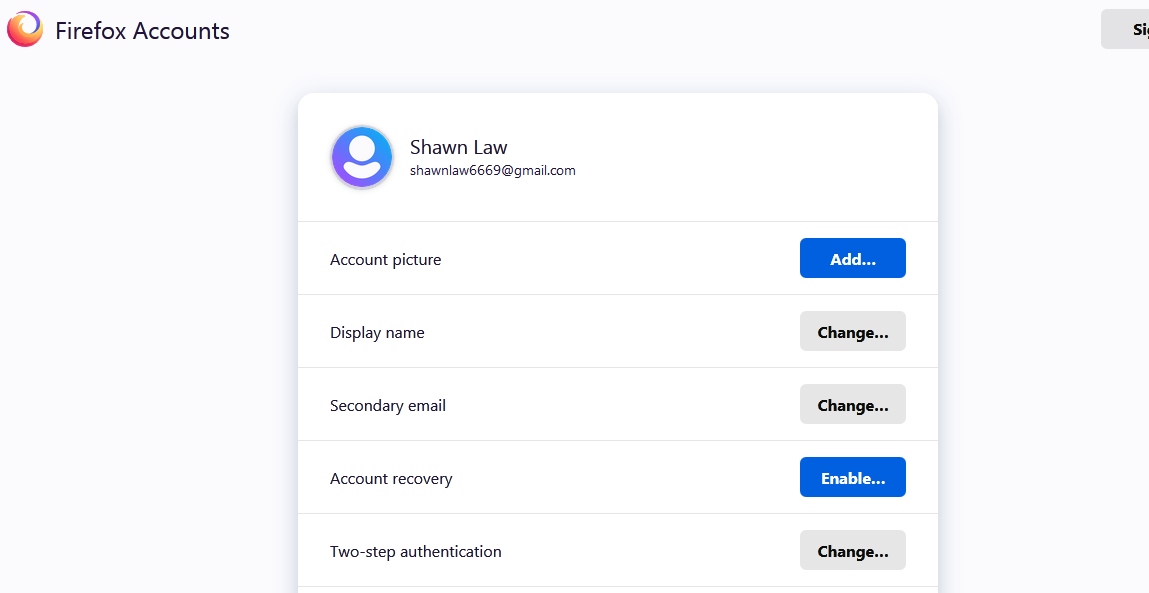
but still this doesn't work
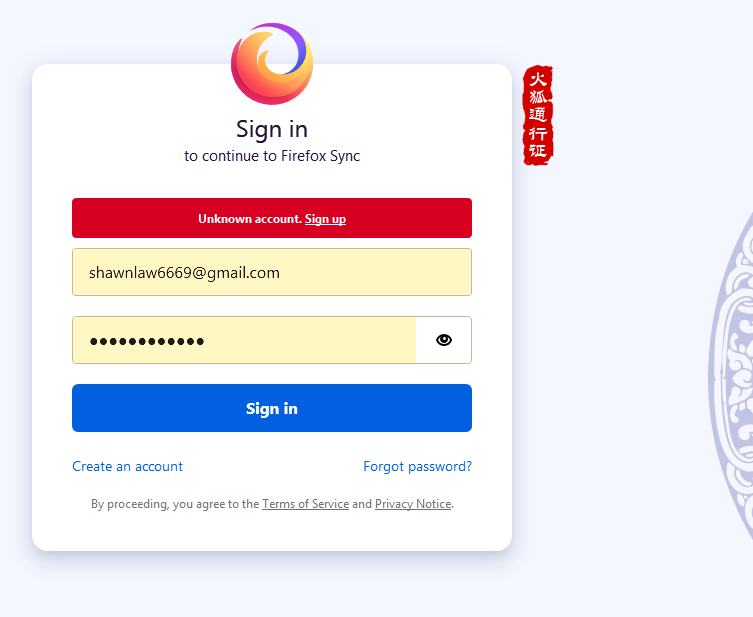
This is weird but where did you download your firefox install from? Try and reinstall it from here https://www.mozilla.org/firefox/new/?utm_source=support.mozilla.org&utm_medium=referral&utm_campaign=non-fx-button&utm_content=body-download-button
I downloaded firefox from firefox ..of course..
Why would I download it somewhere else?
Chosen Solution
Hey it's fixed! I reinstalled firefox and then refresh it
Reinstall alone didn't work, but refreshed after that and now sync is working again..