


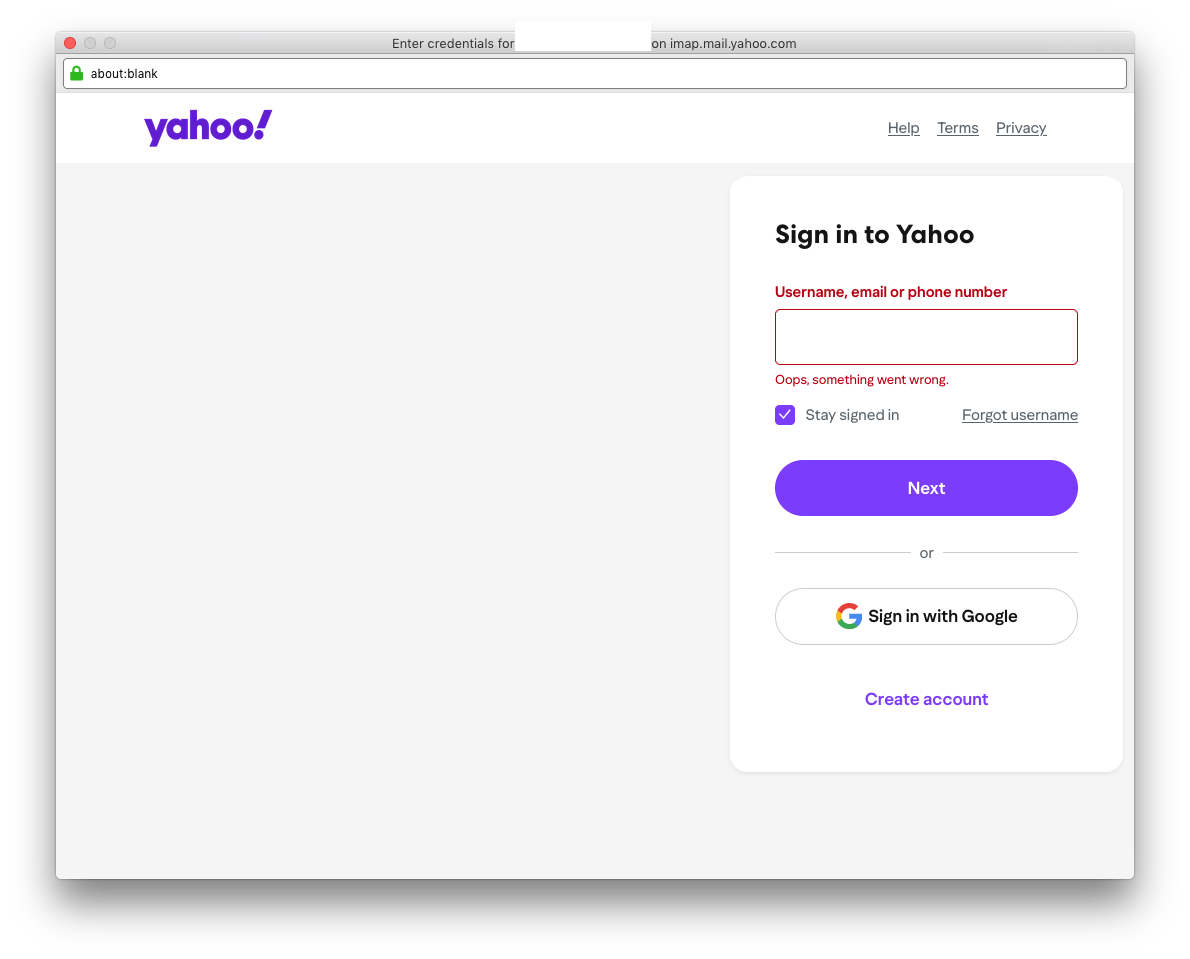
Launching app now pops up the yahoo login but the url shows sync.cootlogix.com which seems highly irregular
i can still see my email folders but these popups appear for each email account in thunderbird (mac osx high sierra) never saw them before so seems something has been compromised? tried to screencap but it's only showing about: url but urls zip by and was able to catch the url a few times earlier but not now.
my accounts are valid this is a new problem just appearing for first time ever
"thunderbird is up to date" for mac os x high sierra

All Replies (1)

You are right to be wary. This domain name points to a private site that has not been fully set up. There's no way to know what is actually on there. If you were to enter your credentials you could be granting access to your Yahoo mailbox to a possibly-malicious site.
Do you have any email "helper" apps installed, like a spam filter or other? Are you using a VPN?
One thing to check is your Proxy settings, which can be found at <Settings | General | Network & Disk Space | Connection>. Click the "Settings..." button. Usually it will be set to "Use system proxy settings" unless you have manually changed it. If set to something else, you email connections could be being routed through a 3rd-party site. See anything unusual?
You should also check your computer's proxy settings. I don't don't know Apple products, but every OS should have a place where they can be listed and changed.