Open
How can I manage my extensions using button in toolbar if it doesn't give me that option?

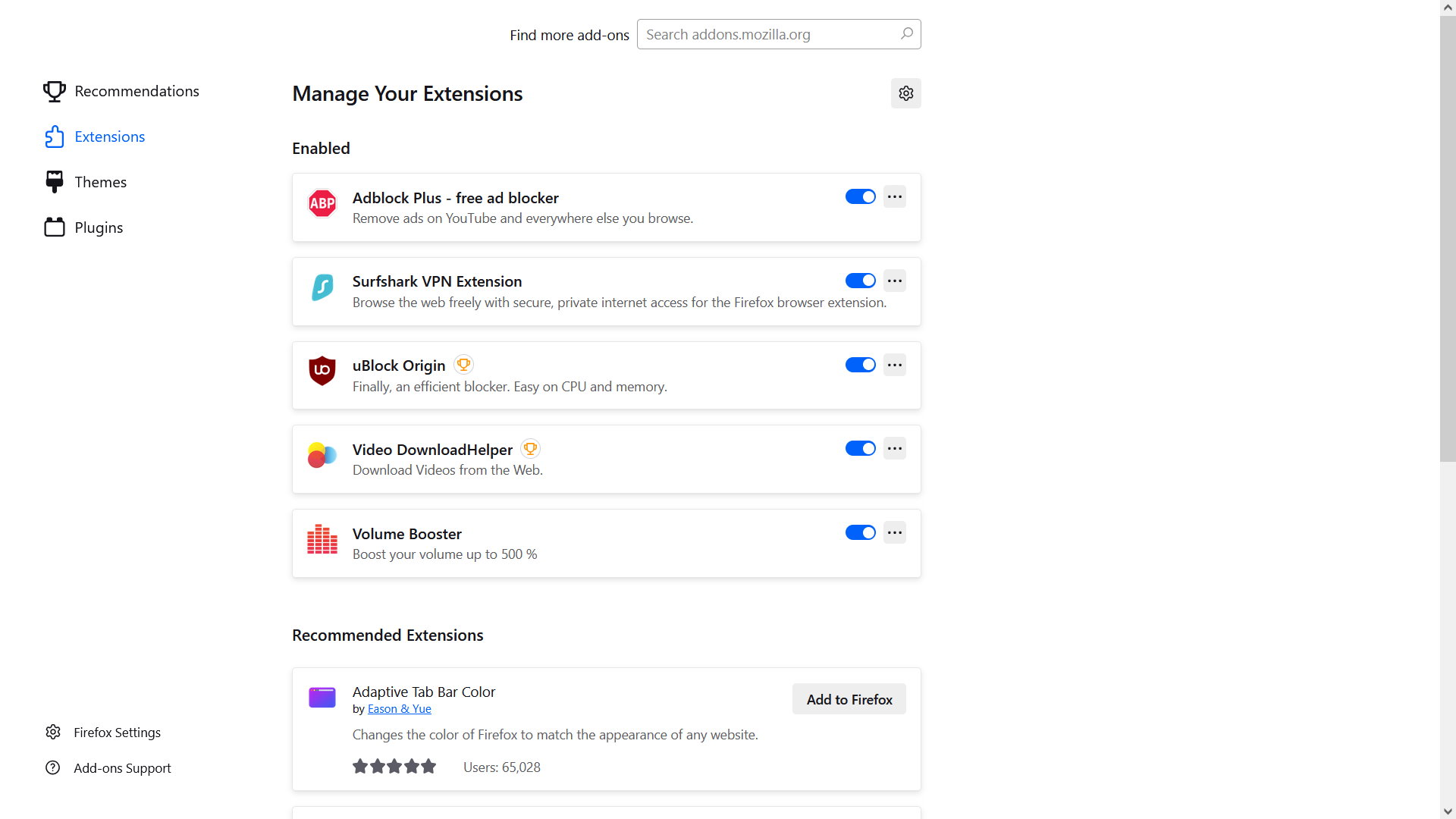
I have a few extensions in Firefox but if I click on the extensions button in the toolbar it now takes me to a Personalize Firefox page where, if I click on Extensions, it only gives me the option of turning them off or on and not to activate or access them. For instance, one extension is Volume Booster which cannot be adjusted on this page. How can I get back to being able to actually using these add-ons?
I have a few extensions in Firefox but if I click on the extensions button in the toolbar it now takes me to a Personalize Firefox page where, if I click on Extensions, it only gives me the option of turning them off or on and not to activate or access them. For instance, one extension is Volume Booster which cannot be adjusted on this page. How can I get back to being able to actually using these add-ons?
All Replies (1)
This image shows what I get when I click on the toolbar button to try to access my add-ons