


Built-in Firefox VPN stopped working after updating to Firefox 158.0.1

Hello,
The built-in VPN in Firefox was working correctly before the update to version 158.0.1. After updating, it stopped connecting and displays this error: “Couldn't connect to VPN. Try again in a few minutes.” The same error occurs in a private window. Troubleshooting already performed: DNS over HTTPS is off. Remote improvements are enabled. browser.ipProtection.enabled is set to true. network.proxy.type is set to 5. about:policies reports that the Enterprise Policies service is inactive.
Could this be a regression in Firefox 158.0.1? Please advise how to restore the built-in VPN. Thank you.
Todas las respuestas (18)
Hi
What happens when you have those prefs set to their defaults?
Thanks for your reply. Could you please specify which preferences you mean? I haven't intentionally changed any preferences in `about:config`; I only checked the values of `browser.ipProtection.enabled` and `network.proxy.type` while troubleshooting the VPN issue.
Bonjour
File a bug report or feature request for Mozilla products https://support.mozilla.org/en-US/kb/file-bug-report-or-feature-request-mozilla If you wish, you can file a bug report.
Product: Firefox Component: IP Protection https://bugzilla.mozilla.org/buglist.cgi?product=Firefox&component=IP%20Protection
Quick search https://bugzilla.mozilla.org/buglist.cgi?quicksearch=Couldn%27t+connect+to+VPN
merci bien
gabriela.jati said
merci bien
@gabriela.jati, did changing those prefs back to default fix your issue?
Hi there Thanks for your kind message. Thing is I hadn't changed anything before I couldn't use the vpn any longer... it just stopped working. I reported the issue to bugzilla and I'm waiting for a reply before trying to change anything... which I'll probably do soon.
Thank you for letting us know.
Bonjour
About the preference, browser.ipProtection.enabled https://mozilla.github.io/policy-templates/#ipprotectionavailable
See also this discussion thread https://support.mozilla.org/en-US/questions/1605682
Agent virtuel said
Bonjour About the preference, browser.ipProtection.enabled https://mozilla.github.io/policy-templates/#ipprotectionavailable See also this discussion thread https://support.mozilla.org/en-US/questions/1605682
Hi there I haven't changed any preferences back to their defaults. I only checked their values while troubleshooting. The preference `browser.ipProtection.enabled` is already set to `true`. I also checked `about:policies`, which reports that the Enterprise Policies service is inactive. The VPN still fails with the same error: “Couldn't connect to VPN. Try again in a few minutes.” Should I reset any specific preferences to their defaults? If so, could you please identify which ones? Thx in advance
That is so strange, sorry you're experiencing this! What part of the world are you in? I'm curious if perhaps there is a geographic restriction at work here.
I live in Argentina. The Beta VPN version is the one available here. May that be the issue?
Shouldn't be. We've only rolled out the Beta so you're on the same thing as everyone else. Is the issue still reproducing?
I totally agree that it shouldn't be. However, it still is. Can't make sense of it.
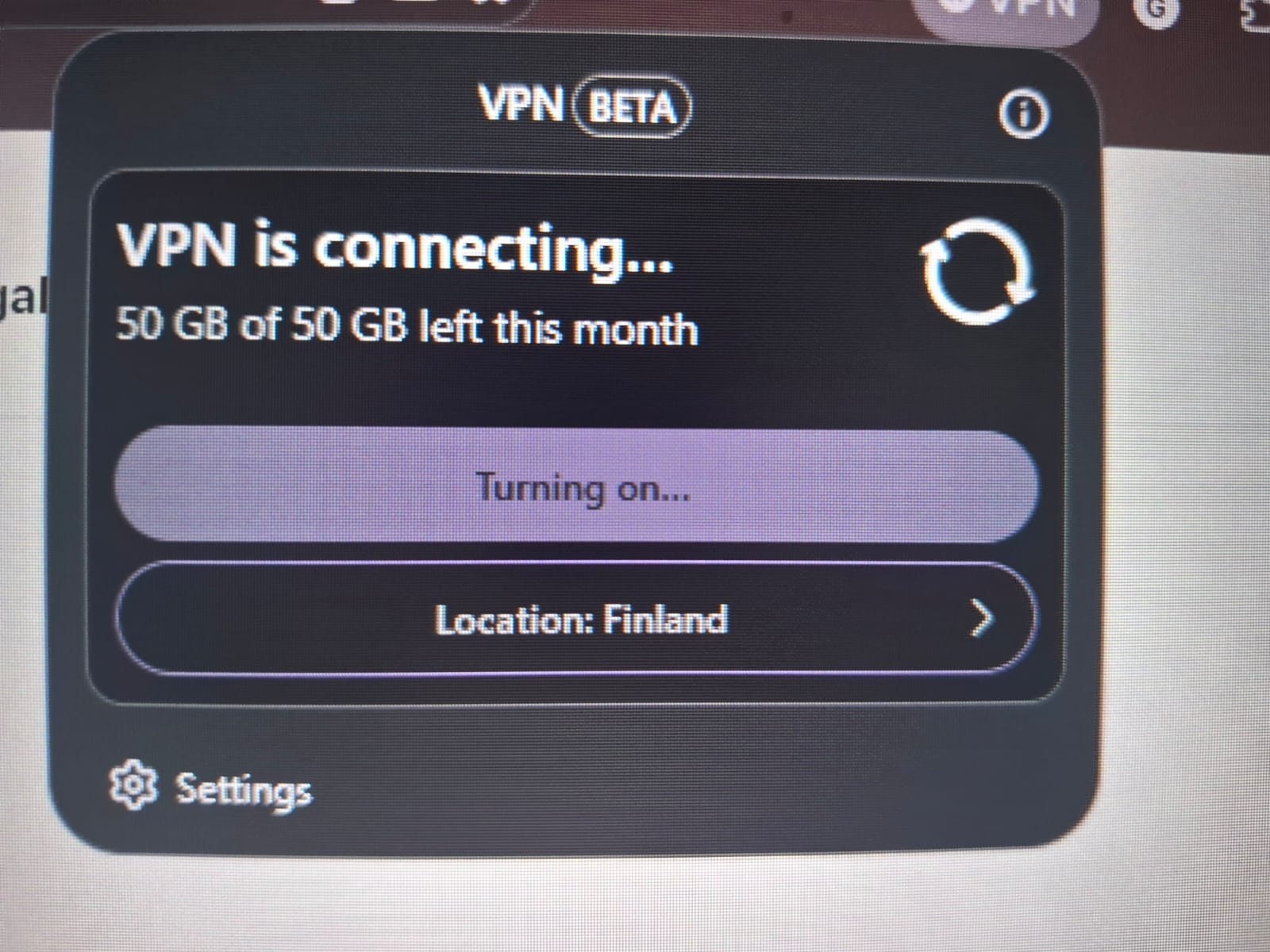
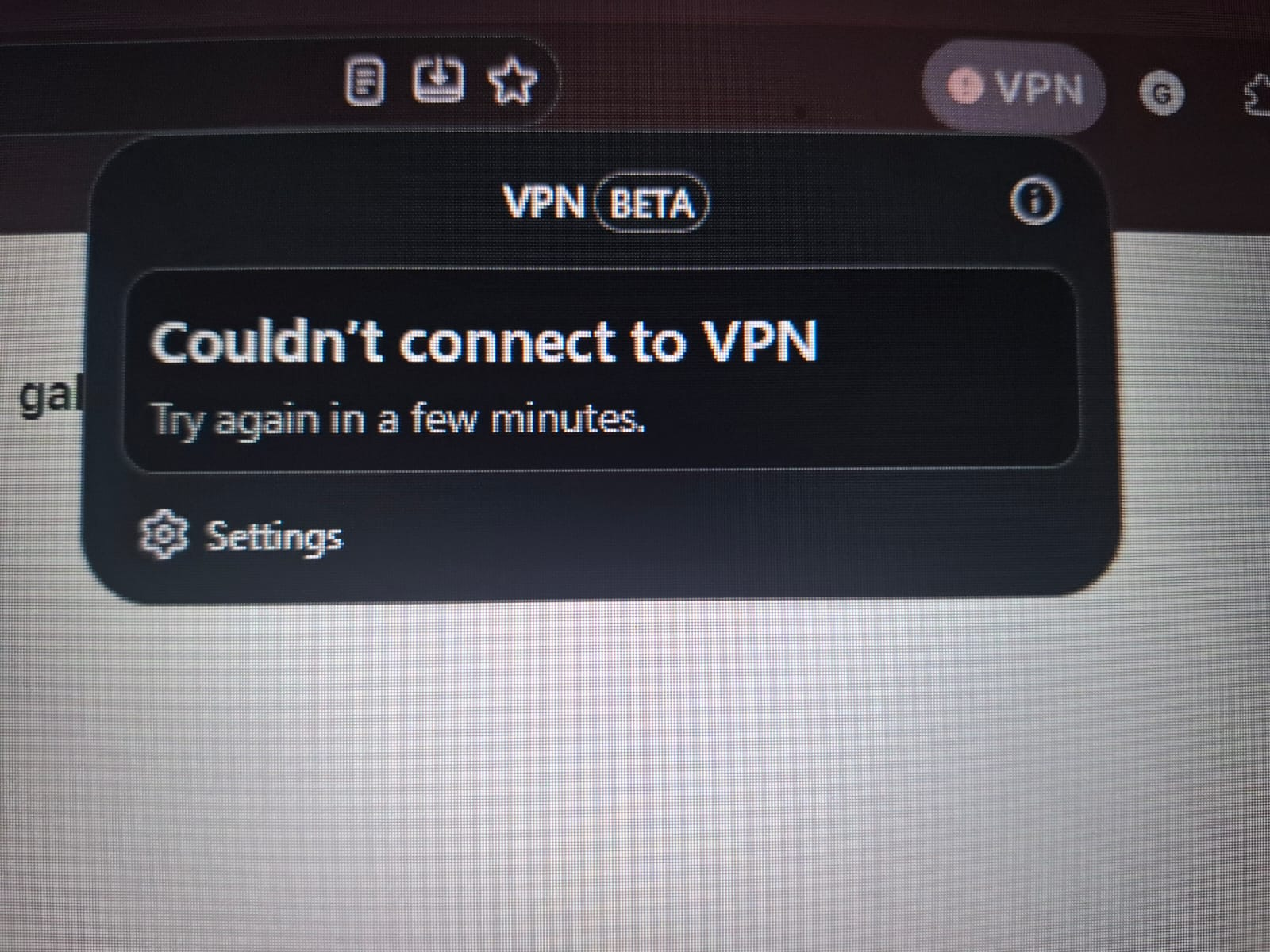
Bonjour
Use built-in VPN in Firefox https://support.mozilla.org/en-US/kb/built-in-vpn
You have reported the issue to bugzilla?
According to your screenshot, just a question, why Location: Finland
Je vis en France Utiliser le VPN intégré à Firefox https://support.mozilla.org/fr/kb/vpn-integre
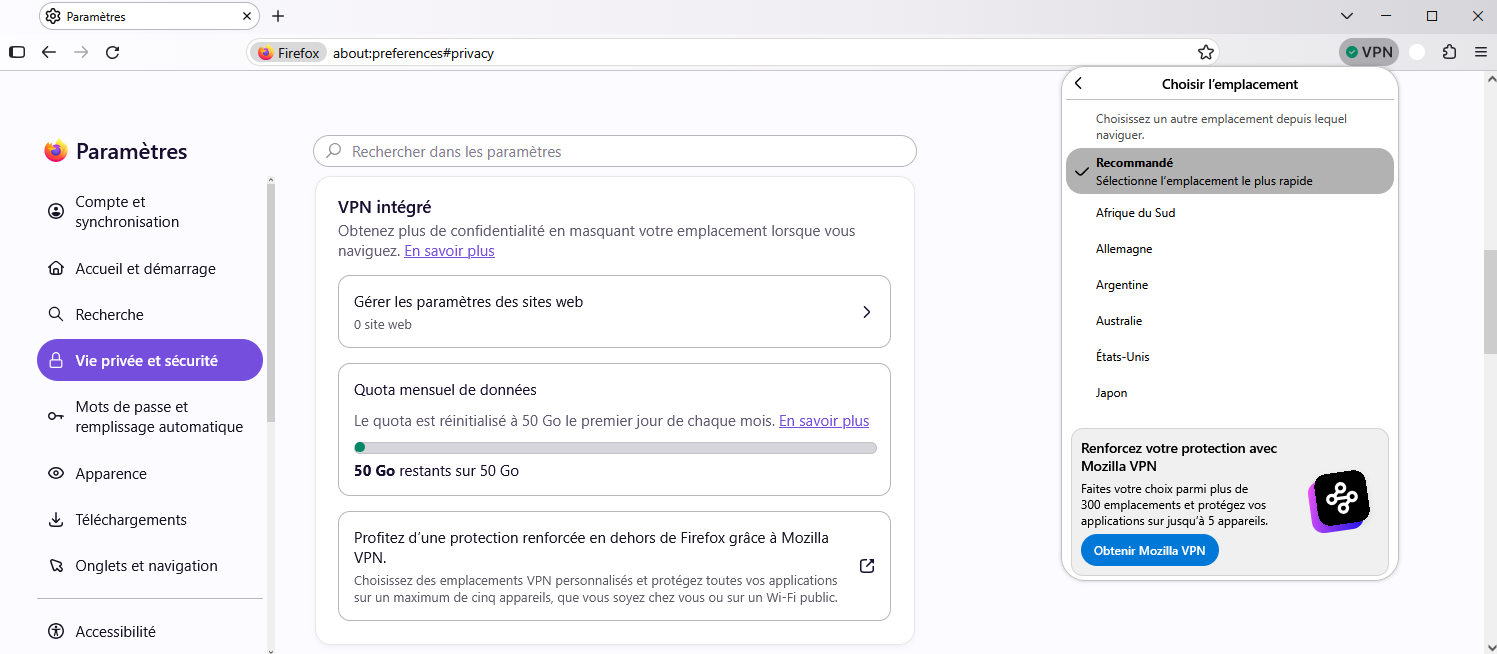
Modificadas por Agent virtuel el
Just to see, if you wish, create a new profile. https://support.mozilla.org/en-US/kb/profile-management
Emplacement Argentine
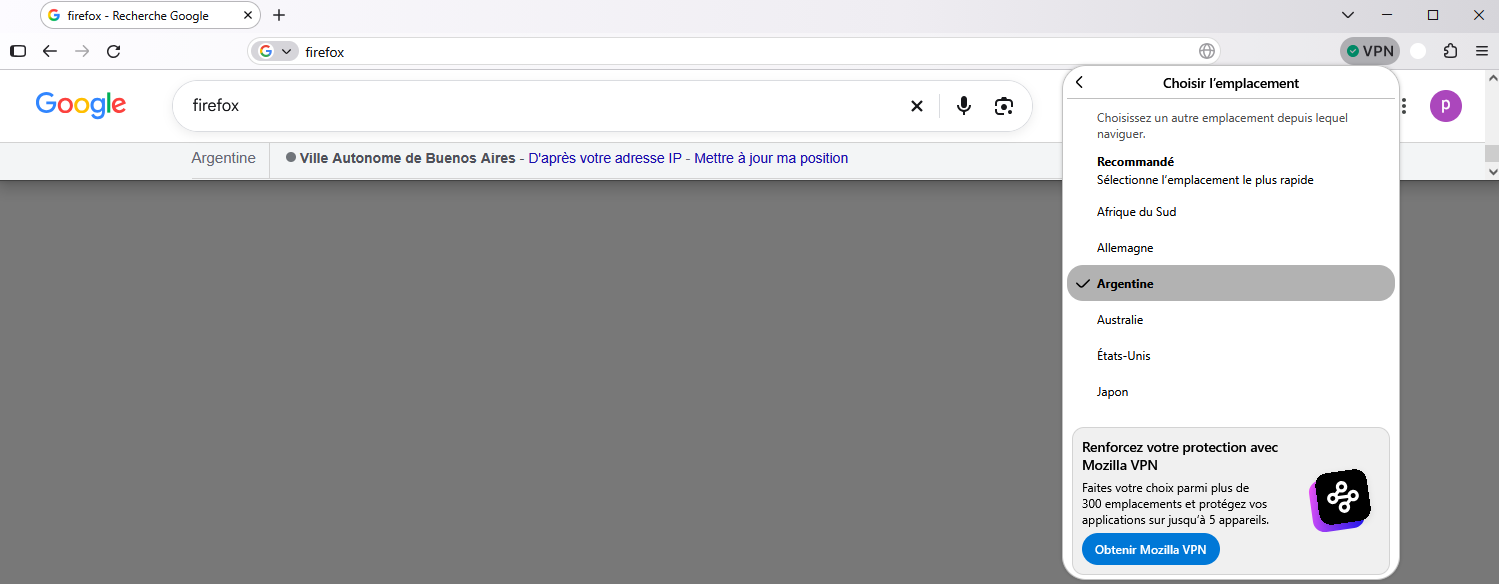
I don't want to sound like lecturing, but the whole purpose of the vpn is using a different location -for when you need to book train tickets on a website that does not allow you to do so from your actual IP, for instance.
More bandwidth and more VPN locations in Firefox this summer https://connect.mozilla.org/t5/discussions/more-bandwidth-and-more-vpn-locations-in-firefox-this-summer/td-p/127583, Update, 24 August: this promotion ends on 1 September.
A video https://support.mozilla.org/en-US/questions/1584629#answer-1828295 4 months ago, below, take a look at this screenshot.
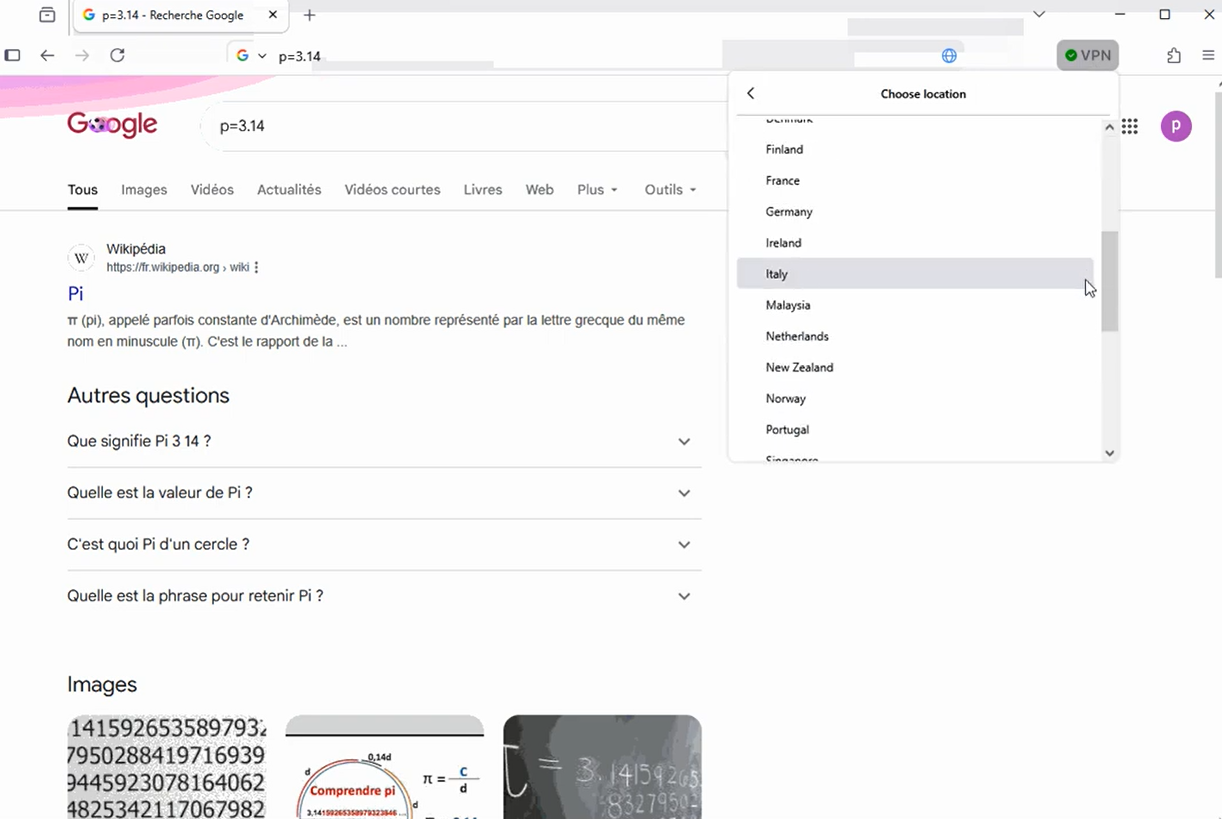
Modificadas por Agent virtuel el