


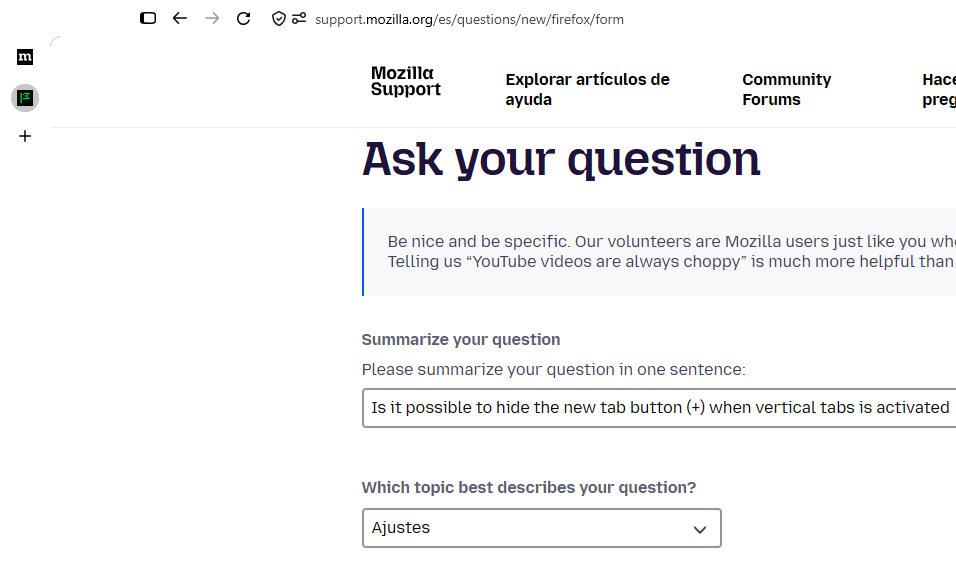
Is it possible to hide the new tab button (+) when vertical tabs is activated
I want to hide the new tab button (+) in the vertical tabs, I usually hide it when the button is on the horizontal tabs bar, now I want to give the new vertical tabs a try, but the new tabs button is kind of annoying, I want to try the compact design of the vertical tabs (showing only the tabs' icons) but the new tab button gives me the sense that I have another tab opened, for example if I have 3 tabs it feels like I have 4 because of the "+" icon, I tried reversing to horizontal tabs, then hiding the (+) button, everything ok so far, but then I return to vertical tabs and the (+) icon still shows, and if you try customizing the toolbar, the vertical tabs bar disappears so you cannot drag and drop icons, is this an expected behavior or a bug?
Also it would be nice if you could have an option to change in vertical tabs the position of the tabs icons to appear in the center instead of the top.
Todas las respuestas (1)
Hola, A nivel usuario no ws posible ocultar ese botón, pero hay una opción avanzada, no oficial, donde se puede modificar muchas opciones de la interfaz del Firefox usando un archivo llamado userChrome.css, puedes buscar en la Reddit: https://www.reddit.com/r/FirefoxCSS/
Para sugerencias puedes hacerla ma página de Mozilla para tal fin: https://connect.mozilla.org/t5/ideas/idb-p/ideas
Saludos
Modificadas por GerardoPcp04 el