How do I change default translation language for a page.

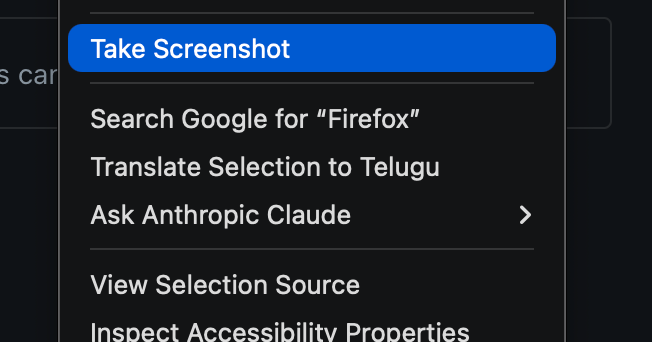
Right now when I right-click to translate a word or a full page, it automatically picks one of my country’s regional languages as the default. I only want translations to go to English, but I can’t find any setting in Firefox to change that. How do I make English the default (and only) translation language?
Right now when I right-click to translate a word or a full page, it automatically picks one of my country’s regional languages as the default. I only want translations to go to English, but I can’t find any setting in Firefox to change that. How do I make English the default (and only) translation language?
Todas las respuestas (2)
This seems to have started after the recent AI update, but I’m not sure when it actually began since I only started using this translation feature recently
Hi Hari,
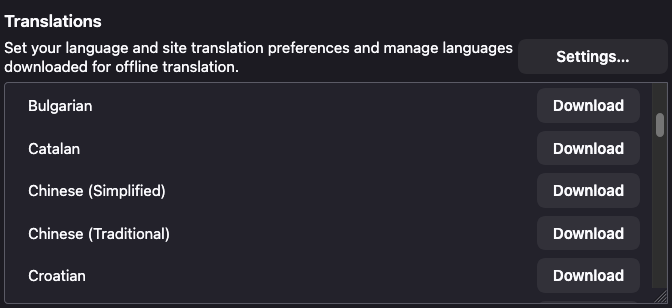
You can configure that from the Translations Settings page. You can go to about:preferences -> General -> Translations -> click on Settings
Please check out Firefox Translations to learn more about this feature.