


Create a Firefox backup file - trouble!

Firefox update today 1-14-26 says Restore FF with a backup file" Instructions say go to Settings/Sync/Backup/Manage Backup. My Sync has no Backup option, only shows: Sync Manage account Device Name Syncing: ON You are syncing these items across all your connected devices: Bookmarks Open tabs Add-ons Settings Connect another device . How to proceed?
(I don't recall setting Syncing to "On" before; it also showed me as automatically logged in to my account.) Assistance appreciated! Thanks!
Solución elegida
Hi,
Were you able to create a backup? If not, this feature may just not be available for you yet. There are still a couple of user groups on Windows 10 for whom Firefox Backup can't be enabled. Sorry for that!
Modificadas por Denys el
Todas las respuestas (6)

FYI... Firefox Sync IS NOT A DATA BACKUP SERVICE https://support.mozilla.org/en-US/kb/how-do-i-set-sync-my-computer https://support.mozilla.org/en-US/kb/how-do-i-choose-what-information-sync-firefox Sync Firefox data https://support.mozilla.org/en-US/kb/sync https://www.mozilla.org/en-US/firefox/features/sync/ https://hacks.mozilla.org/2018/11/firefox-sync-privacy/ Sync is not a backup tool but it is a good sync/transfer/move tool https://support.mozilla.org/en-US/forums/contributors/707681
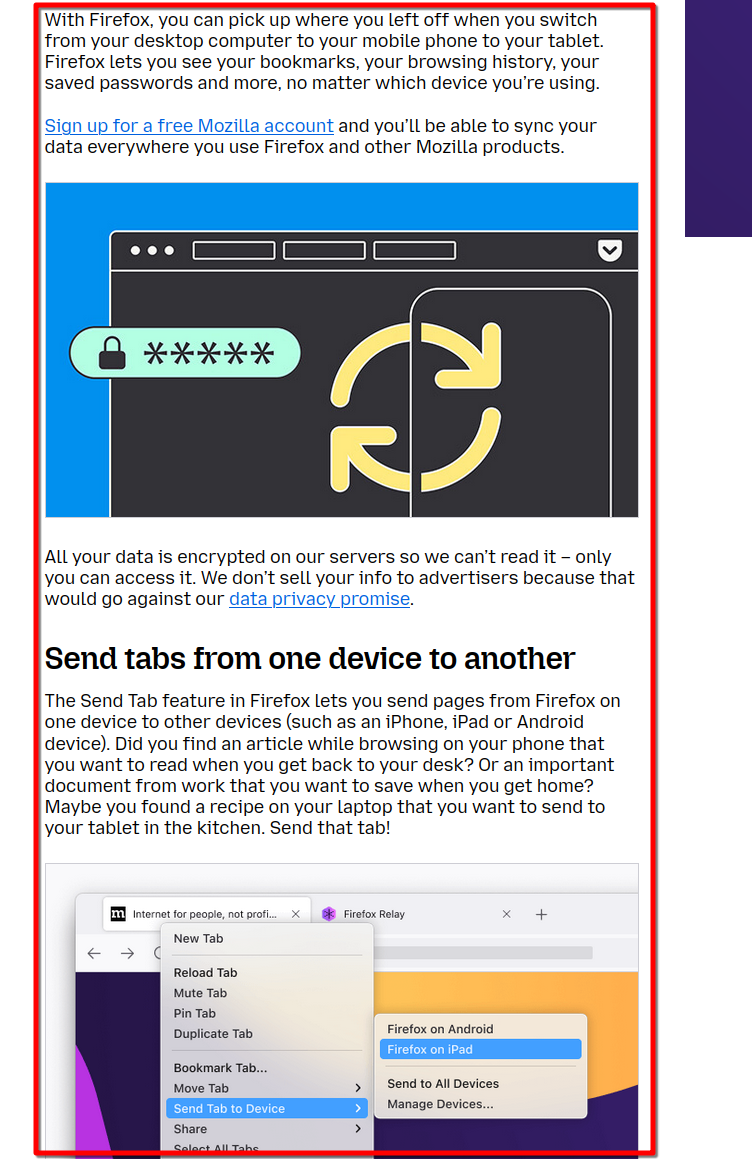
Thanks, but I'm not trying to sync, I'm trying to create the backup file for "Restore your Firefox browsing data with a backup file". The "Restore Browsing Data" page:
says "(To) Create a Firefox backup file. Select Sync. Scroll down to Backup. and click Manage backup. " My Settings/Sync doesn't show that as an option. It only offers: Sign out, Change Device Name, Turn on (or off) syncing and Connect another device. Any thoughts?
Yeah, Mozilla and Backup do not go together. LOL I think it's fascinating that the article was recently updated. LMAO What version of Firefox are you in? I have never seen that option before!
147.0(64bit) latest update today! Oh well. Seemed like a great idea when I accidentally lose my 100+ tabs due not realizing there was a hidden extension still open when closing the browser :-( Thanks for answering!
Solución elegida
Hi,
Were you able to create a backup? If not, this feature may just not be available for you yet. There are still a couple of user groups on Windows 10 for whom Firefox Backup can't be enabled. Sorry for that!
Modificadas por Denys el
Nope, but I'll wait patiently :-) (DID get most of my tabs back with Shadow Explorer digging into System Restore.)