


Can I get a "NEXT" button in my email view

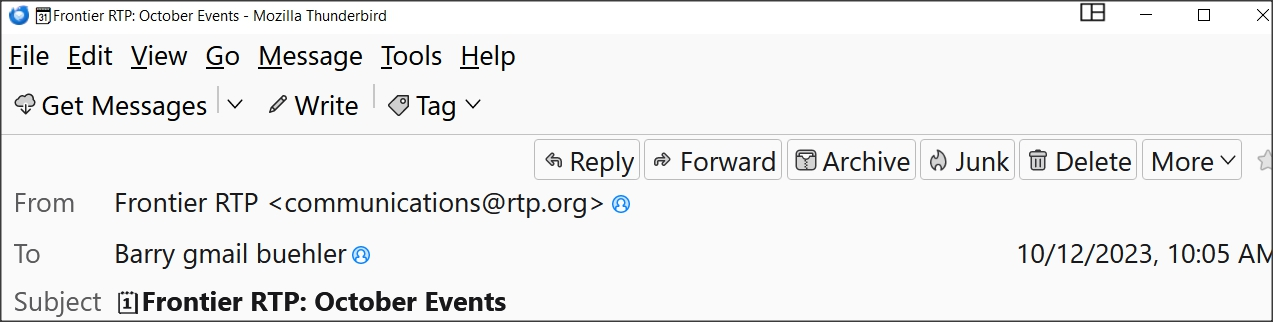
When I haqve an email open in Thunderbird and I want to view the next email, currently, I must go back to the email list and click on the next email. I would like to have a "NEXT" button at the top of the current email in order to directly open the next email. My only choices right now are: REPLY FORWARD ARCHIVE JUNK DELETE and MORE. (see image) Is there a way to do this ? Thanks
Solución elegida
Right-click the bar with Get Messages, Customize..., and drag the Next and Previous buttons onto the bar, Save. The F and B keys also move forward and back through the message list.
Leer esta respuesta en su contexto 👍 0Todas las respuestas (2)
Solución elegida
Right-click the bar with Get Messages, Customize..., and drag the Next and Previous buttons onto the bar, Save. The F and B keys also move forward and back through the message list.
Wow was that easy. As a scientist I knew would often say "it's well known to those who know it well." Many thanks.......exactly what I was looking for.