


removal of search addons

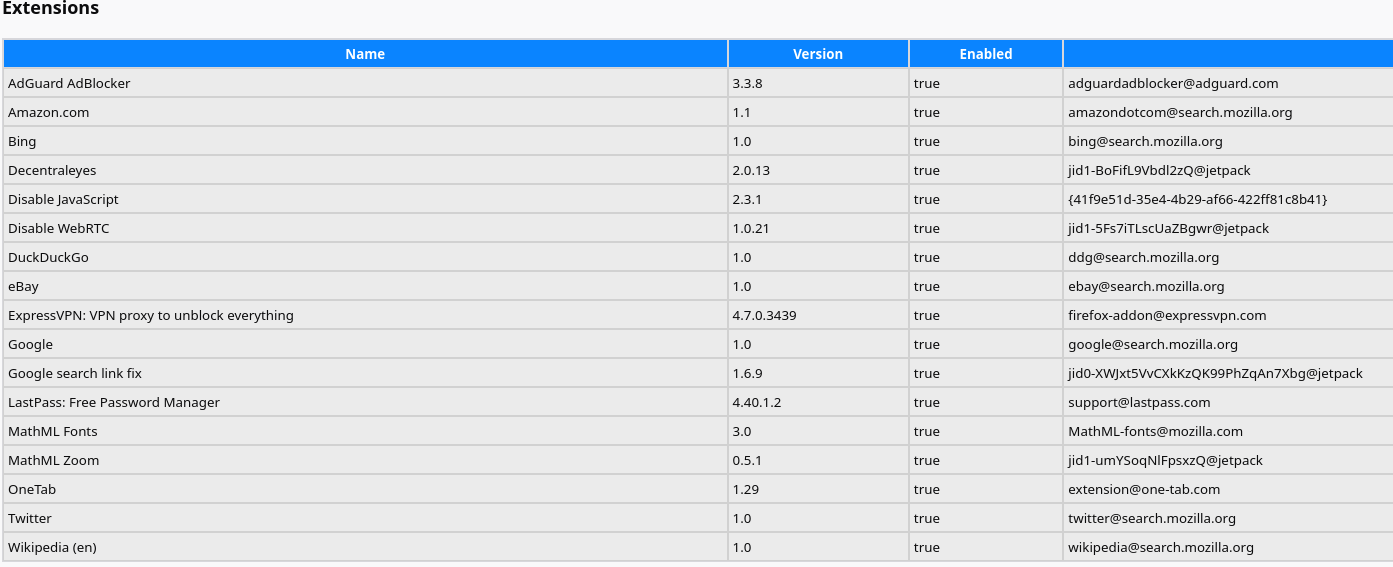
How do i remove search addons provided with Firefox itself? about:support shows the following addons installed:
Amazon.com 1.1 true amazondotcom@search.mozilla.org
Bing 1.0 true bing@search.mozilla.org
DuckDuckGo 1.0 true ddg@search.mozilla.org
eBay 1.0 true ebay@search.mozilla.org
Google 1.0 true google@search.mozilla.org
Twitter 1.0 true twitter@search.mozilla.org
Wikipedia (en) 1.0 true wikipedia@search.mozilla.org
If i remove the respected search engines from preferences, they still appear in about:support. When one lists about:memory and does the measurement, the respective processes are present and active.
So the question is, how to remove them?
I would like to stress out, if they cannot be removed, how can one trust mozilla to protect privacy, when they, at the same time, hardcode some addons of a notoriously well know spying companies and why this selection of companies and not other? Is mozilla being paid by the respective companies to place those addons deep in to the browser that it looks impossible to remove them?
Modificadas por leosenko el
Todas las respuestas (4)
To jsou pravděpodobně jenom záznamy o těch vyhledávačích. Musel bys prohledat soubory v profilu Firefoxu a opravit je ručně.
Modificadas por poljos el
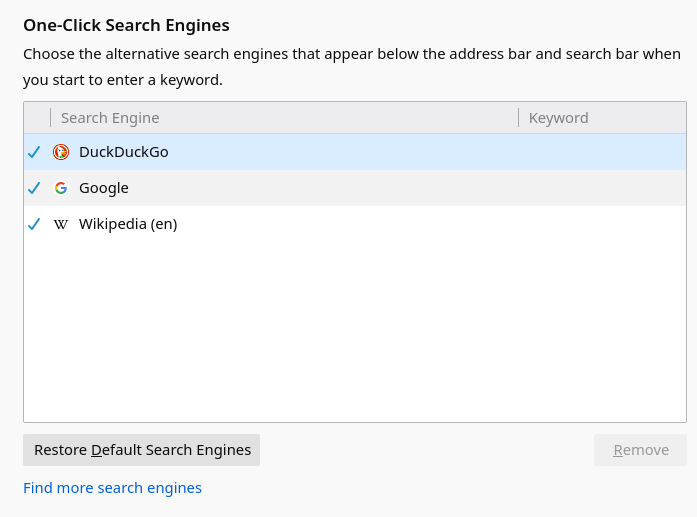
To jsem udělal už dříve. Viz screeny.
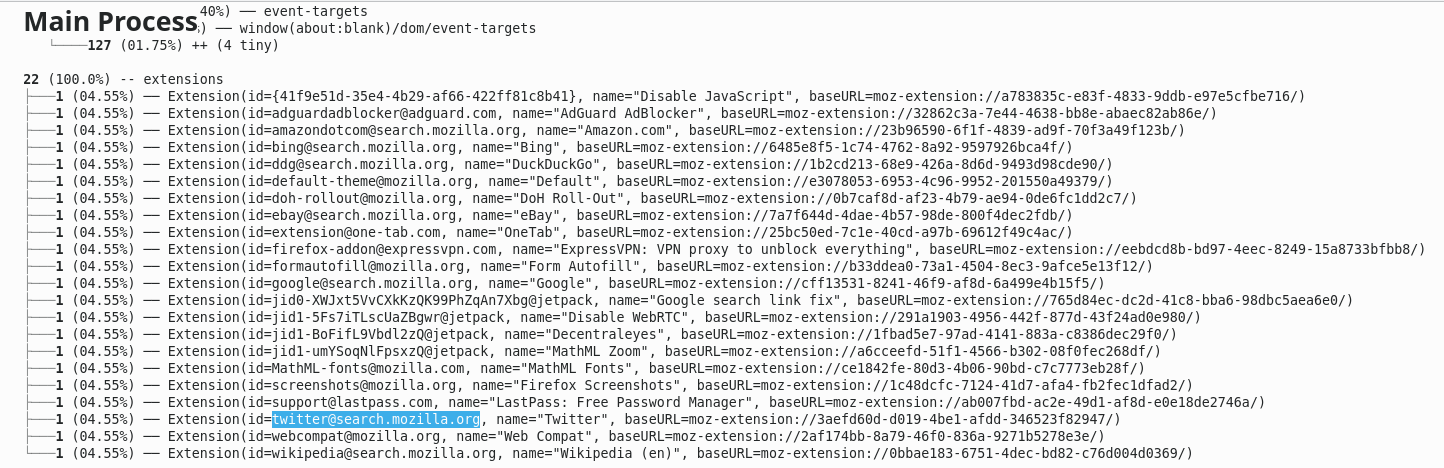
Na tom třetím screenu máš na konci řádku vždy název souboru (ve složce s profilem Firefoxu jsou ve složce extensions). Soubory mají příponu .xpi - pokud je tam najdeš, můžeš je při ukončeném Firefoxu smazat.