


Firefox renders html in a wrong way some time

I have a list of items to display in a page.
The following html displays an item.
<a href="#" class="offerModule">
 <div class="offerDetailsWrap">
   <img src="mymb.jpg" alt="" />
   <div class="offerDetails">
     <img src="logobox.jpg" alt="" />
     <div class="offerText">
       <p>text content</p>
     </div>
   </div>
 </div>
</a>
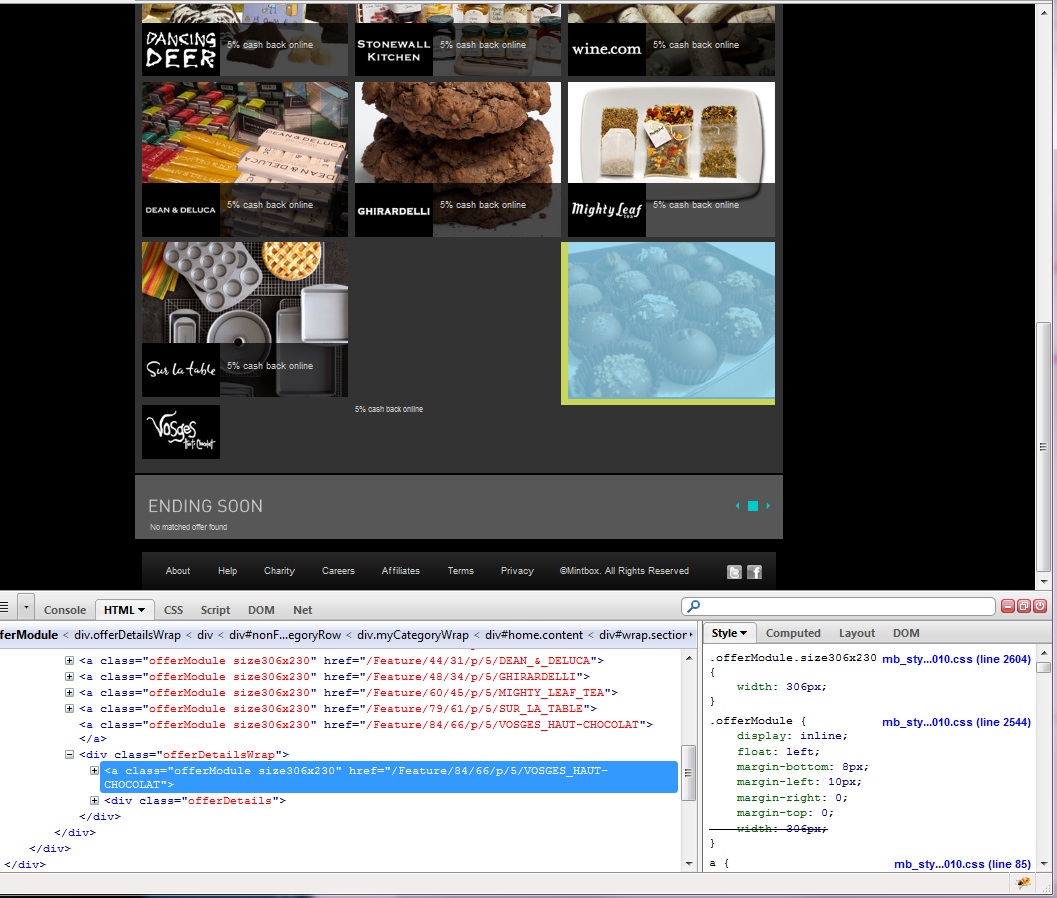
But some time, Firefox renders this like this: (I checked this in Firebug)
 <a href="#" class="offerModule">
 </a>
 <div class="offerDetailsWrap">
   <a href="#" class="offerModule">
     <img src="mymb.jpg" alt="" />
     <div class="offerDetails">
       <img src="logobox.jpg" alt="" />
       <div class="offerText">
         <p>text content</p>
       </div>
     </div>
   </a>
 </div>
<a><div>...</div></a> ====> <a></a><div><a>...</a></div>
So only one item out of 8 items is broken in the page.
If I refresh the page when I have this problem, it displays very well.
I tested this in IE and Chrome, there's no problem in the browsers.
Thanks,
Jun
Τροποποιήθηκε στις από τον/την junjeong
Όλες οι απαντήσεις (4)
I attached the screen shot.
I am having the exact same problem with my soup website (http://www.oopsoup.com) on firefox 3.6. Chrome displays it fine, as does Safari, but firefox messes it up very badly.
I don't see any scripting errors on my side, and there's some times it randomly wraps elements in hyperlinks.
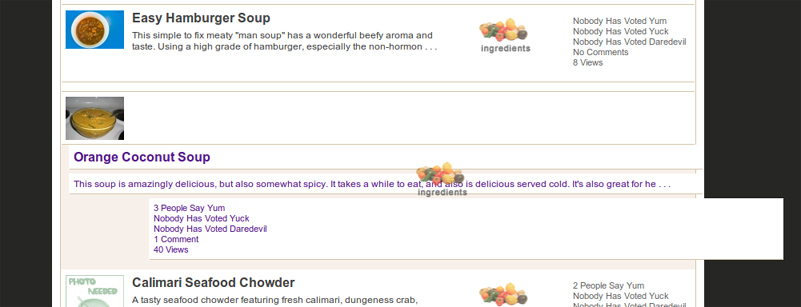
It seems we are both styling a tags using the block attribute. This could be part of the problem/solution.
I have replace my "a" element with a "div" containing a onclick="document.location.href = 'http://www.whatever.com';", and inside of the element I also have the image hyperlinked to help SEO/crawling aspects. Everything seems to be fine/not garbled so far, so you may want to try this solution yourself.
Τροποποιήθηκε στις από τον/την falkon303