


Why is firefox loading some web pages (ex.: google.com) with jargon while others are OK?

Firefox is loading some web pages using jargon or some random language (not a real spoken language, rather a fake jargon language)... sites affected so far are cnn.com, chicagotribune.com, google.com... but sites like craigslist.org are OK. All sites are able to be loaded properly using Safari.
I uninstalled my current Firefox, reinstalled it again from the firefox download site, and the same thing is happening.
Screenshots are posted below in the replies.
Τροποποιήθηκε στις από τον/την kcas10
Επιλεγμένη λύση
You can do a check for corrupted fonts and other font issues:
http://www.creativetechs.com/iq/garbled_fonts_troubleshooting_guide.html - CreativeTechs Tips: Garbled Fonts Troubleshooting Guide
http://www.thexlab.com/faqs/multipleappsquit.html - Font Book 2.0 Help: Checking for damaged fonts
If you have Mac OS X 10.6 (now Leopard) then also see:
http://forums.mozillazine.org/viewtopic.php?f=38&t=1461325 - snow leopard fonts (restart the font server)Προβολή απάντησης εντός συζήτησης 👍 2
Όλες οι απαντήσεις (3)
here are screen shot examples. i have tried to change the language settings, and that makes no difference.
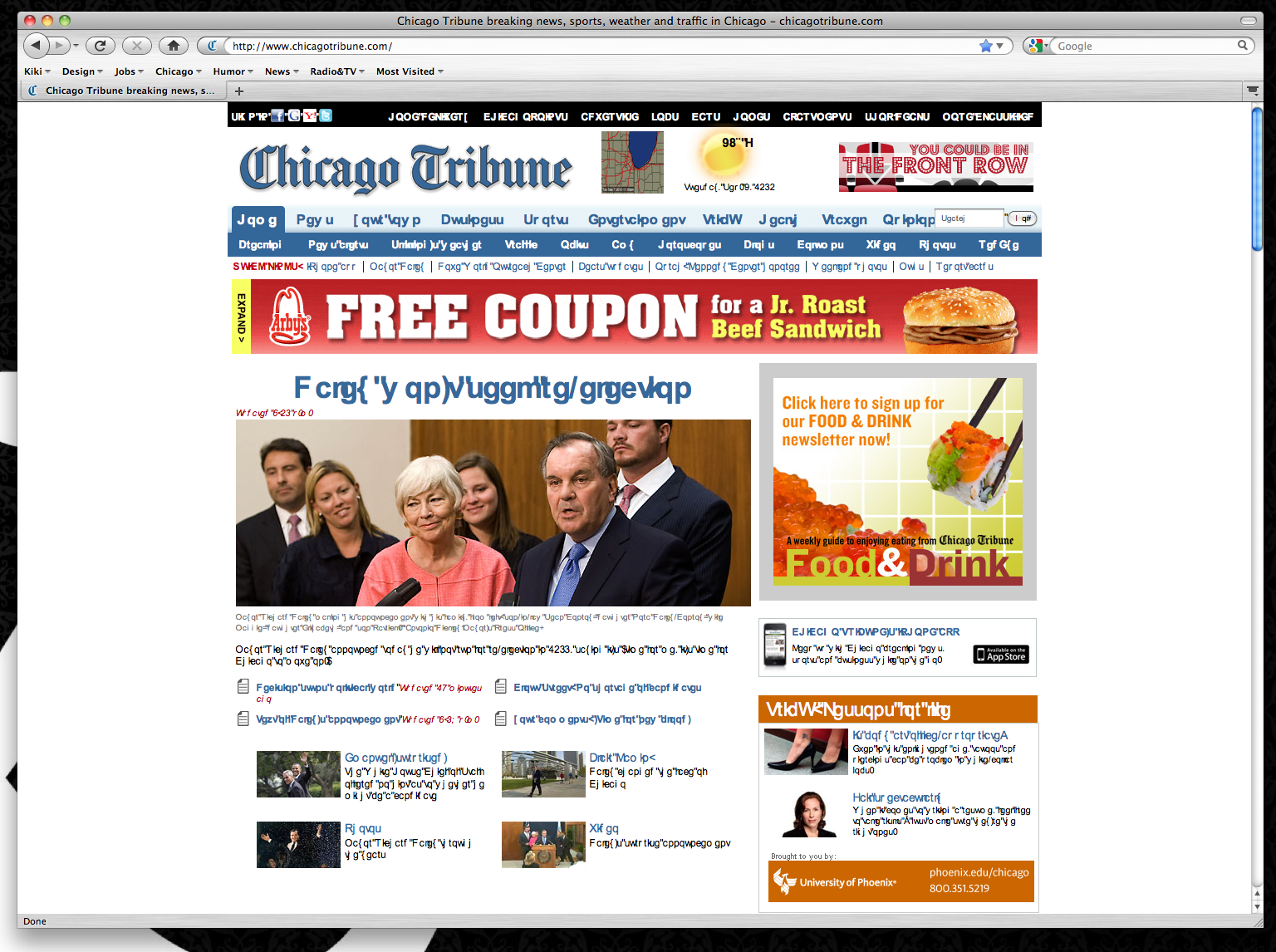
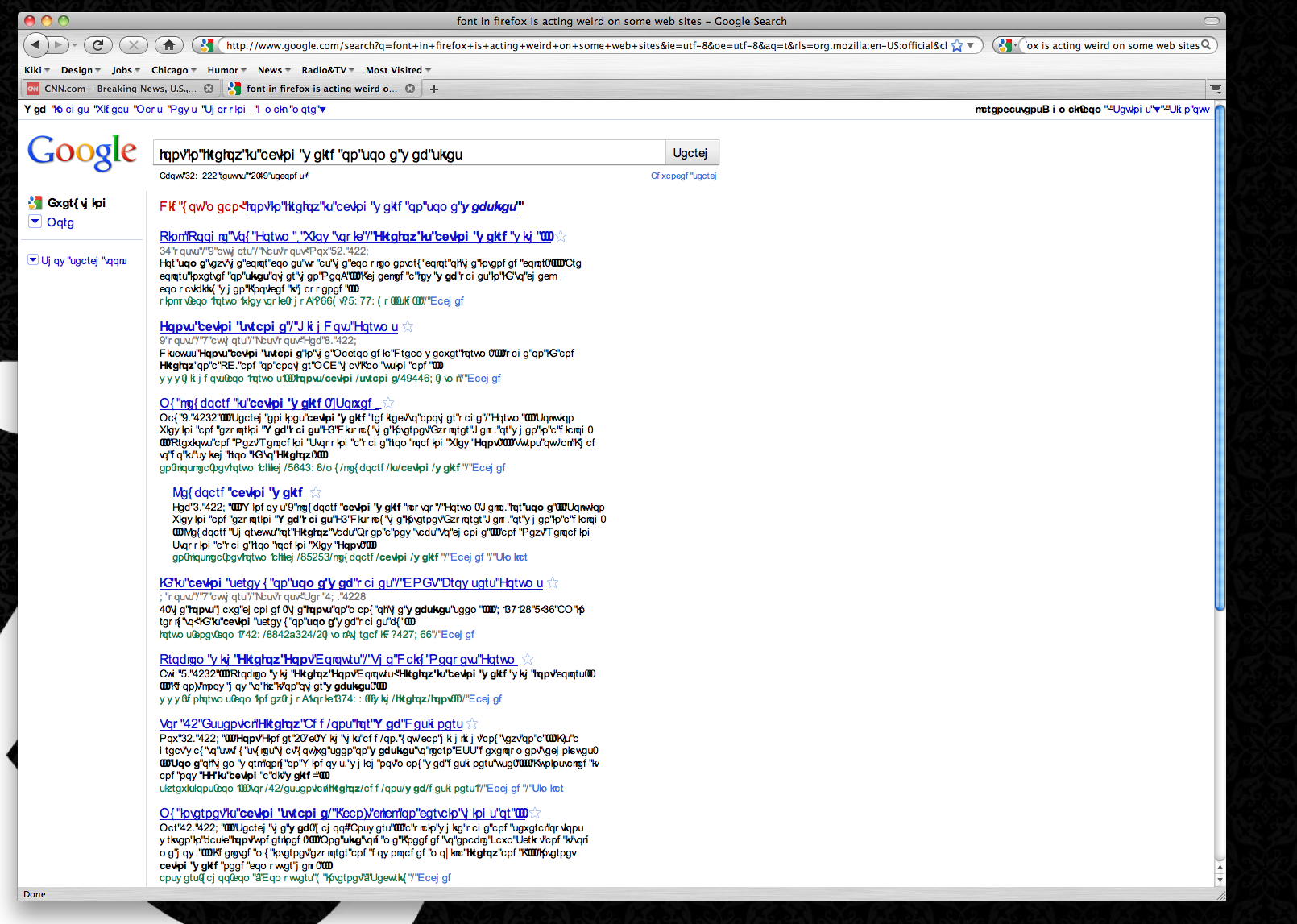
Τροποποιήθηκε στις από τον/την kcas10
Επιλεγμένη λύση
You can do a check for corrupted fonts and other font issues:
http://www.creativetechs.com/iq/garbled_fonts_troubleshooting_guide.html - CreativeTechs Tips: Garbled Fonts Troubleshooting Guide
http://www.thexlab.com/faqs/multipleappsquit.html - Font Book 2.0 Help: Checking for damaged fonts
If you have Mac OS X 10.6 (now Leopard) then also see:
http://forums.mozillazine.org/viewtopic.php?f=38&t=1461325 - snow leopard fonts (restart the font server)
genius. thank you so much. all is fixed.