


Can't add extension, just get a throbber that never stops

I'm on FF 154.0. The power went out here and when it came back and I booted the desktop computer something had changed in FF.
I used to see the active tab as green in the tab bar and yellow for the rest, but now they're all gray until I mouse over the bar and only then does it turn green/yellow.
I struggled with this for many hours trying many //active tab color// solutions I found in searches but nothing got it back to my old behavior.
So as a last resort I tried adding the Firefox Color extension, but when I click Add to Firefox it just turns into a throbber that never changes so it doesn't install. I'm stuck!
Frustrated!!
Όλες οι απαντήσεις (14)
If you research [userChrome.css] you can format all colors, text and sizing to your design.
The green and yellow I've never seen, sounds like a theme or a system setting. Do you have green and yellow on other apps.
There is also this option https://color.firefox.com/?utm_source=firefox-browser&utm_medium=firefox-browser&utm_content=theme-footer-link
My userChrome.css [userChrome.css -> .mozilla/firefox/o35uvffr.ian-1504212690420/chrome/userChrome.css] has been this for ages but it no longer has any effect:
- TabsToolbar .tabbrowser-tab:is([selected],[multiselected]) label {
color: red !important; } .tabbrowser-tab[selected] .tab-content {
background-color: #CCFFCC !important; }
.tabbrowser-tab:hover:not([selected]) .tab-content {
background-color: #FFFFCC !important; }
.tabbrowser-tab:not([selected="true"]):not(:hover) .tab-content {
background-color: #E0E0E0 !important; }
tab-background[selected]{ background: #f00 !important }
For changes in the client code tweaks look around https://www.reddit.com/r/FirefoxCSS/ — they will know what updates are necessary. See e.g. https://www.reddit.com/r/FirefoxCSS/comments/1vto2lx/ff_154_broke_tab_text_color/ https://www.reddit.com/r/FirefoxCSS/comments/1vw2xsc/firefox_tab_borders_broken_since_last_update/
I never got this fixed. All I've learned is that toolkit.legacyUserProfileCustomizations.stylesheets must be TRUE, but changes to userContent.css like changing the tab colors has no effect.
The colors #CCFFCC for selected tab and #FFFFCC for not selected are coming from somewhere but I don't know where (unless they're defaults).
I've spent a lot of time on this but I'm stumped. I really want my old behavior back:
The active tab's background color is #CCFFCC (light green) all the time and the rest are #E0E0E0 (light gray) until you mouse over them, then they turn #FFFFCC (light yellow) while hovering.
Help!
I have Ubuntu (Noble) which I will use this evening UK
I'm post a screen shot of my toolbar and the code.
Τροποποιήθηκε στις από τον/την amoun
amoun, have I missed it? I'm not seeing any screenshot or code.
After a week, hope still springs eternal.
Hello
Make tabs visually distinguishable from another https://connect.mozilla.org/t5/ideas/make-tabs-visually-distinguishable-from-another/idi-p/7295
https://connect.mozilla.org/t5/ideas/make-tabs-visually-distinguishable-from-another/idc-p/48582/highlight/true#M28237 Take a look at the similar code userChrome.css https://forums.mozillazine.org/viewtopic.php?f=38&t=3114834 *
This parenthesis, precision *. For information purposes, verification before loading website, that's https://anubis.techaro.lol, and, take a look at, by example, https://anubis.techaro.lol/docs/user/known-instances.
Since Firefox 154.0 this code no longer works
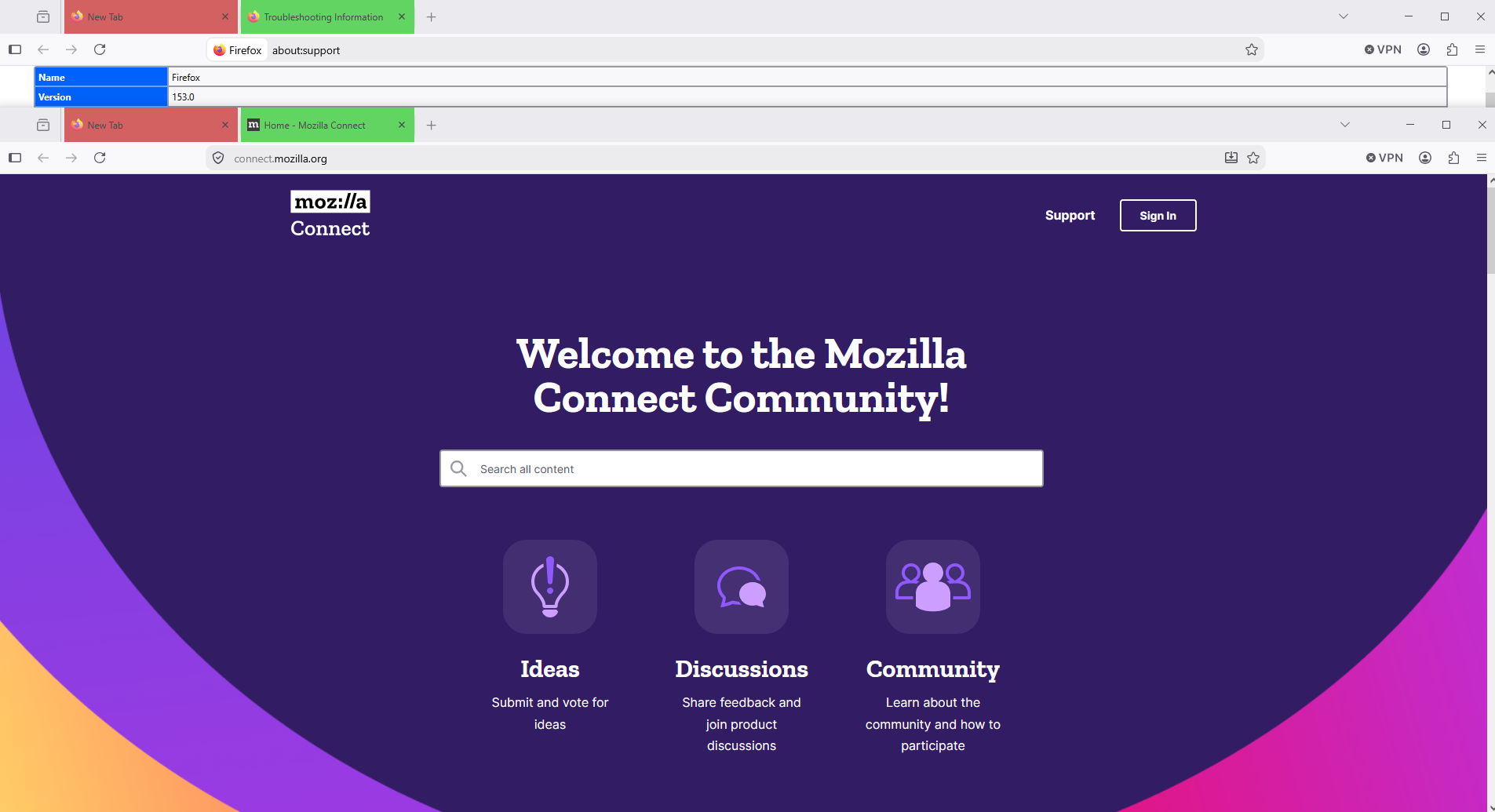
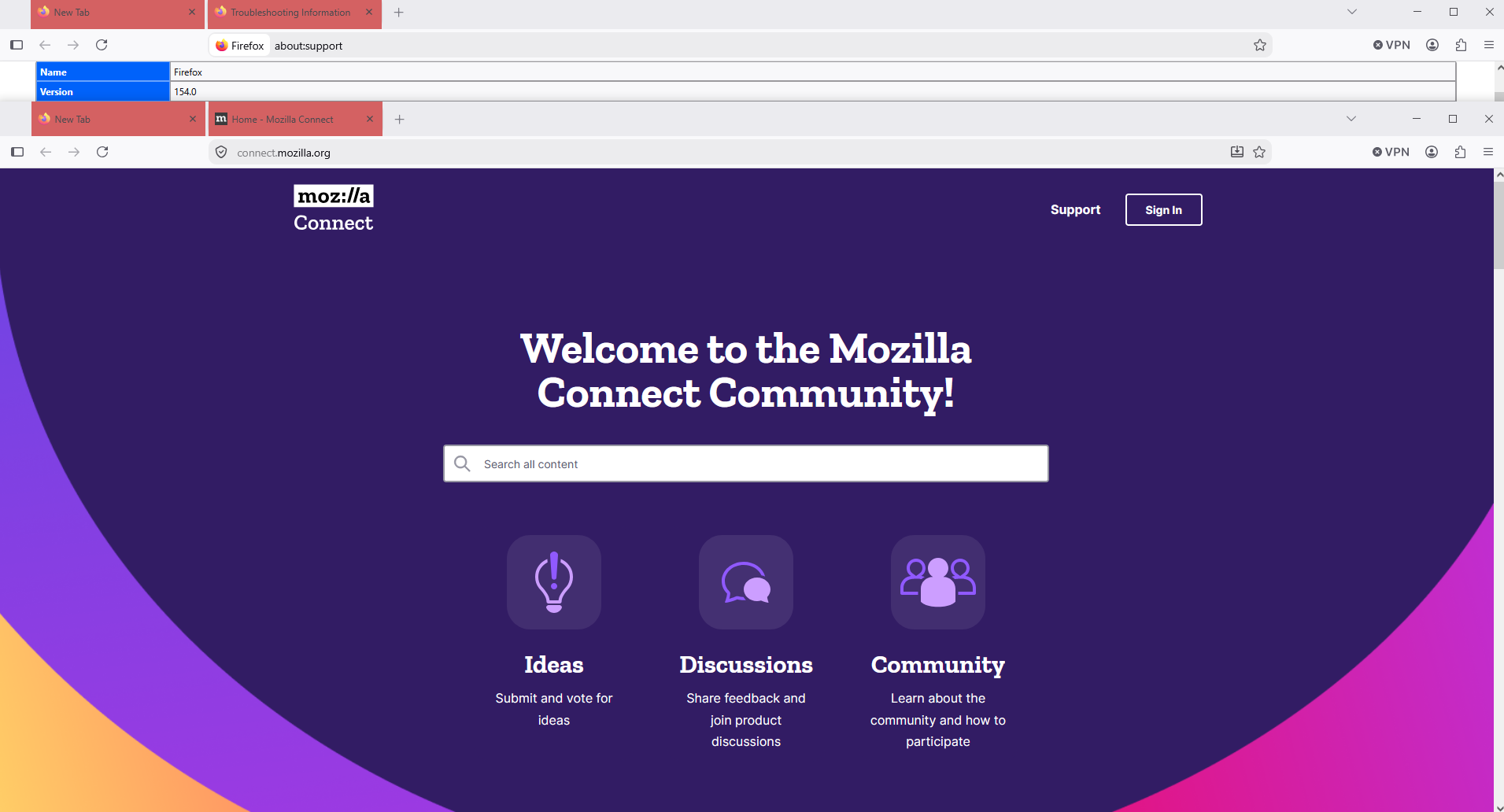
Τροποποιήθηκε στις από τον/την Agent virtuel
A similar question https://support.mozilla.org/en-US/questions/1599175
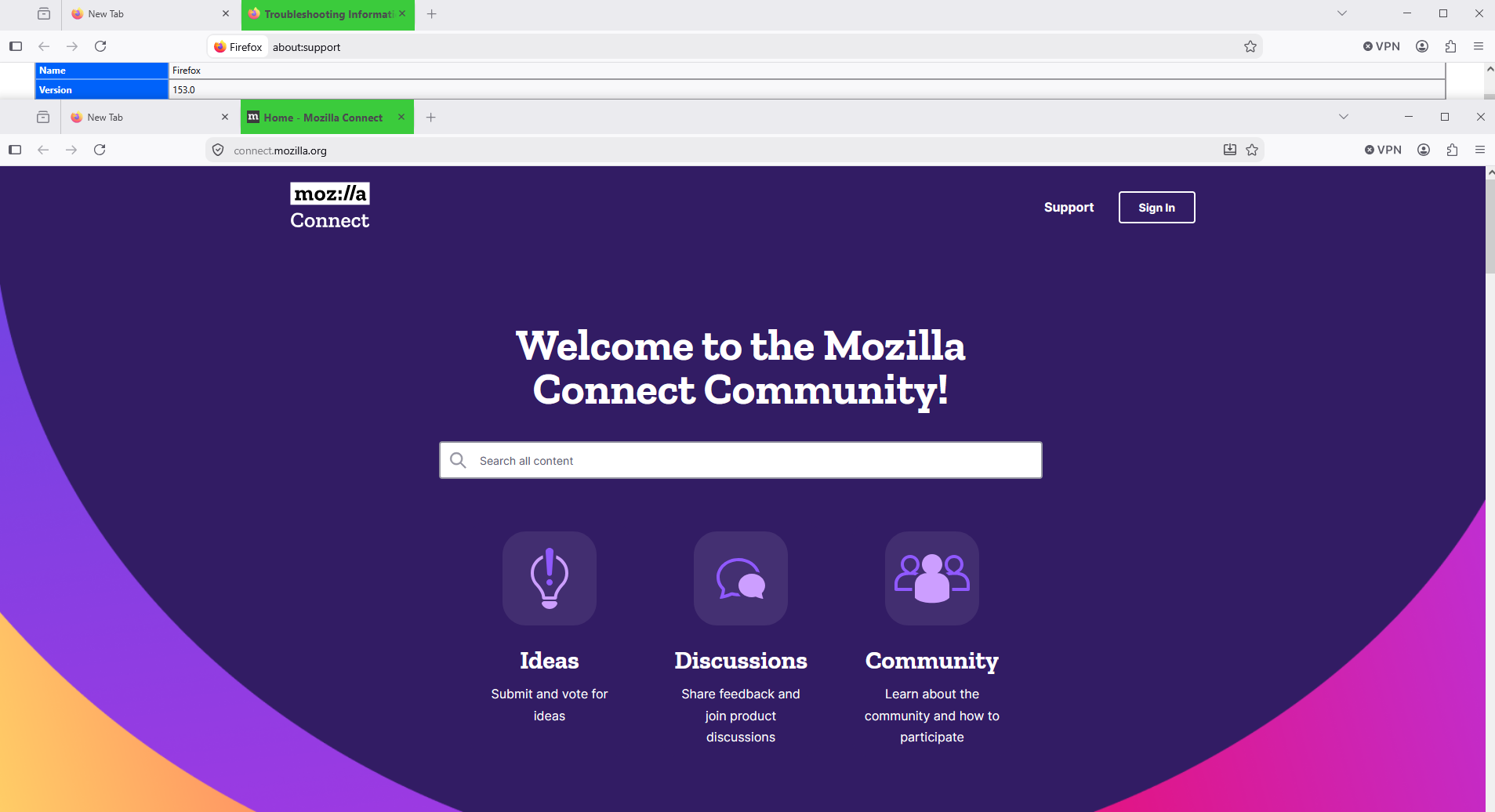
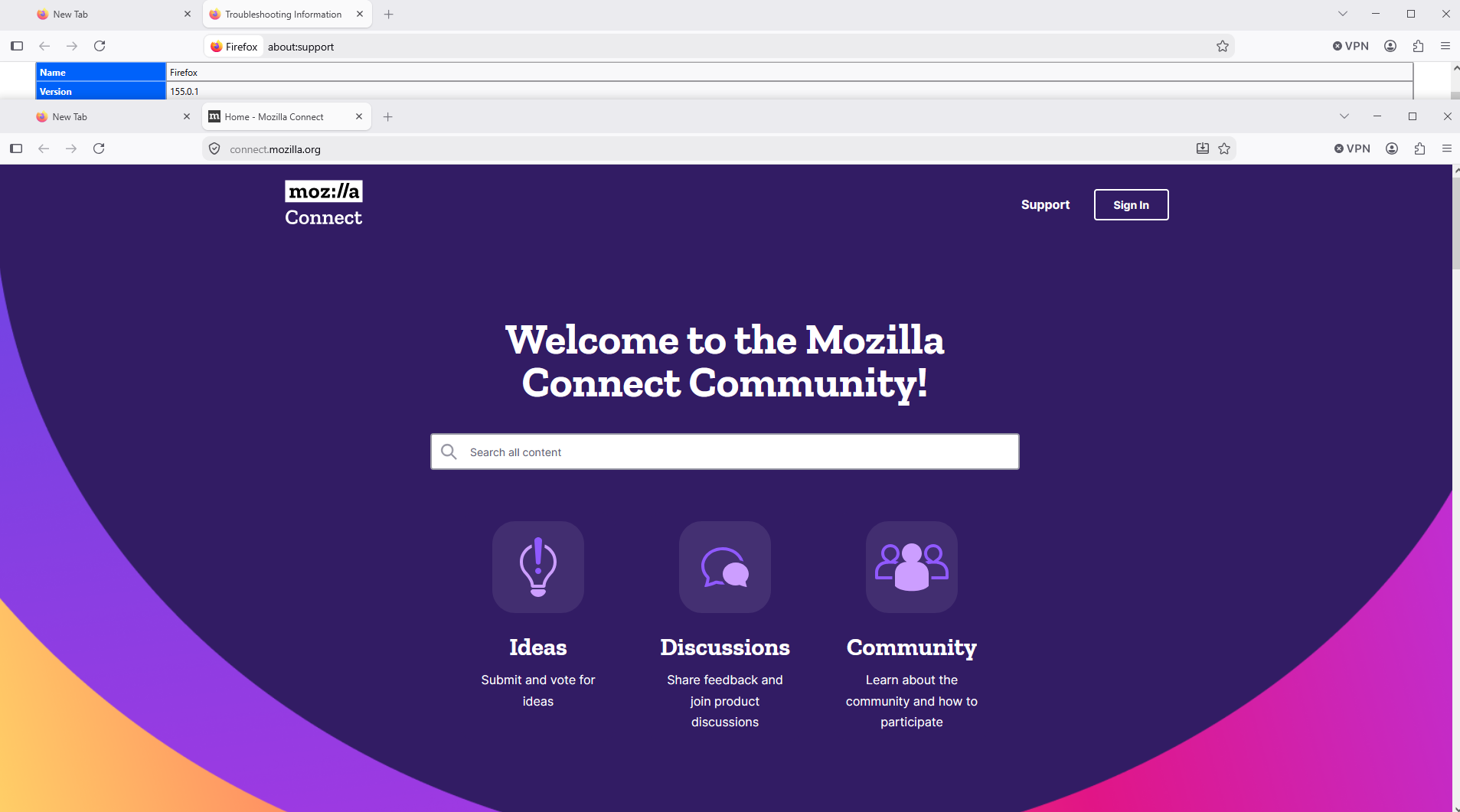
"Since Firefox 154.0 this code no longer works"
I am on 155.0.1
I read lots of the pages you linked to and it was mostly people wanting the same thing I want, but I didn't see a working solution.
So what code does work?
Hello
A test
.tabbrowser-tab[selected] .tab-content { background-color: #33cc33 !important; } .tabbrowser-tab:hover:not([selected]) .tab-content { background-color: #cccc33 !important; } .tabbrowser-tab:not([selected]):not(:hover) .tab-content { background-color: #cc3333 !important; }
I tried this. No change in behavior. I put the code in userContent.css and userChrome.css just to be sure. Still same as always. If I remove userContent.css and userChrome.css it makes no difference. Same behavior as always.
Τροποποιήθηκε στις από τον/την ian179
Contributors guide on Firefox advanced customization with CSS https://support.mozilla.org/en-US/kb/contributors-guide-firefox-advanced-customization What do users need to know before they use userChrome.css customization?
Make tabs visually distinguishable from another, is now open to votes (aka kudos) and comments https://connect.mozilla.org/t5/ideas/make-tabs-visually-distinguishable-from-another/idi-p/7295
A test https://www.youtube.com/watch?v=w8PKMShruz8
.tabbrowser-tab[selected] .tab-content { background-color: #CCFFCC !important; } .tabbrowser-tab:hover:not([selected]) .tab-content { background-color: #FFFFCC !important; } .tabbrowser-tab:not([selected]):not(:hover) .tab-content { background-color: #E0E0E0 !important; }
This is the file userChrome.css
https://www.userchrome.org/how-create-userchrome-css.html Alternately, if you have some CSS code ready to paste into a userChrome.css file, you can do that using the following page and download your userChrome.css file from there: Generate Downloadable userChrome.css File. https://www.userchrome.org/download-userchrome-css.htm
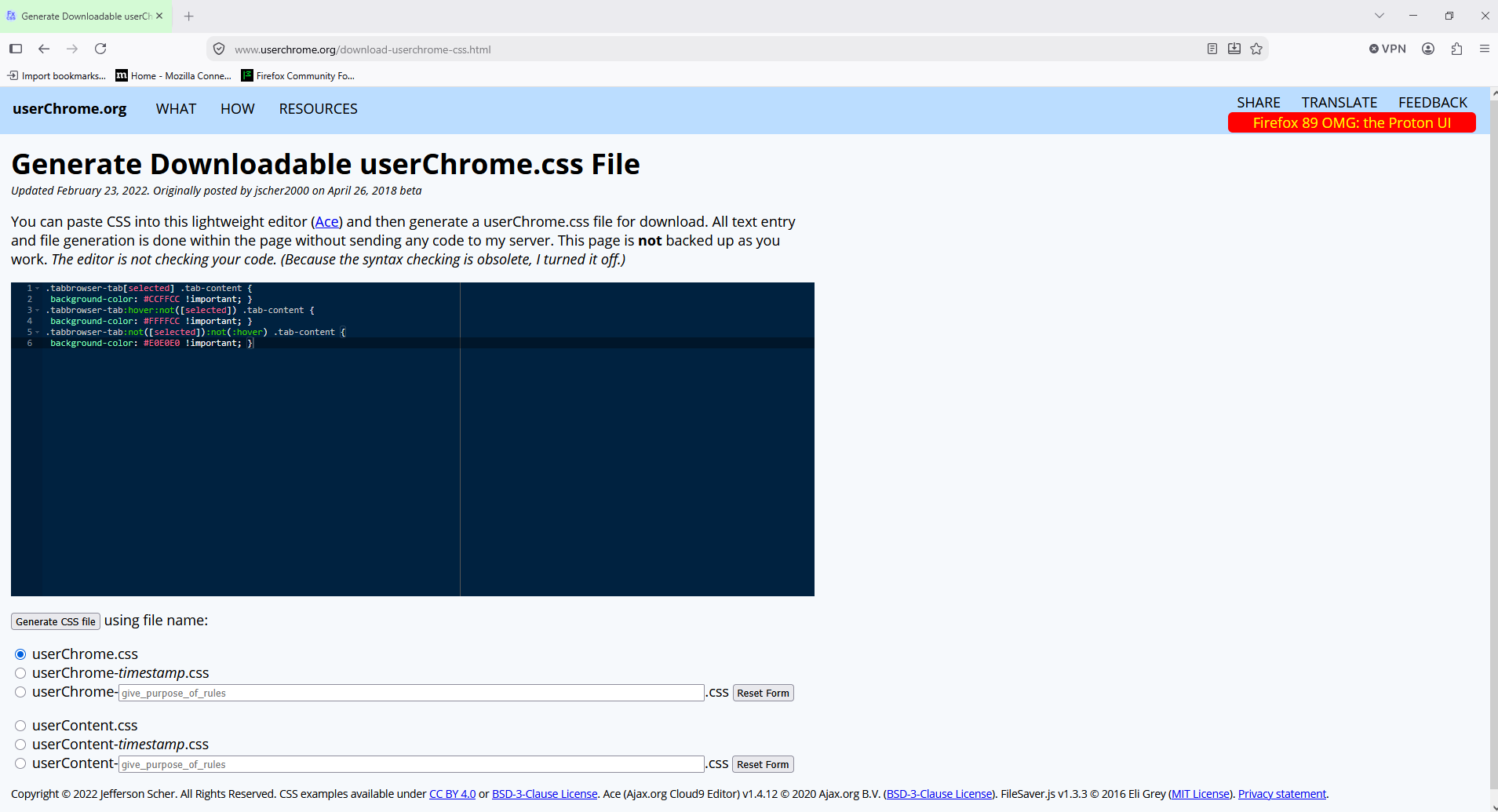
I started back at first principles: toolkit.legacyUserProfileCustomizations.stylesheets is true
But when I look at Help and Report->More troubleshooting information's Application Basics the Profile Directory is now snap/firefox/... instead of its former .mozilla/firefox/... I have no idea what's going on here but if I update the userChrome.css in the right profile directory it works again, and the css changes are
< .tabbrowser-tab:not([selected="true"]):not(:hover) .tab-content { --- > .tabbrowser-tab:not([selected]):not(:hover) .tab-content {
Thank you for your patient help.