


Windows 10 reached EOS (end of support) on October 14, 2025. If you are on Windows 10, see this article.

Avatar for Username

Αναζήτηση στην υποστήριξη

Προσοχή στις απάτες! Δεν θα σας ζητήσουμε ποτέ να καλέσετε ή να στείλετε μήνυμα σε κάποιον αριθμό τηλεφώνου ή να μοιραστείτε προσωπικά δεδομένα. Αναφέρετε τυχόν ύποπτη δραστηριότητα μέσω της επιλογής «Αναφορά παραβίασης».

Μάθετε περισσότερα
Ανοικτό

Firefox history configuration

Agent virtuel απαντήθηκε
thierry.jeanmougin

Hi I noticed that some old links in my history are automatically deleted. How to configure expiration rules (if possible) in order to keep links forever, until manual deletion? I know that links can be saved in the bookmarks, but when browsing the Internet, unless bookmarking everything :(, no one knows if a link can be useful in the future.

Thanks for your help

Hi I noticed that some old links in my history are automatically deleted. How to configure expiration rules (if possible) in order to keep links forever, until manual deletion? I know that links can be saved in the bookmarks, but when browsing the Internet, unless bookmarking everything :(, no one knows if a link can be useful in the future. Thanks for your help

Όλες οι απαντήσεις (3)

Sorry you're experiencing this issue. Problems like this can sometimes be caused by a corrupted Firefox profile, an extension, or cached site data. If you haven't already, it may be worth trying Troubleshoot Mode or creating a new Firefox profile to see if the problem persists. If one of those steps resolves it, that can help narrow down the root cause. Hopefully you get it sorted out soon, and please share what ends up fixing it so it can help others with the same issue.

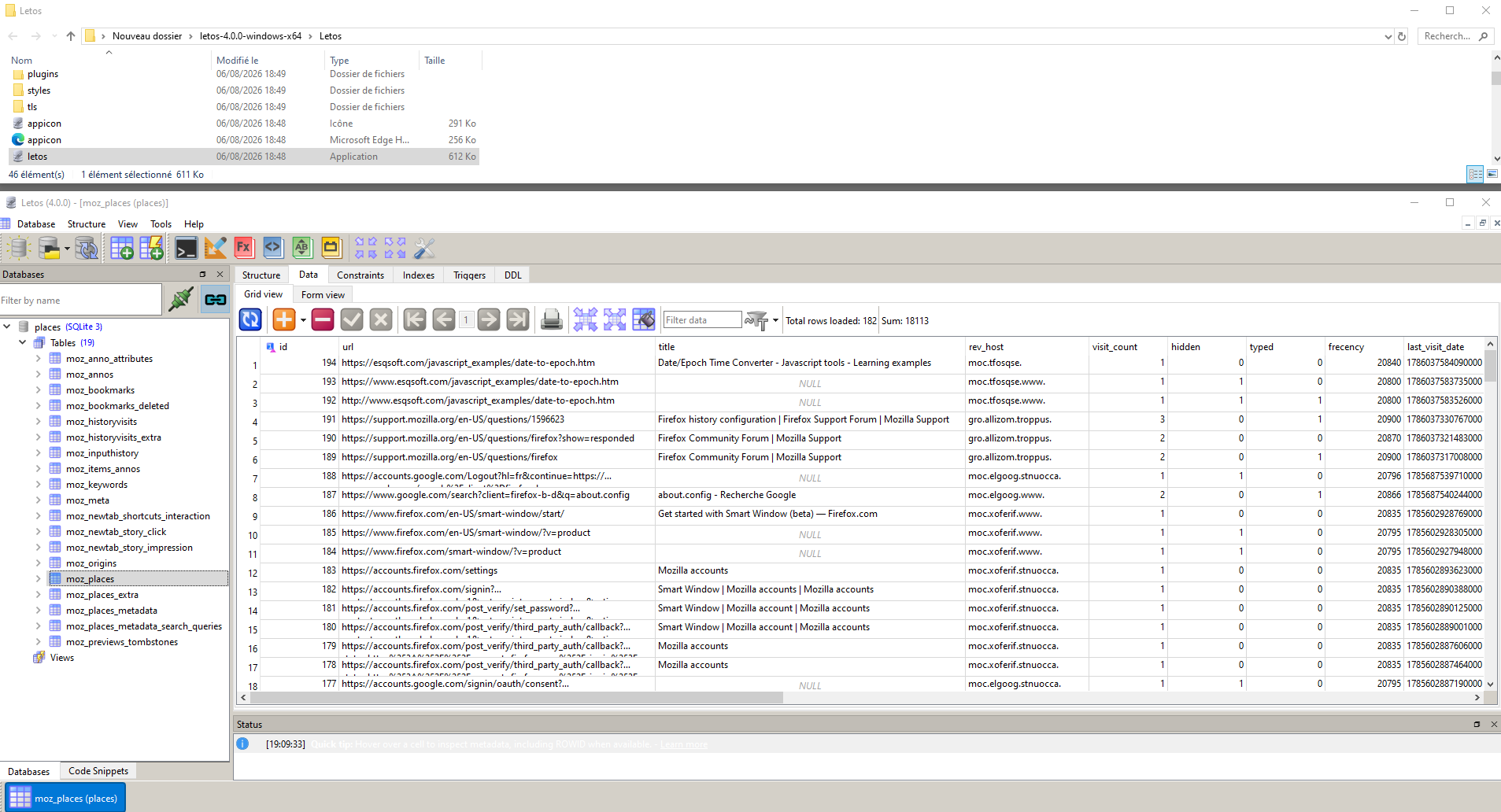
For information, https://support.mozilla.org/en-US/questions/1521409

letos application
Υποβολή ερώτησης

Πρέπει να συνδεθείτε στον λογαριασμό σας για να απαντήσετε σε δημοσιεύσεις. Ξεκινήστε μια νέα ερώτηση εάν δεν διαθέτετε ακόμα λογαριασμό.