How do I stop the Dictionary pop-up when the curser stops too long at a word (that is a link)?
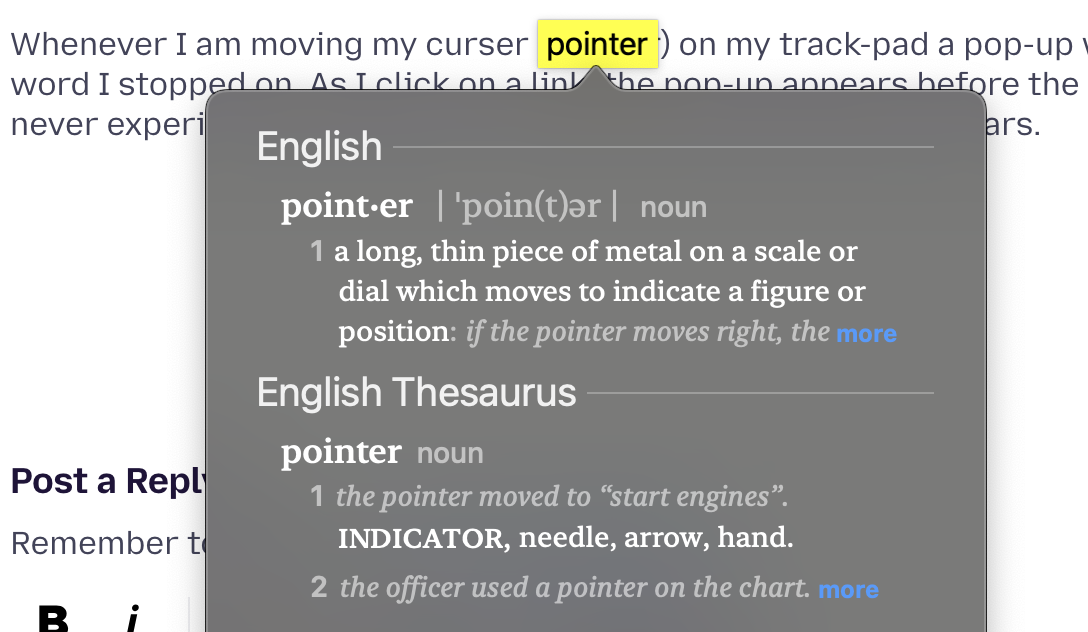
Whenever I am moving my curser (pointer) on my track-pad a pop-up window appears defining the word I stopped on. As I click on a link, the pop-up appears before the link is opened. Very annoying, never experienced this before, I have been using Firefox for years.
Whenever I am moving my curser (pointer) on my track-pad a pop-up window appears defining the word I stopped on. As I click on a link, the pop-up appears before the link is opened. Very annoying, never experienced this before, I have been using Firefox for years.
Όλες οι απαντήσεις (1)
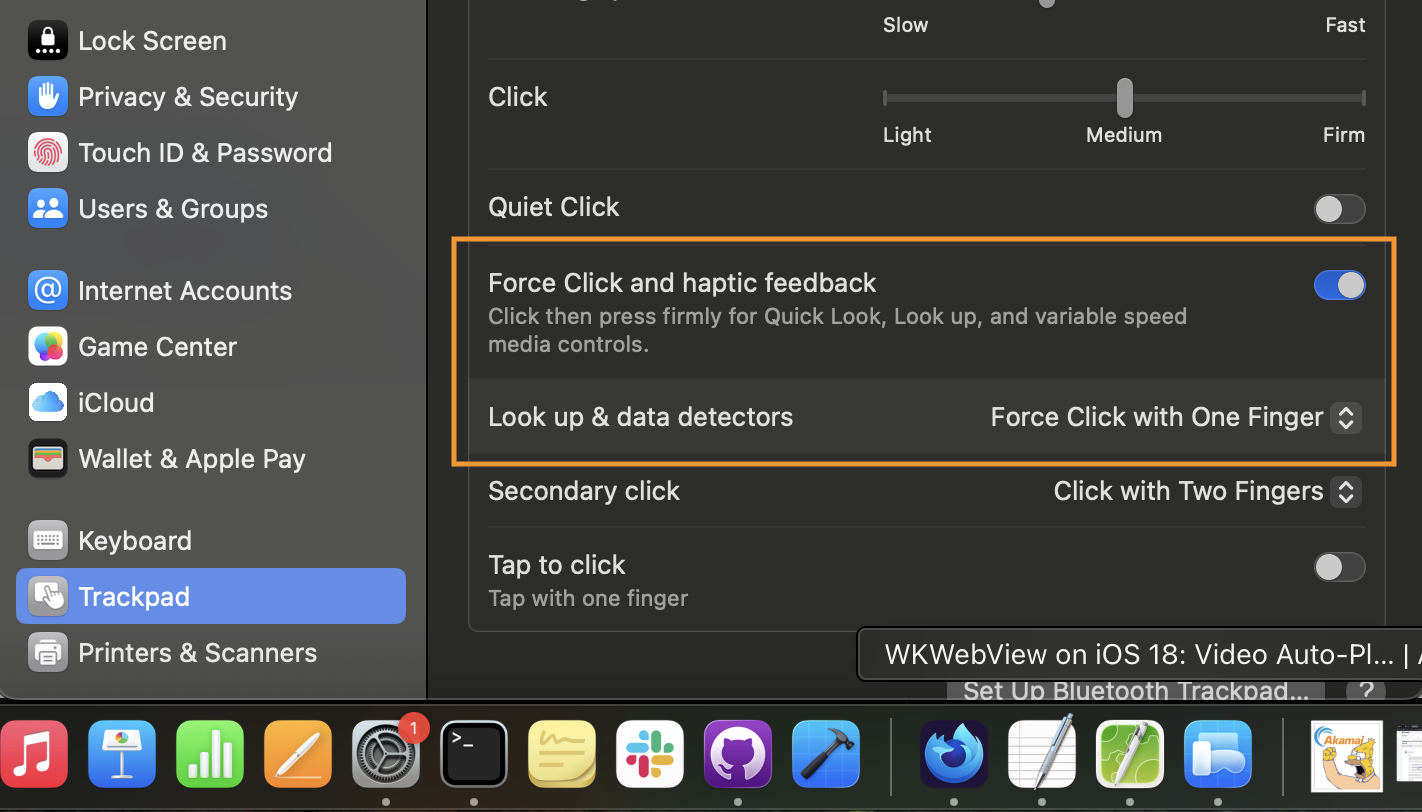
Does it look like anything attached below? That's macOS "data detectors" — maybe you've turned on this "look up" gesture at some point in system settings, and it triggers e.g. on force-click as shown below? (Or it has gone awry and triggers just on touch or hover? Does it do the same in any other app? You might need to consult Apple forums if it's somehow stuck for you.)