Google Maps wont show labels

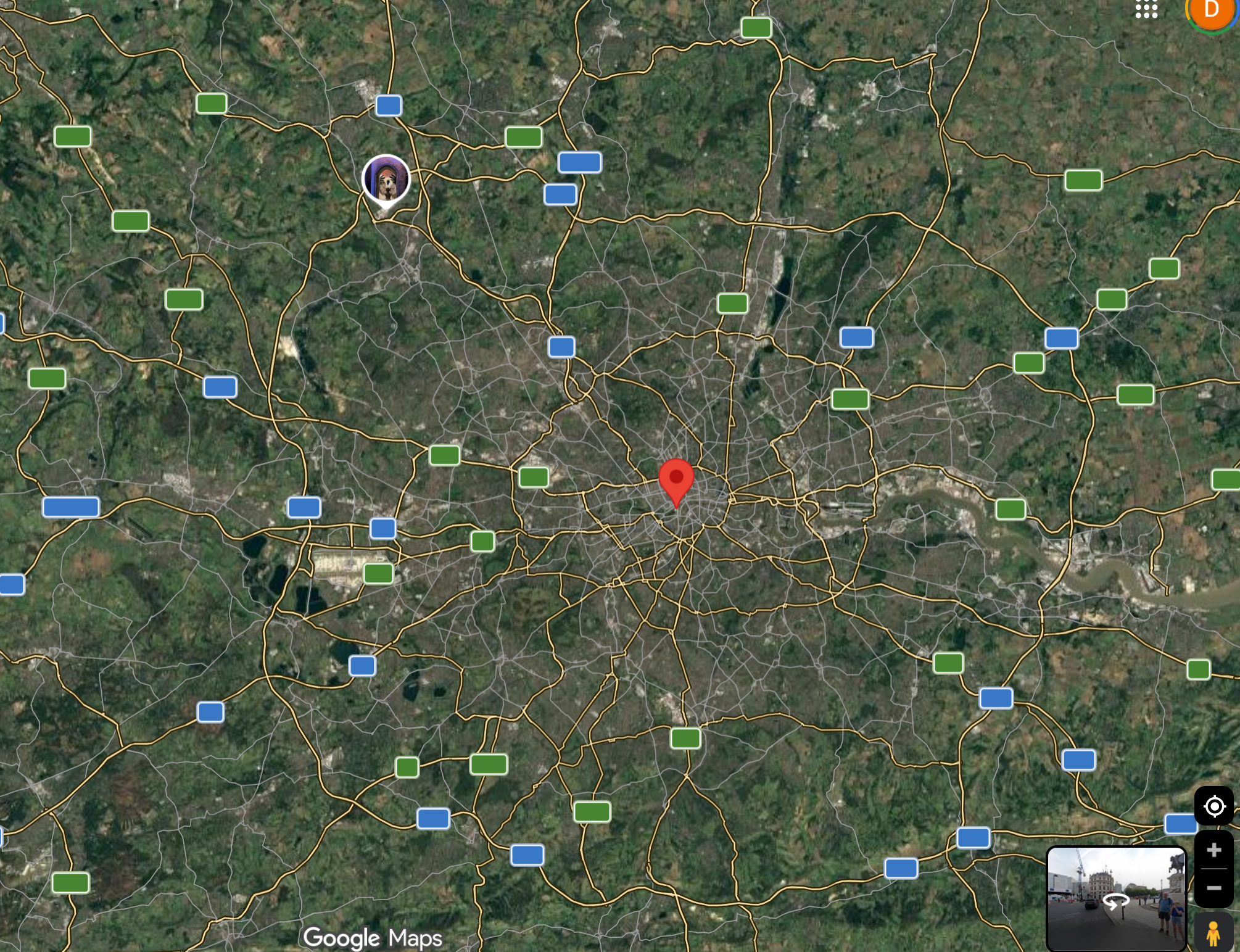
On firefox, when loading google maps all the labels (Streetnames, Shops Names etc.) appear for a second and then vanish again completely.
This has happened before, back then I've managed to make it work up to now by using an extension to disable WebGL on google maps, however recently the issue started up again.
I've tried: enabling/disabling webgl; clearing cache and cookies, Enabling/disabling hardware acceleration, updating the browser, restarting the browser, restarting the computer.
(Using MS Surface X with ARM processor)
Όλες οι απαντήσεις (2)
Do you have content blocking extensions that might be causing this?
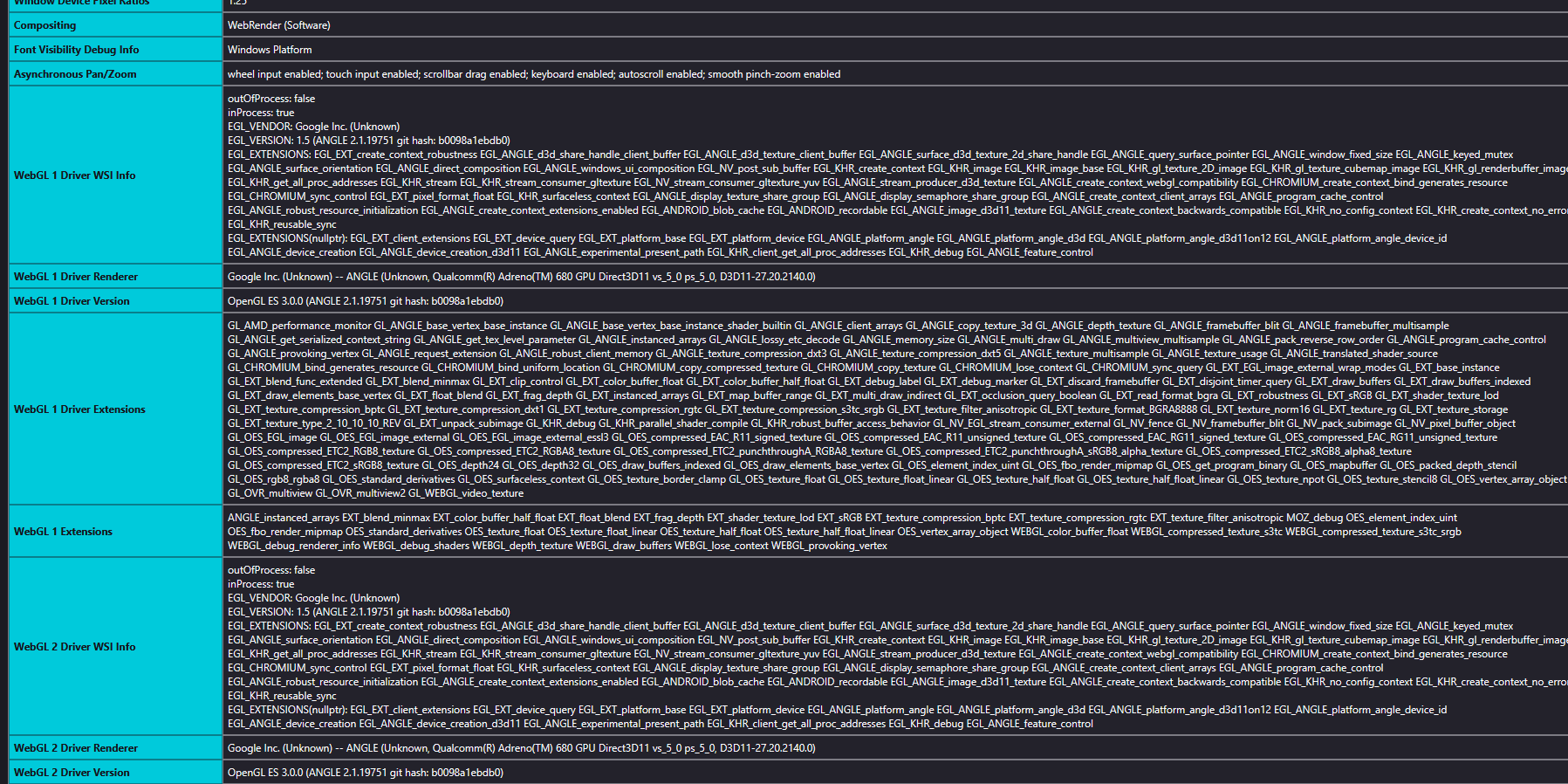
You need to enable WebGL 1 and 2 to be able to use Google Maps properly. You can check if there are WebGL errors reported in the Graphics section on the about:support (Help -> More Troubleshooting Information) page. See also:
Unfortunately this did not solve my problem, I dont have any extensions running right now, it doesn't work in trouble shooting mode, nor in private mode and about:support shows no errors.
https://webglreport.com/?v=1 https://webglreport.com/?v=2
These also show no errors..