


Wheres the free VPN
I see that there is a free VPN in Firefox, however i have the latest version and there is no Icon.
How can I get the VPN?
Όλες οι απαντήσεις (12)
Hi Kirk,
The built-in Firefox VPN is currently experimental and is being introduced to the Firefox user base through a progressive rollout for users located in US, UK, Germany, France and Canada.
You may want to check out the Use built-in VPN in Firefox article for more detail.
Thanks Kiki. I had read that. I am in the UK. thanks for clarifying it
It’ll arrive maybe soon
Aha, then yeah. Hopefully soon! It's a gradual roll out, so we can not say for sure when you will get it. Thanks for your enthusiasm with this functionality. In any case, you can share feedback about this particular feature in this Mozilla Connect post by our product team
Hi Kirk,
Turn out, there was an issue with the feature rollout. Can you confirm if you can access the built-in VPN feature by now?
Oh no! Let me check with my team to confirm. In the meantime, have you tried restarting the browser to see if that help?
Can you go to about:support and screenshot the Remote Feature section and share it here? Here's mine for your reference.
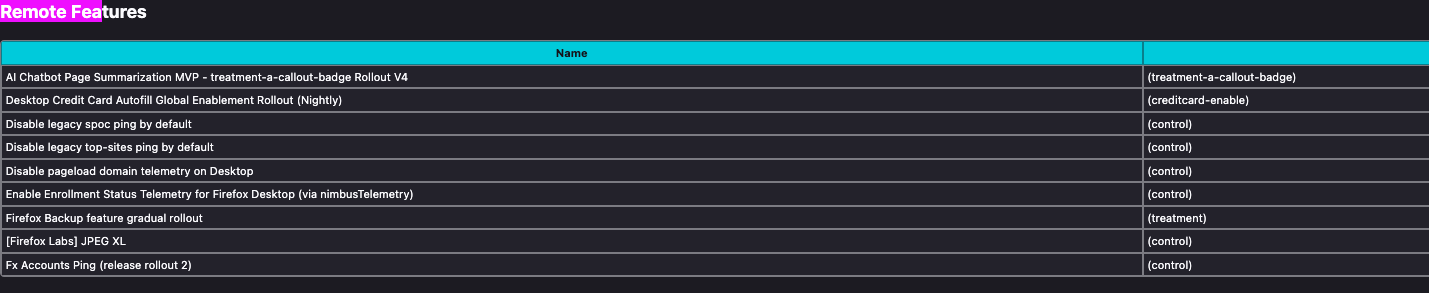
Here's the step by step to get that information:
- Type about:support on your address bar then hit enter
- Click the combination of Ctrl + F and look for "Remote Feature" section.
Can you try that?
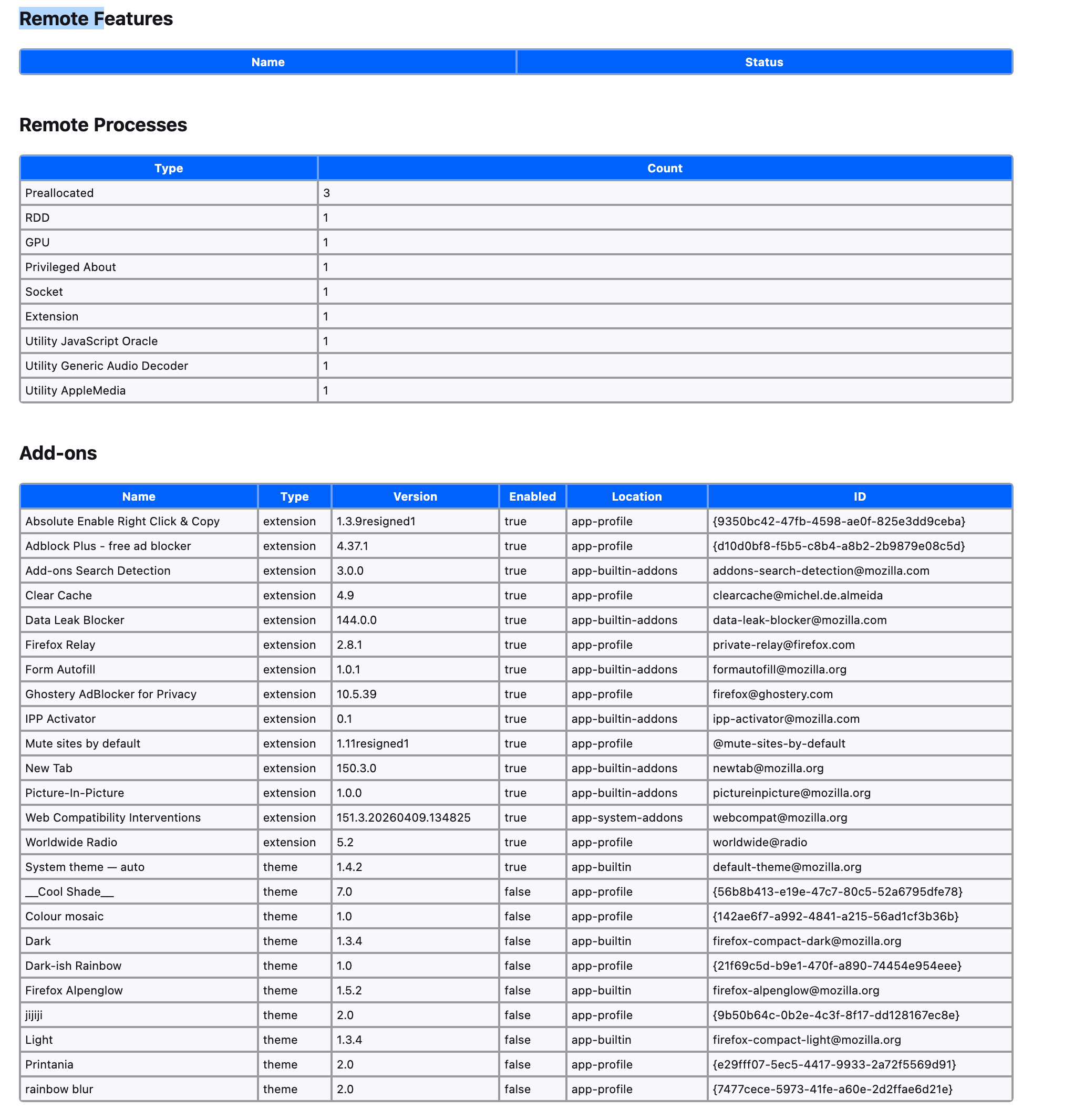
That would hint at opting out of experimental features, telemetry, remote improvements or something adjacent. This is one of the "experimental features" at this point, so you might need to wait for a full market rollout first, if you prefer to keep your opt-outs this way.