I get an error using Outlook web interface on Firefox

This has worked fine in the past, and works now in Chrome, but not Firefox. URL is https://outlook.cloud.microsoft/mail/?bO=1&msalAuthRedirect=true&sessionId=20fbbbb0-2fa6-4848-8fec-c20c6d3a8be4
Here's the error message
UTC Date: 2026-03-30T12:16:32.476Z Client Id: 05099EAAAC364C6EBD8115436A25F2D9 Session Id: 20fbbbb0-2fa6-4848-8fec-c20c6d3a8be4 Client Version: 20260320002.06 BootResult: fail Back Filled Errors: Unhandled Rejection: SyntaxError: JSON.parse: unexpected end of data at line 1 column 1 of the JSON data:undefined|undefined:undefined|undefined:undefined|undefined:undefined err: Error: 401 esrc: StartupData et: ServerError estack: y@https://res.public.onecdn.static.microsoft/owamail/hashed-v1/scripts/owa.mailindex.06b8e674.js:2:299099 165332/E/<@https://res.public.onecdn.static.microsoft/owamail/hashed-v1/scripts/owa.mailindex.06b8e674.js:2:23542
st: 401 efe: BL0PR02CA0036
Όλες οι απαντήσεις (2)
Personal or work account? Windows home or pro? Are you running security software besides MS Defender?
Does it happen with Firefox in Troubleshoot Mode? https://support.mozilla.org/en-US/kb/diagnose-firefox-issues-using-troubleshoot-mode#search
Did you clear your browser cache? https://support.mozilla.org/en-US/kb/clear-cookies-and-site-data-firefox
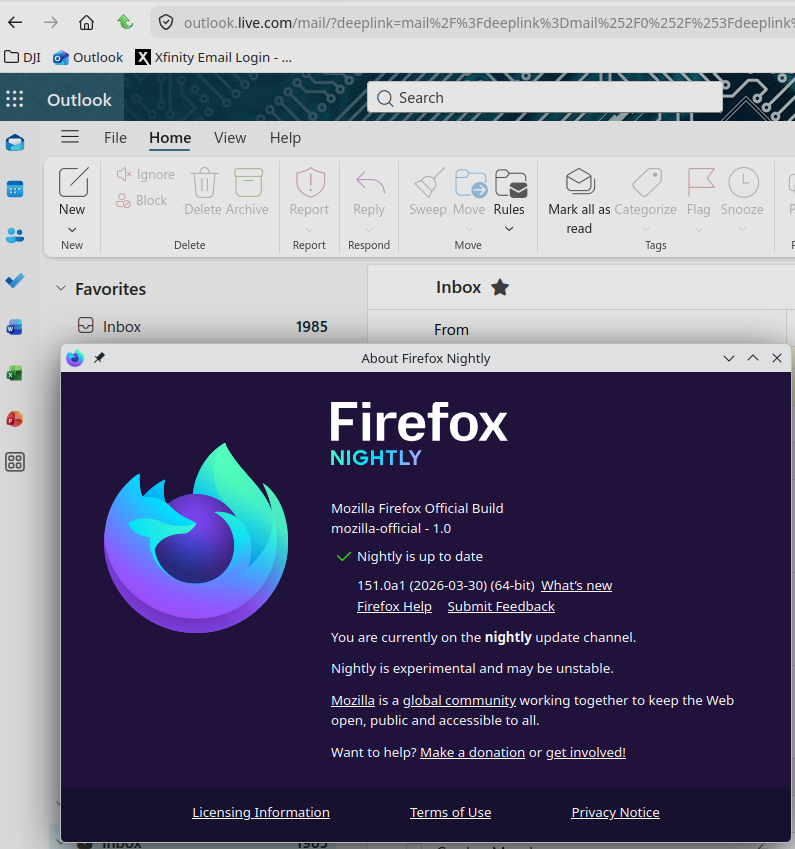
I'm on the site everyday and don't recall that url. Here is what I always see. https://outlook.live.com/mail
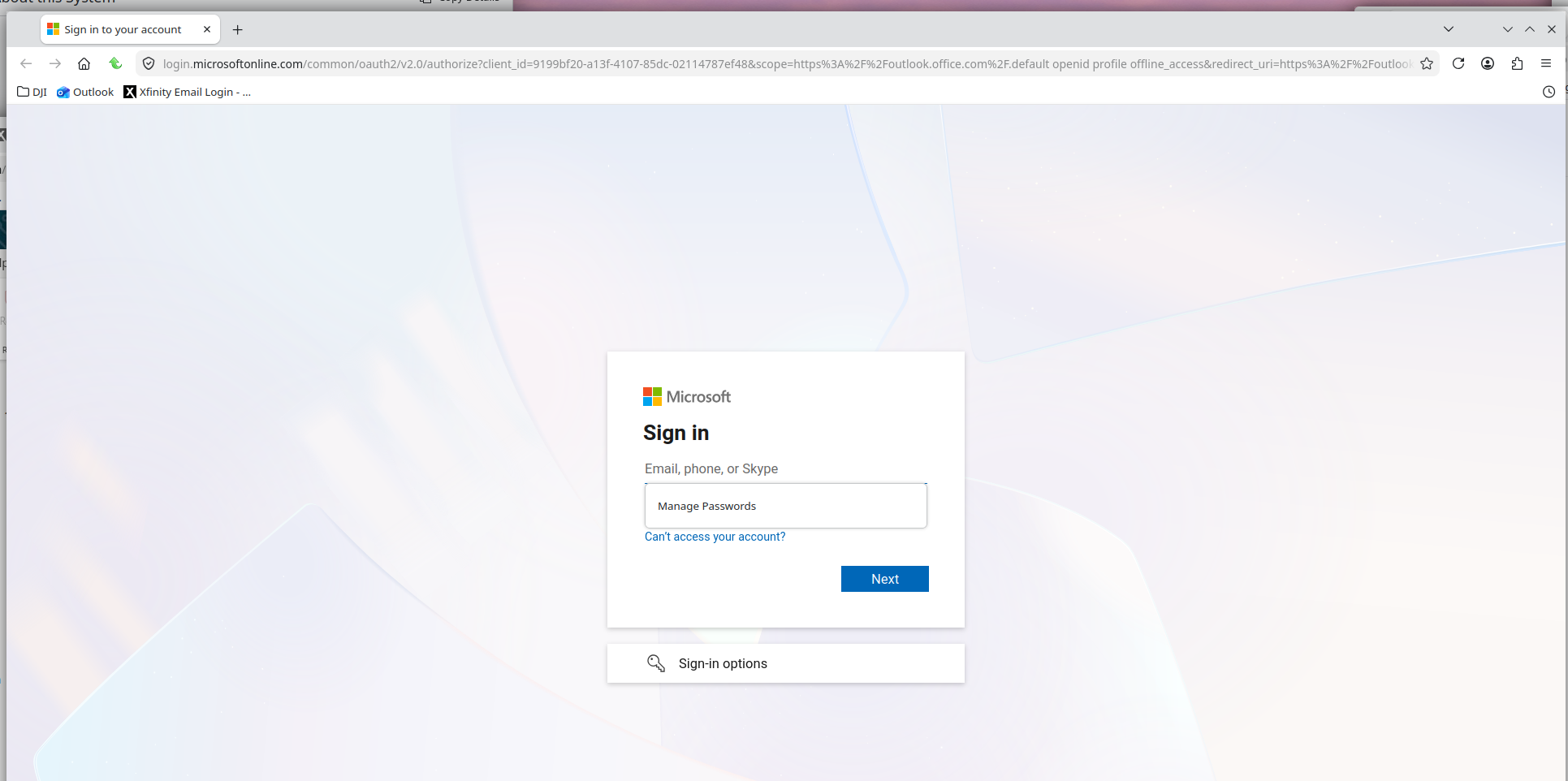
Just signed in now. see screenshot