


Sync Fails, Inorrect instructions no obvious workaround

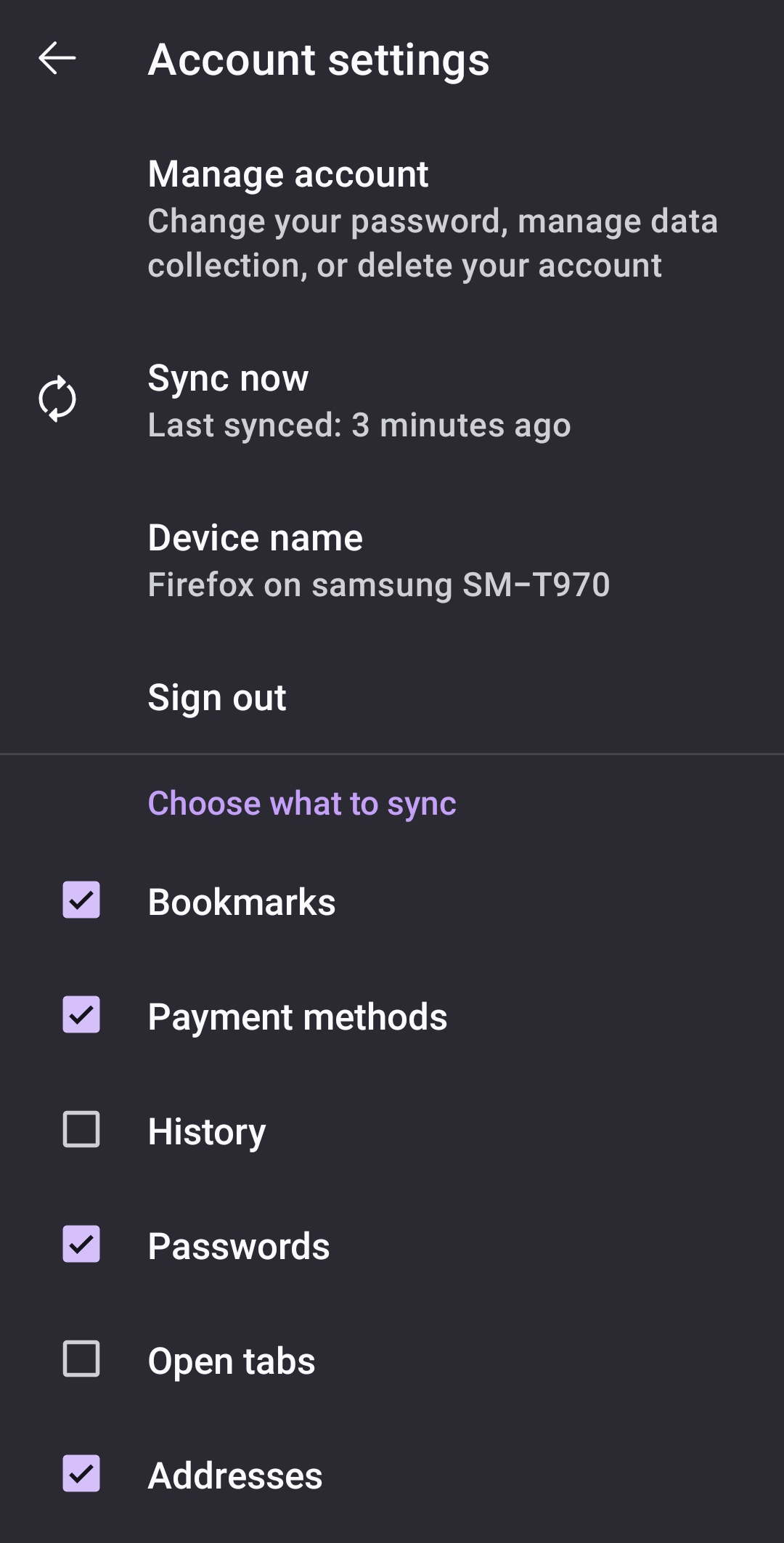
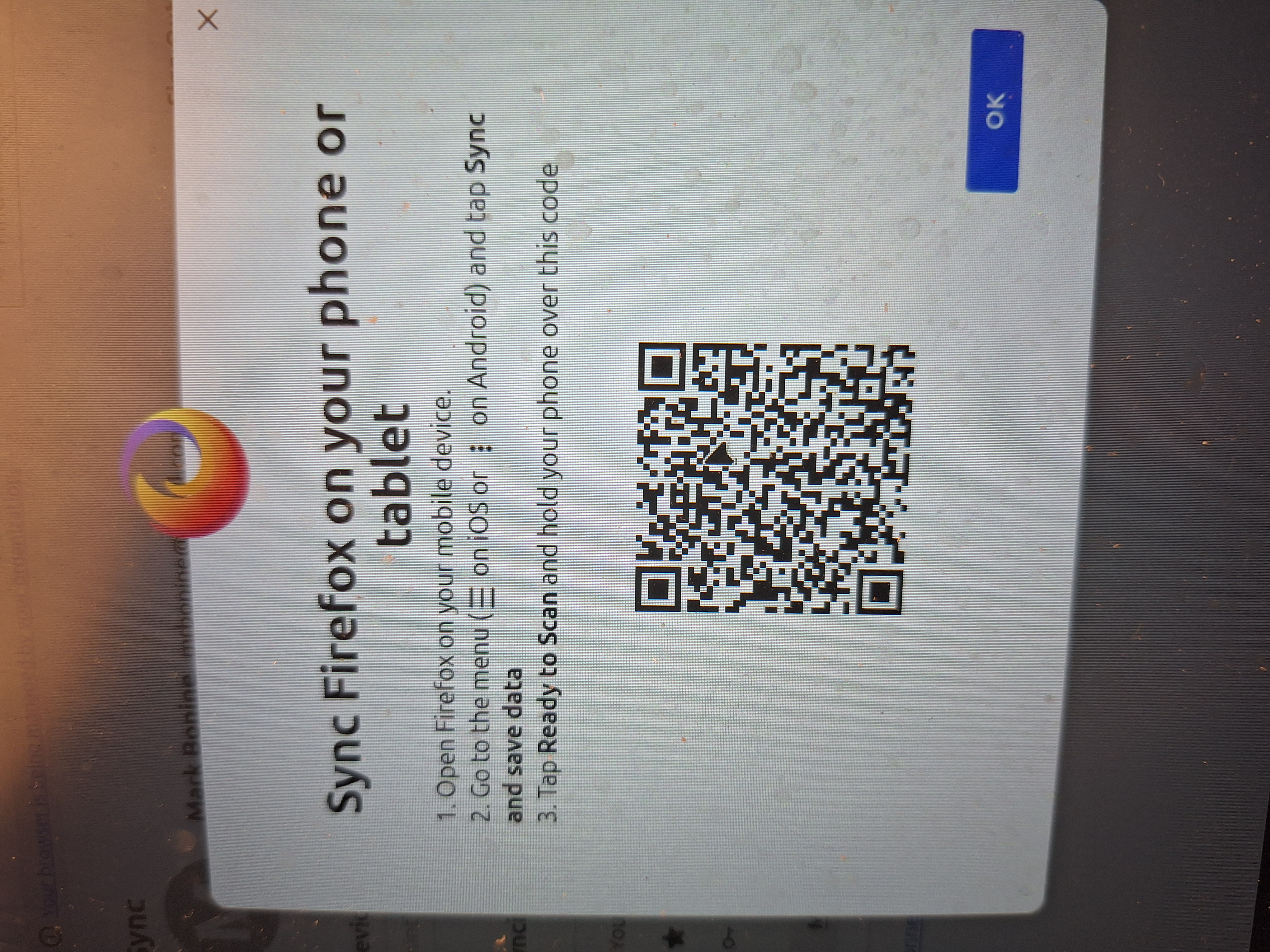
Running Mint on a removable drive on Win 11 machine. Launched Firefox and wanted to sync across devices. Finally ended up here (see attached). There's no "synch & save data" and the other sync at top of settings doesn't follow that path. The image on the Mint desktop doesn't scan within Firefox and using a separate scanner app produces a "do this within FF" error. Confusing and no way to resolve. I tried an extension scanner no help. Attachment shows Sync Now only possible method not correct (what I describe above).2nd image is what I see on PC screen (via Mint).
Όλες οι απαντήσεις (1)
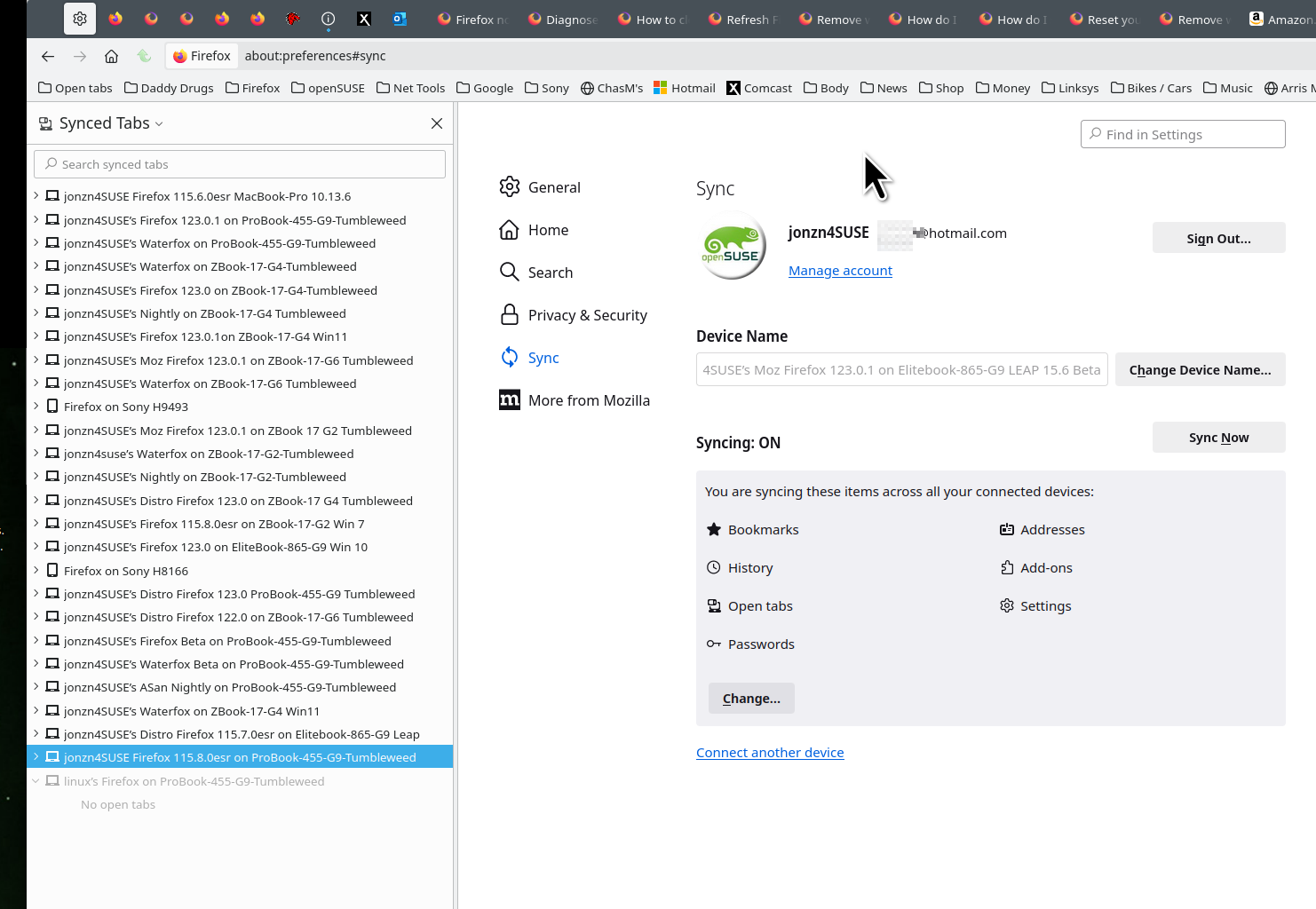
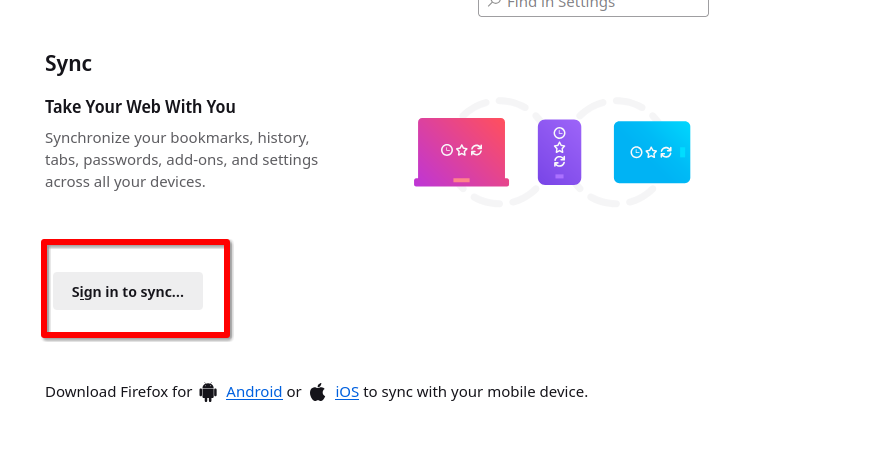
Just sign into the same account on both devices and it should just work. see old screenshot https://support.mozilla.org/en-US/kb/how-do-i-set-sync-my-computer https://support.mozilla.org/en-US/kb/how-do-i-choose-what-information-sync-firefox
Operating System: openSUSE Leap 15.6 KDE Plasma Version: 5.27.11 KDE Frameworks Version: 5.115.0 Qt Version: 5.15.12 Kernel Version: 6.4.0-150600.23.81-default (64-bit) Graphics Platform: X11 Processors: 16 × AMD Ryzen 7 PRO 6850HS with Radeon Graphics Memory: 62.1 GiB of RAM Graphics Processor: AMD Radeon Graphics Manufacturer: HP Product Name: HP EliteBook 865 16 inch G9 Notebook PC
Τροποποιήθηκε στις από τον/την jonzn4SUSE