


Gemini UI broken on Firefox

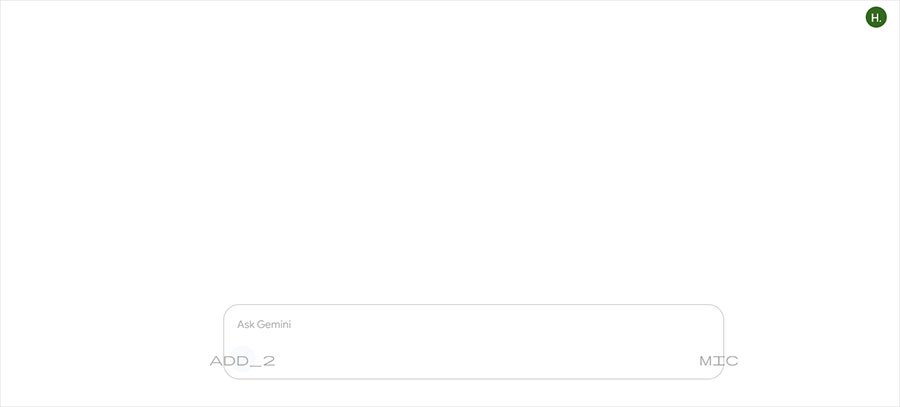
Whenever I try to access Gemini at gemini.google.com, I keep getting a plain white screen with faded, almost hard to see elements that don't do anything even when typing in the input field. (see attachment 1)
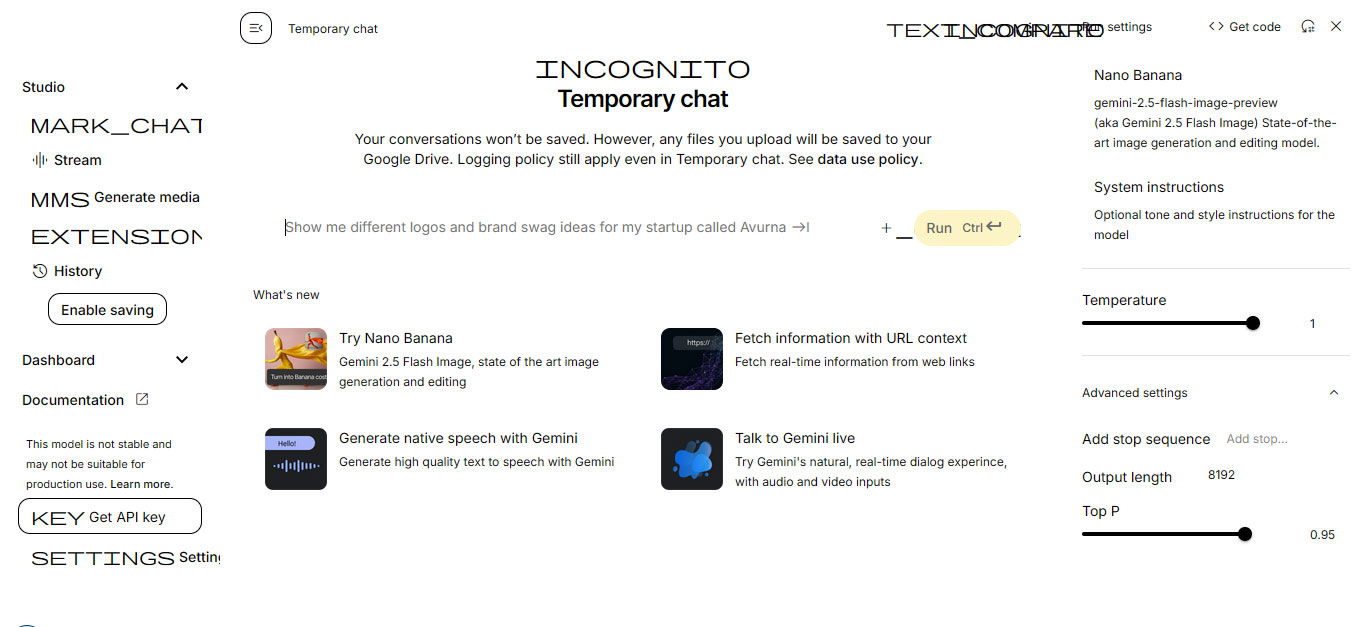
I can access Gemini at Google AI Studio (https://aistudio.google.com/) but the UI is also broken on that site, with wide fonts that overlap each other, making text hard to read (see attachment 2).
Firefox version used: 115.28.0esr (64-bit) OS: Windows 7 64-bit
Όλες οι απαντήσεις (2)
Hi
Please appreciate that Firefox 115 is no longer supported by Mozilla and Windows 7 is no longer supported by Microsoft. In both cases you are not getting important security and stability updates.
https://support.mozilla.org/en-US/kb/firefox-users-windows-7-8-and-81-moving-extended-support

coredrive2012 said
I can access Gemini at Google AI Studio (https://aistudio.google.com/) but the UI is also broken on that site, with wide fonts that overlap each other, making text hard to read (see attachment 2). Firefox version used: 115.28.0esr (64-bit) OS: Windows 7 64-bit
This issue remains in Firefox version 115.30.0esr. See https://support.mozilla.org/en-US/questions/1551165