


microphone issue on google meet

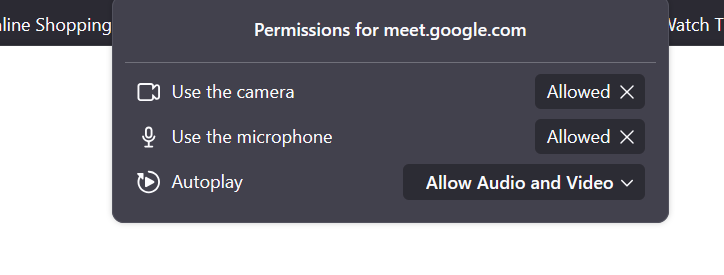
Whenever I use Google Meet in the Firefox browser, it works well at first people can hear me. However, for a few seconds, my microphone suddenly cuts out, and I have to raise my voice for it to work again. My microphone remains enabled and does not disconnect when the audio cuts out, but people are still unable to hear me. I have already set my microphone to 'Always Allow' instead of 'Allow Temporarily, but the problem persists.Can anyone help me with this
Όλες οι απαντήσεις (4)

Thanks for the screenshot, but what are your settings in Google meet? see my screenshots
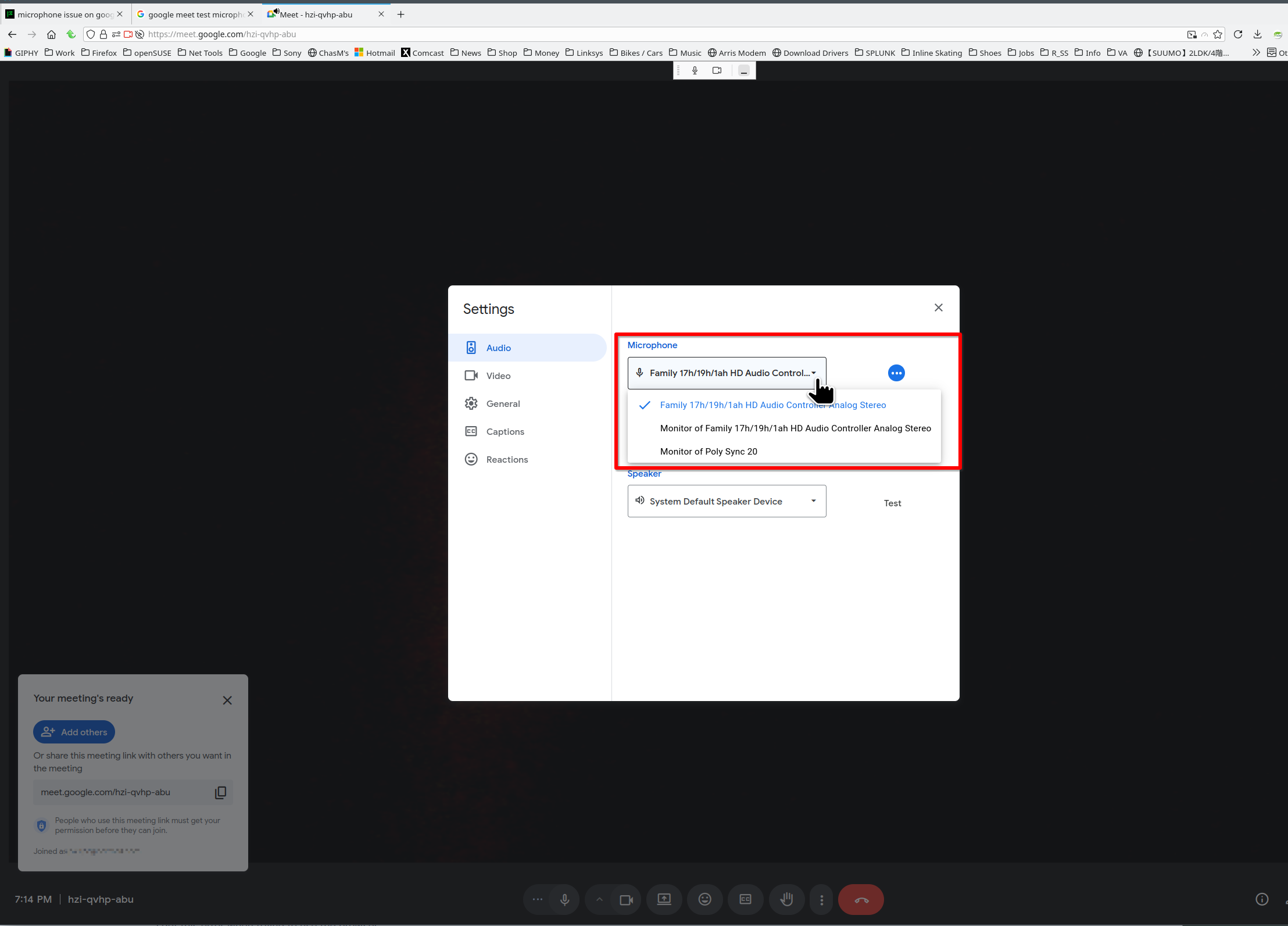
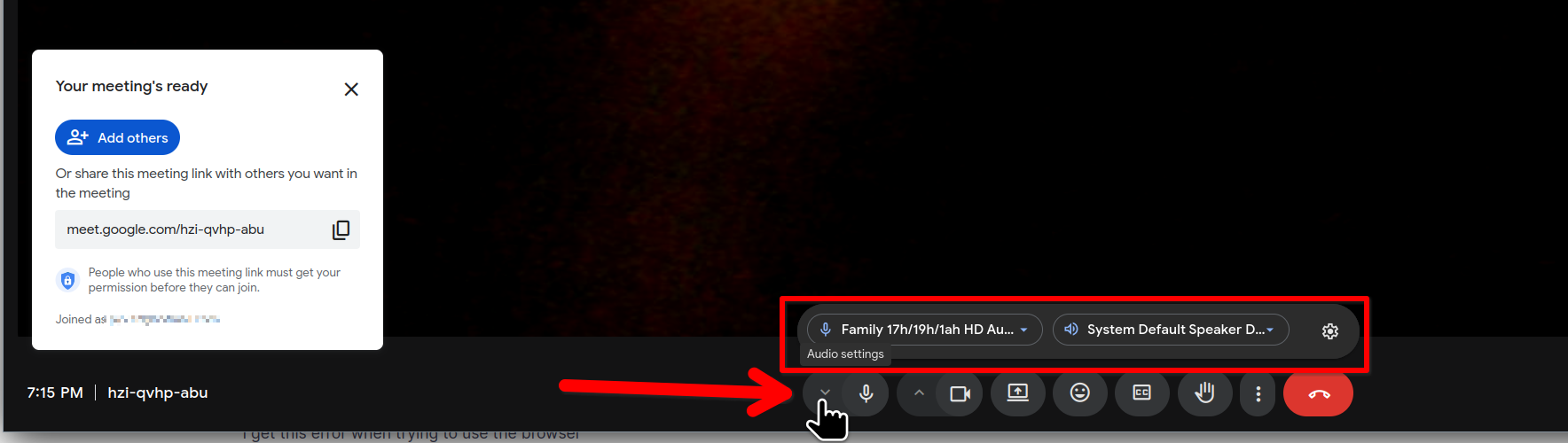

Recently (< 2 months) on Fedora 42, KDE Plasma, Firefox 144.0 (64-bit), in Google meet (2025 Nov 19th), the volume control for my microphone keeps moving towards zero over the course of 1-10 seconds, and I have to open the audio volume control panel and keep moving it back to 100% or whatever is most comfortable for the people I'm talking with. If I let go, it starts dropping again.
I've Googled this, and the advice I got was to disable Automatic Gain Control (AGC) in `about:config`. That didn't solve the problem.
I tried disabling these features next in `about:config`:
media.getusermedia.audio.processing.aec 0 media.getusermedia.audio.processing.aec.enabled false media.getusermedia.audio.processing.agc 0 media.getusermedia.audio.processing.agc.enabled false media.getusermedia.audio.processing.agc2.forced false media.getusermedia.audio.processing.hpf.enabled false media.getusermedia.audio.processing.noise 0 media.getusermedia.audio.processing.noise.enabled false media.getusermedia.audio.processing.transient.enabled false
Still the volume drops. When I switch to a MacOS 26.01 laptop, the volume doesn't drop.
Help?
Τροποποιήθηκε στις από τον/την ch-and-accounts.firefox.com
If I was a conspiracy theorist, I'd say that Google's doing this on purpose so people will switch back to Chrome. :-)
Otherwise, I'd say that they didn't do sufficient testing of Meet with Firefox on Linux.
Edit: Update: I just tested on https://webcammictest.com/check-mic.html and it's doing the same thing, so I guess it's not Google's problem.
Τροποποιήθηκε στις από τον/την ch-and-accounts.firefox.com
Just found out it also happens at https://webcammictest.com/check-mic.html , so I guess that makes it not Google's problem.