


Firefox 135.0 cant reach google.com

With Firefox 135.0 i cant reach google.com but google.se i can.
I make daily images of C: and today i managed to go back one day to 2025-02-06 but accidentally chooses 2025-01-06 and with the older version of firefox i could reach google.com
I have tried to delete cookies. DNS over HTTPS off. No proxy in connection. Add-ons off but to no avail.
Επιλεγμένη λύση
VPN was the problem so for now on i bypass websites and ip and not Firefox because that doesn't work in the latest version of Privado VPN.
So, problem solved sort of.
Προβολή απάντησης εντός συζήτησης 👍 0Όλες οι απαντήσεις (6)
Lars-Ivar Carlsén said
With Firefox 135.0 i cant reach google.com but google.se i can.
What does that mean? Show what happens when you try google.com. I can get to google.com with no issue. see screenshot Who are you using for dns? Where are you? What OS?
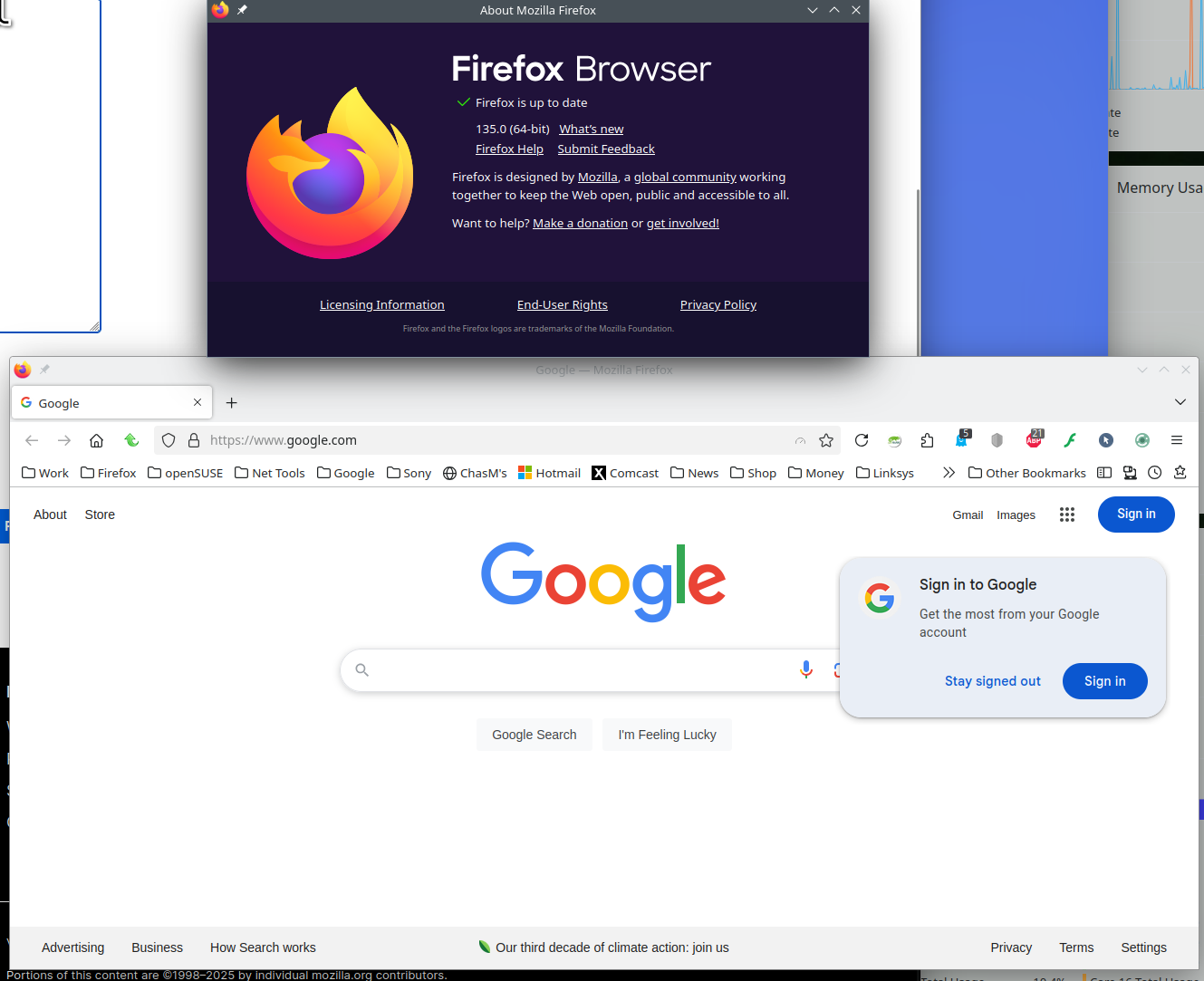
OS is Windows 11 24H2 Using Google DNS on my router:
Primary DNS: 8.8.8.8 Secondary DNS: 8.8.4.4
Live in Sweden.
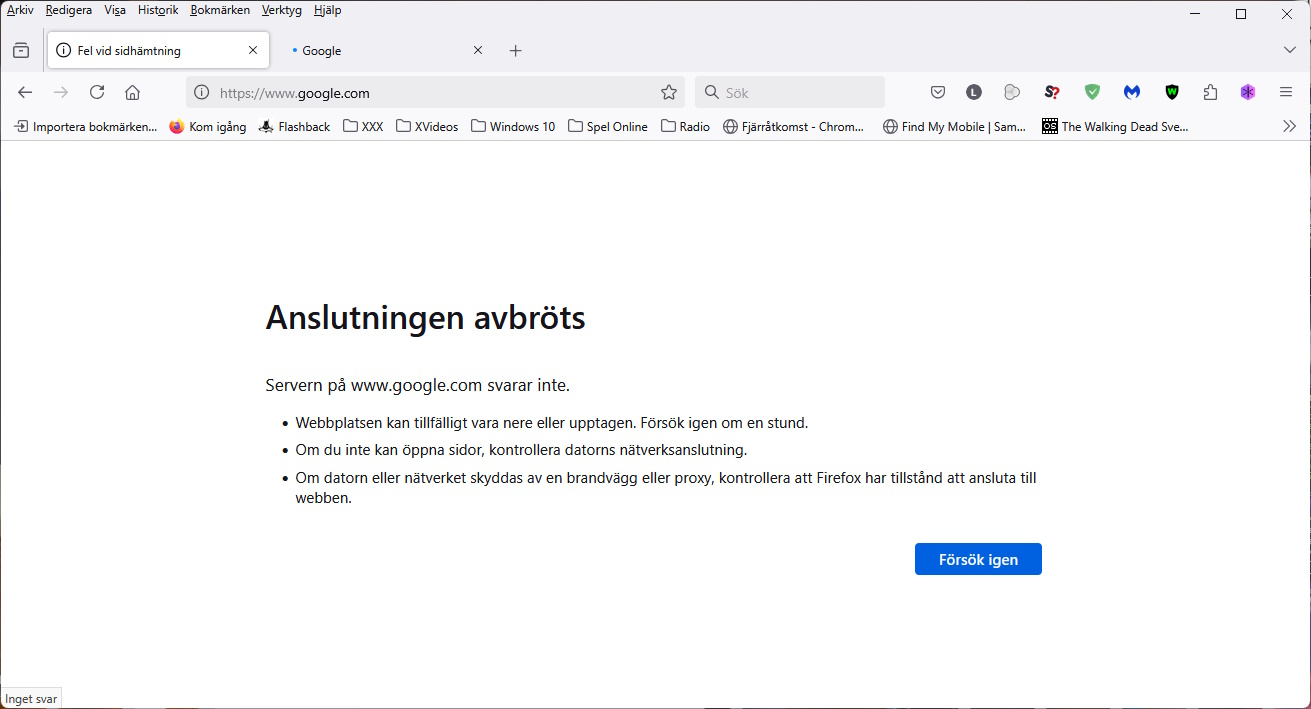
The image says in English translated from Swedish:
Connection aborted. Server at www.google.com dont answer. If you cant open pages, check computers network connection. If computer or network is protected by a firewall or proxy, check that firefox has permission to connect to the webb.
Great. What setting on your computer and in the browser. Yeah, 135 hasn't been good for me. Crashing 2 days in a row and not working with my comcast site. ;-/
Have VPN but Firefox is excluded from using that.
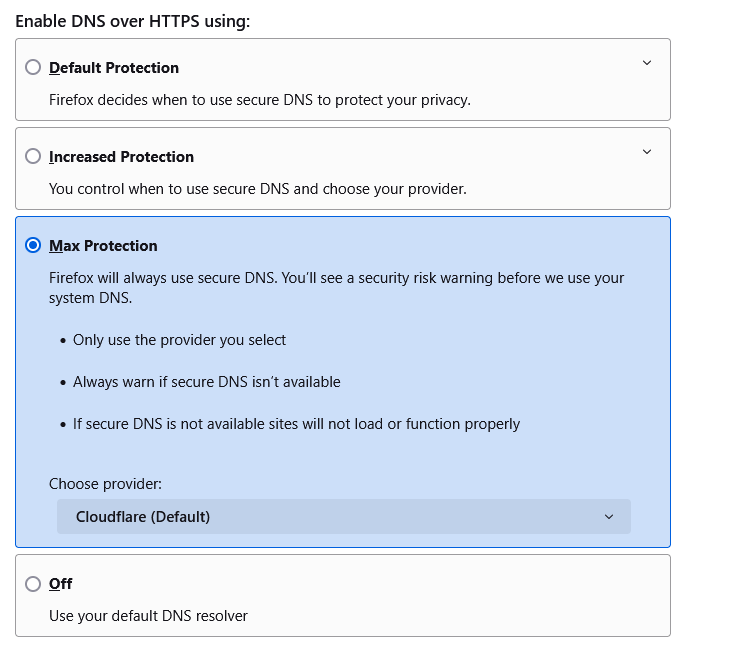
Settings in Firefox is: Use recommended settings for performance: On No Proxy DNS over HTTPS set to: Standard Protection.
In Edge no problem reach google.com
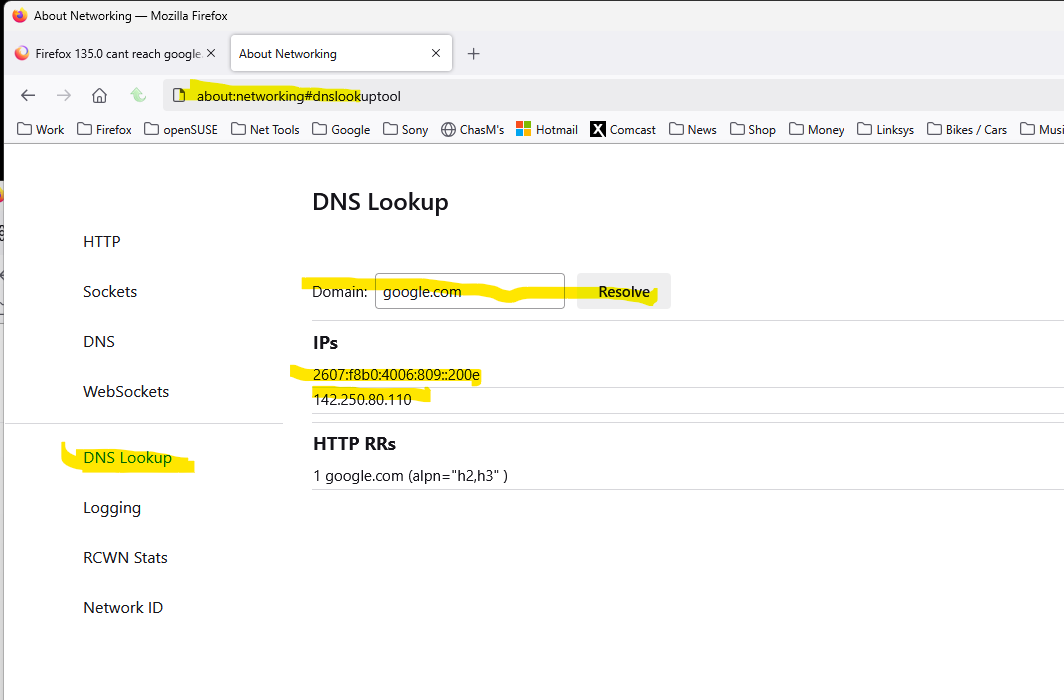
I'm talking about here. see screenshots Also what do you have set in Windows?
Επιλεγμένη λύση
VPN was the problem so for now on i bypass websites and ip and not Firefox because that doesn't work in the latest version of Privado VPN.
So, problem solved sort of.