


One Tab
The OneTab icon on the far left next to Firefox icon is missing. Checked setting and all seem OK. Help please. Win 7
The OneTab icon on the far left next to Firefox icon is missing. Checked setting and all seem OK. Help please. Win 7
Όλες οι απαντήσεις (3)
You aren't using Private Browsing mode?
Did you click the Extensions (puzzle piece) button to see if you can pin its icon to the toolbar?
I don't use Private Browsing. I'm sure this is operator error, however... rt/clk next to Firefox icon and get customize. I know this screen, but no where is OneTab visible. Rt/clk OneTab icon on menu bar and it's checked (see #1) Chkd Options (see #2)
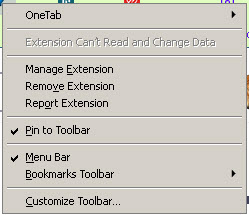
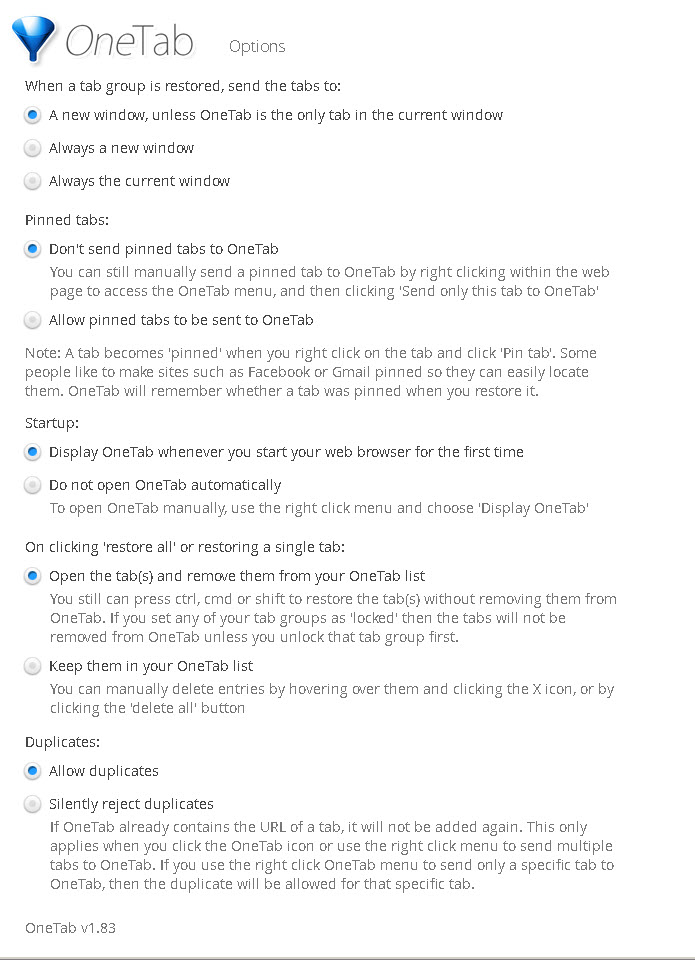
Can someone pick up from my response and suggest a fix? Thanks.