


Linked image (via "src=") not displaying (FF 126.0.1 & 127.0)

Hi Guys,
This is a recent hiccup and only seems to affect Firefox 126.0.1 & 127.0 (I'm running Win64 EME-free):
I have a HTML file which displays images from various weather-cam websites, using the HTML "img src=" tag.
On previous versions of Firefox all was fine, however since 126.0.1 one image in particular will not display - it simply shows a broken image place-holder. Using MS Edge and Chrome, it displays correctly.
This is the image in question:
http://119.17.143.158:8777/Streaming/channels/102/picture/?auth=U1BDRzo1NG5keXAwMW50IQ==
I suspect it's something to do with the "auth=" 'key'?
Thanks in advance for any suggestions/assistance.
Mike.
Τροποποιήθηκε στις από τον/την rolands50
Επιλεγμένη λύση
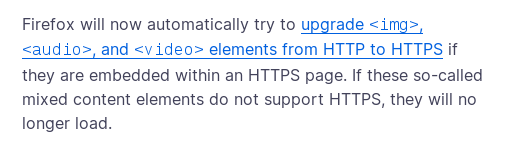
Right, this is in the current release. Try to flip security.mixed_content.upgrade_display_content preference to false in about:config.
Προβολή απάντησης εντός συζήτησης 👍 0Όλες οι απαντήσεις (5)
... Having a closer-look, it appears that FF is trying to load the image as a https:// link, rather than http://.
I've checked in my FF settings on HTTPS-Only mode is NOT enabled.
Επιλεγμένη λύση
Right, this is in the current release. Try to flip security.mixed_content.upgrade_display_content preference to false in about:config.
@TyDraniu,
That did it! Thanks. I've spent the past hour going through the various https-related config items in search of a fix.
It would've taken me a while to stumbled across your solution.
Thanks again!
Mike.
Note that this is mentioned in the Firefox 127 Release notes.
@cor-el,
Thanks for the links. However, there's no way I would've been able to deduce that this would be the cause of my issue by reading those notes. Am I a bit thick? Perhaps...
Τροποποιήθηκε στις από τον/την rolands50