


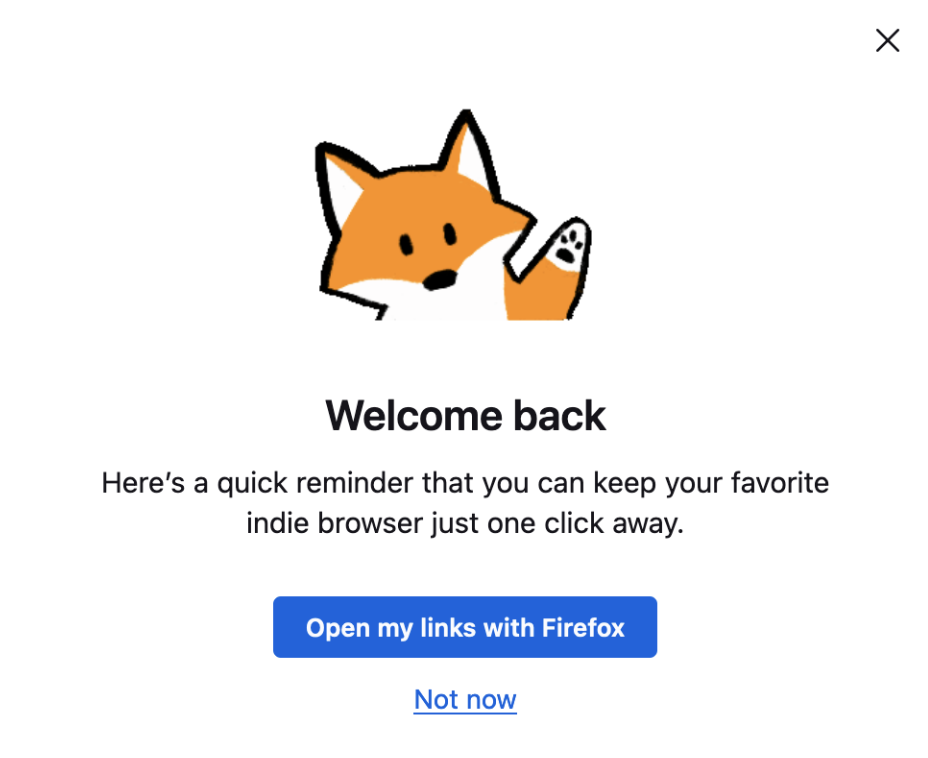
There is this new pop up coming on latest firefox version 123 about opening favorite link on firefox

There is this new pop up coming on latest firefox version 123 about opening favorite link on firefox, I want to get rid of it programmatically using java, which argument or preference should I use ?
Όλες οι απαντήσεις (8)
I always click not now and never see it again.
It will just bring up the default settings window so that you can make Firefox your fav. I just reset my Dev version to see the pop-up and click the option to see where it goes. It would make sense for Mozilla to simply state it's going to set Firefox as Default.
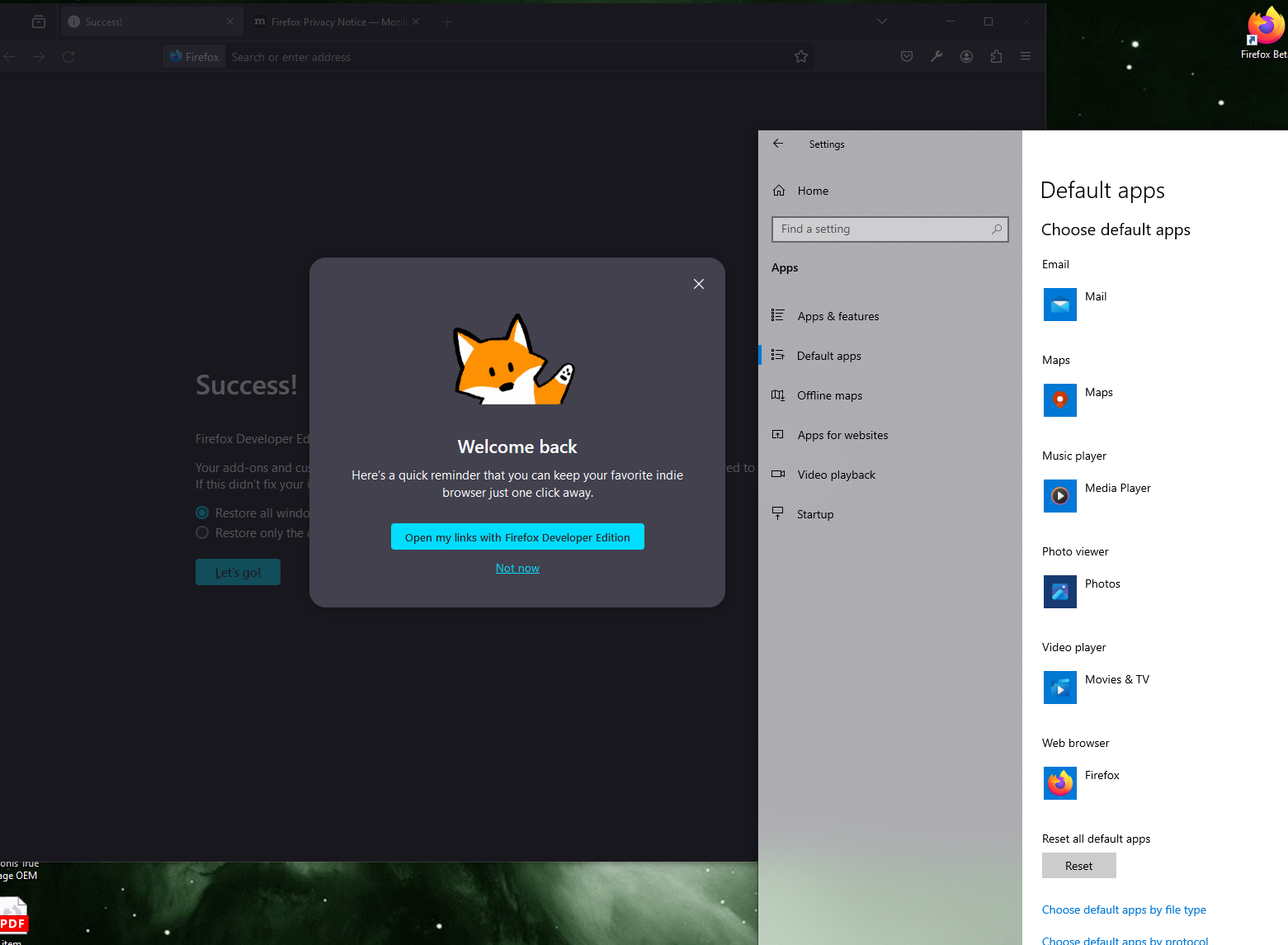
I chose 'Not now' but with automation, a new window opens up and the pop comes again. Manually opening browser is not showing it.
Untick "Always check if Firefox is your default browser" in settings.
It is Unticked already
One more question is there any quick way to restore default firefox preferences, firefox configs ?
Also untick "Recommend features as you browse" in settings (browser.newtabpage.activity-stream.asrouter.userprefs.cfr.features set to false in about:config).
You can create a new profile with default settings using the Profile Manager.
If you only want to reset settings and keep data like the bookmarks, then you can remove prefs.js in the Firefox profile folder.