


Cannot add additional Gmail account to Thunderbird for macOS

Configuration: macOS 10.5.7 / Thunderbird 91.3.2
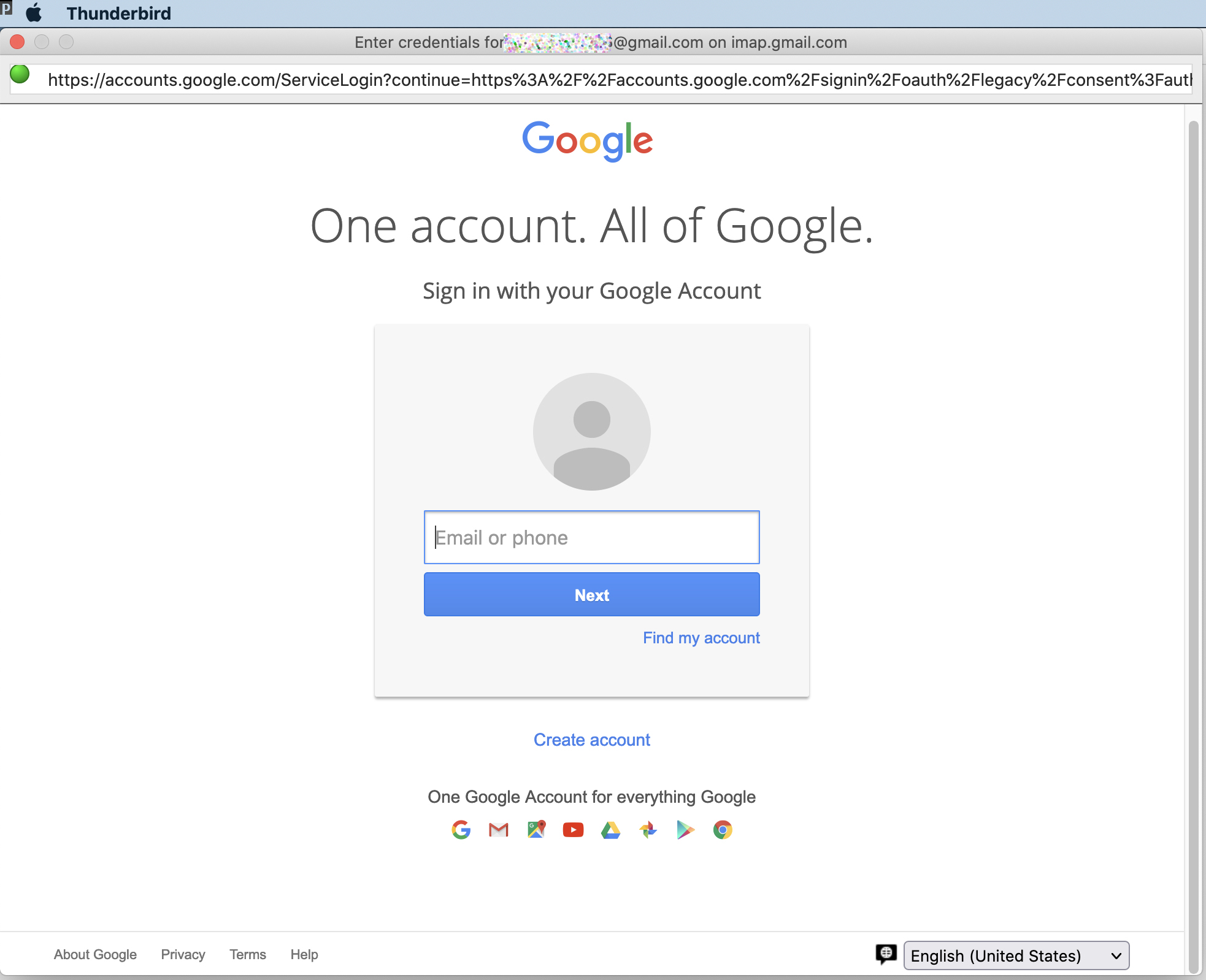
I cannot add an additional Gmail account to Thunderbird for macOS (I have already one Gmail account in Thunderbird since many years, along with a couple of other email accounts). The new account setup starts out fine, but when clicking onto "Done" after putting in email address and password a new window opens where I am asked again to put in my email address. When I do this and then click "Next" the same window opens again, is empty, and asks again for an email address - and this can be repeated forever. See attached screenshot.
There is no problem to add this email address as an additional Gmail address to Apple Mail.
Is there a fix for this?
Thanks.
Τροποποιήθηκε στις από τον/την deerfield
Όλες οι απαντήσεις (3)
Επιλεγμένη λύση
Accept cookies in Preferences/Privacy & Security to allow the OAuth authentication to set a token in Saved Passwords.
Thanks. That solved the problem.
In my opinion not really smart from the developers not to point to missing cookie permissions here. I never before had to allow cookies in any mail application - not in macOS or iOS and also not in Windows. I'm sure that many other users give up in such a situation and rather use a different mail application where this problem does not arise.
Τροποποιήθηκε στις από τον/την deerfield
I agree the gmail setup should check the authentication method and cookies policy during setup or updates. There are other settings that are gmail-specific, such as 'Place a copy in' in Copies & Folders settings should be unchecked (gmail automatically copies to Sent Mail), and 'Just mark it as deleted' is the correct setting for 'When I delete a message'. Cookies are accepted by default in TB profiles, so I don't know why it gets changed by some users.