


Some sites stopped working

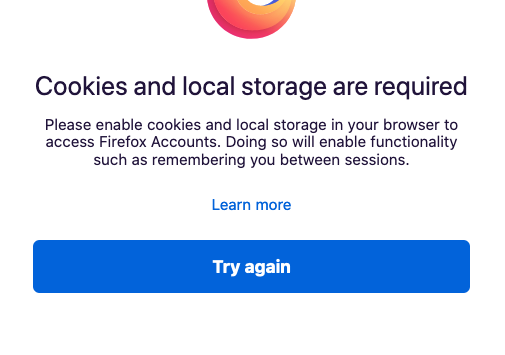
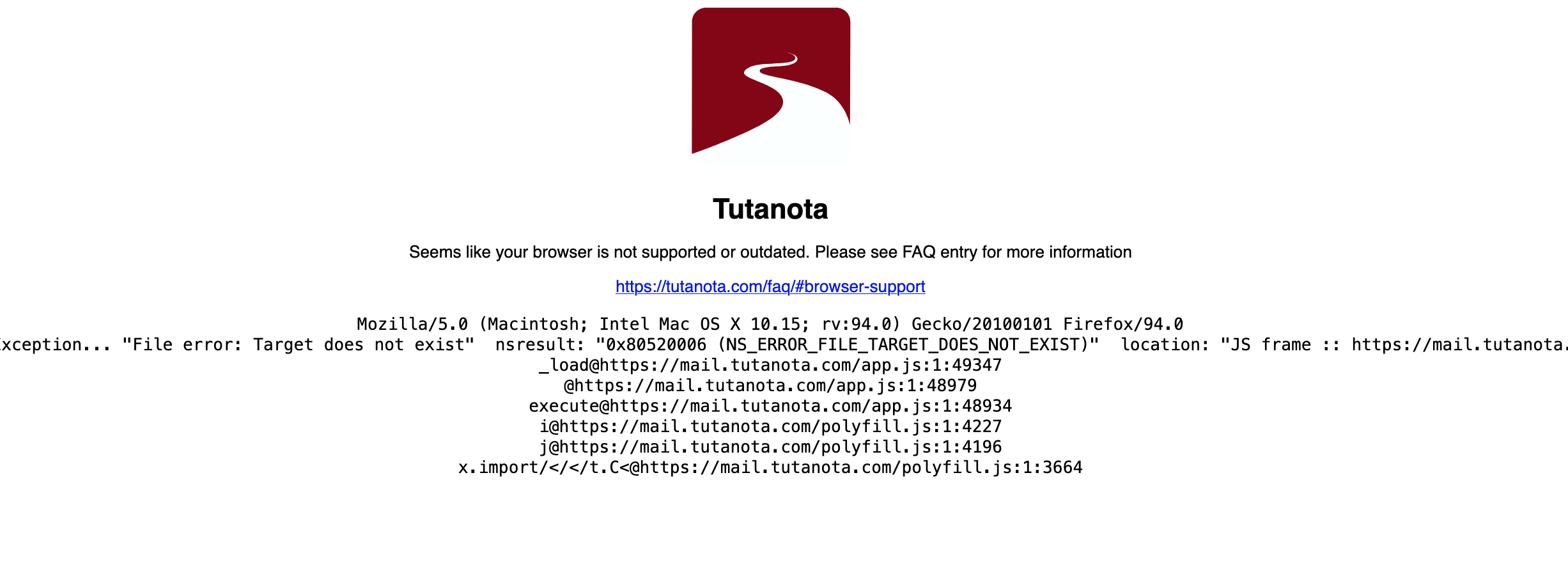
Suddenly I can't log into some sites on Firefox. I'm 94.0.1. I'm on a Mac > Catalina. See images of error messages. I could not even get to this page on Firefox (I'm on Safari right now); Firefox said I needed to enable cookies and local storage. But cookies ARE enabled (I'm not sure how to enable local storage, or what that means). I created a test user, and downloaded Firefox and everything worked, but when I go back to my real user, I still have these problems.

Επιλεγμένη λύση
Use these links to create a new profile. Use this new profile as is. Is the problem still there?
https://support.mozilla.org/en-US/kb/how-run-firefox-when-profile-missing-inaccessible
http://kb.mozillazine.org/Profile_folder_-_Firefox#Navigating_to_the_profile_folder
https://support.mozilla.org/en-US/kb/profile-manager-create-and-remove-firefox-profiles
https://support.mozilla.org/en-US/kb/back-and-restore-information-firefox-profiles
Type about:profiles<enter> in the address bar.
Όλες οι απαντήσεις (8)
This could be related to your Tracking Protection setting. If you use the "Custom" level you can block cookies for all sites. Does this article help at all:
Thank you, but I'm not using Custom. I've got Firefox > Preferences > Privacy and Security > Standard. Or are you talking about something else? I looked at that article already - the irony is even the Firefox website says cookies are blocked. (Per my original question, I'm on Safari now because I can't log into FF on Firefox!)
Just to confirm, you also do not have the box checked in this section:

And finally, you are not using automatic private browsing mode -- "Never remember history" or "Always use private browsing mode" in the History section of the Preferences.
No, none of that. Everything was working. Then I did some updates in my Mac (NOT an entire system update). Suddenly an extension and some websites will not load. I didn't change any FF preferences.
Also, as a test, I logged out of my Mac user, created a test user, downloaded Firefox, and everything worked (the extension, the websites, etc.). So it's only FF in my regular user (me, in other words). And I had been on some of the same websites just shortly before, so I just don't understand what happened.
Again: Firefox is working fine in my computer in a different user. But in MY account (basically my use of the computer), all of a sudden something's wrong with it.
Επιλεγμένη λύση
Use these links to create a new profile. Use this new profile as is. Is the problem still there?
https://support.mozilla.org/en-US/kb/how-run-firefox-when-profile-missing-inaccessible
http://kb.mozillazine.org/Profile_folder_-_Firefox#Navigating_to_the_profile_folder
https://support.mozilla.org/en-US/kb/profile-manager-create-and-remove-firefox-profiles
https://support.mozilla.org/en-US/kb/back-and-restore-information-firefox-profiles
Type about:profiles<enter> in the address bar.
Yes, FredMcD! Thank you so much. I used the link that explained how to refresh the profile and that seems to have done it. Many thanks.
Glad to help. Safe Surfing.
Thank you.