


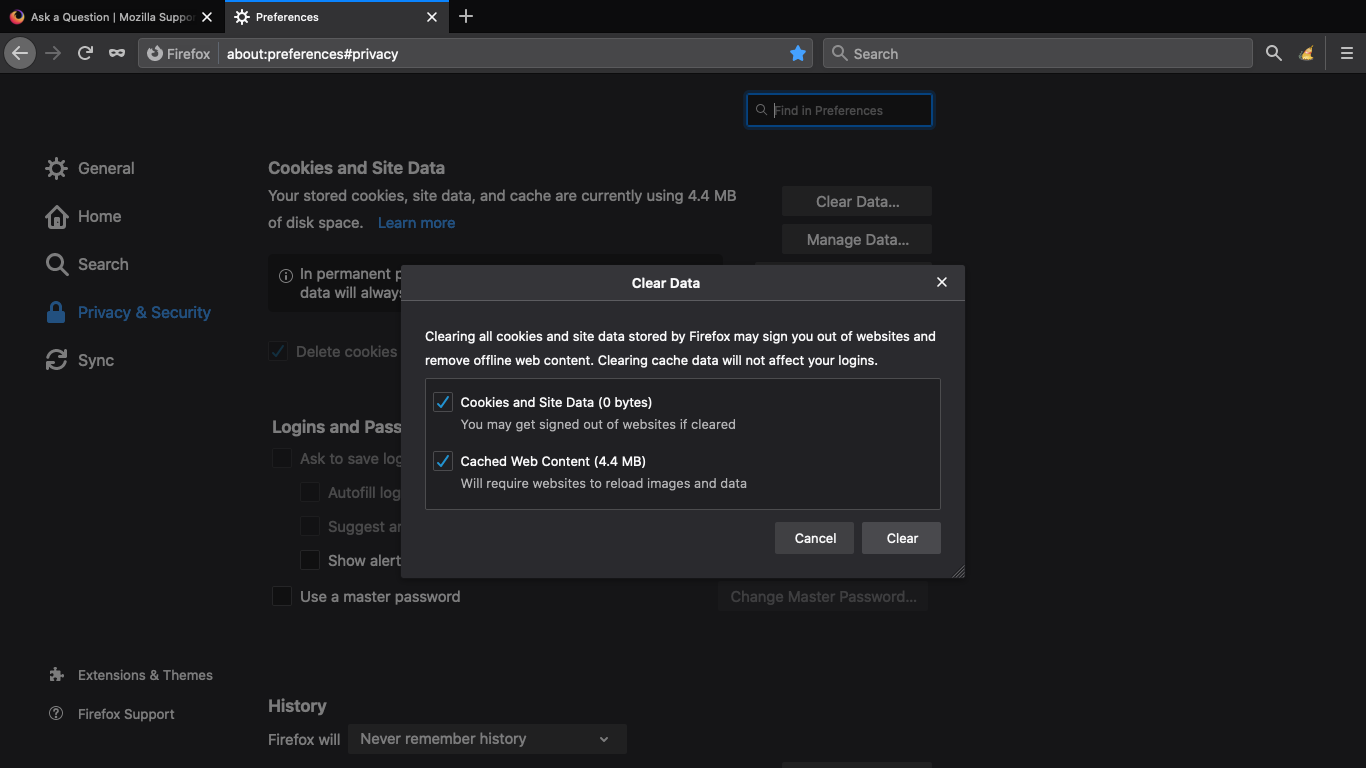
Firefox 75 on MacBook Air 10.15.4 | Why won't all of my Cached Web Content clear, manually or on close, despite all relevant settings activated (4.4 MB remain)?
I have also downloaded and tried a Firefox recommended "Clear Cache" toolbar add-on, to no avail.
If my computer collects more than 4.4 MB of cached data, the overage will clear. It's the 4.4 MB that won't disappear.
I am a long-time Firefox user who always clears cached content and site data prior to closing my browser, and I have never noticed this issue until two or three days ago.
My computer has only one installed plugin, i.e., Shockwave Flash 32.0 r0.
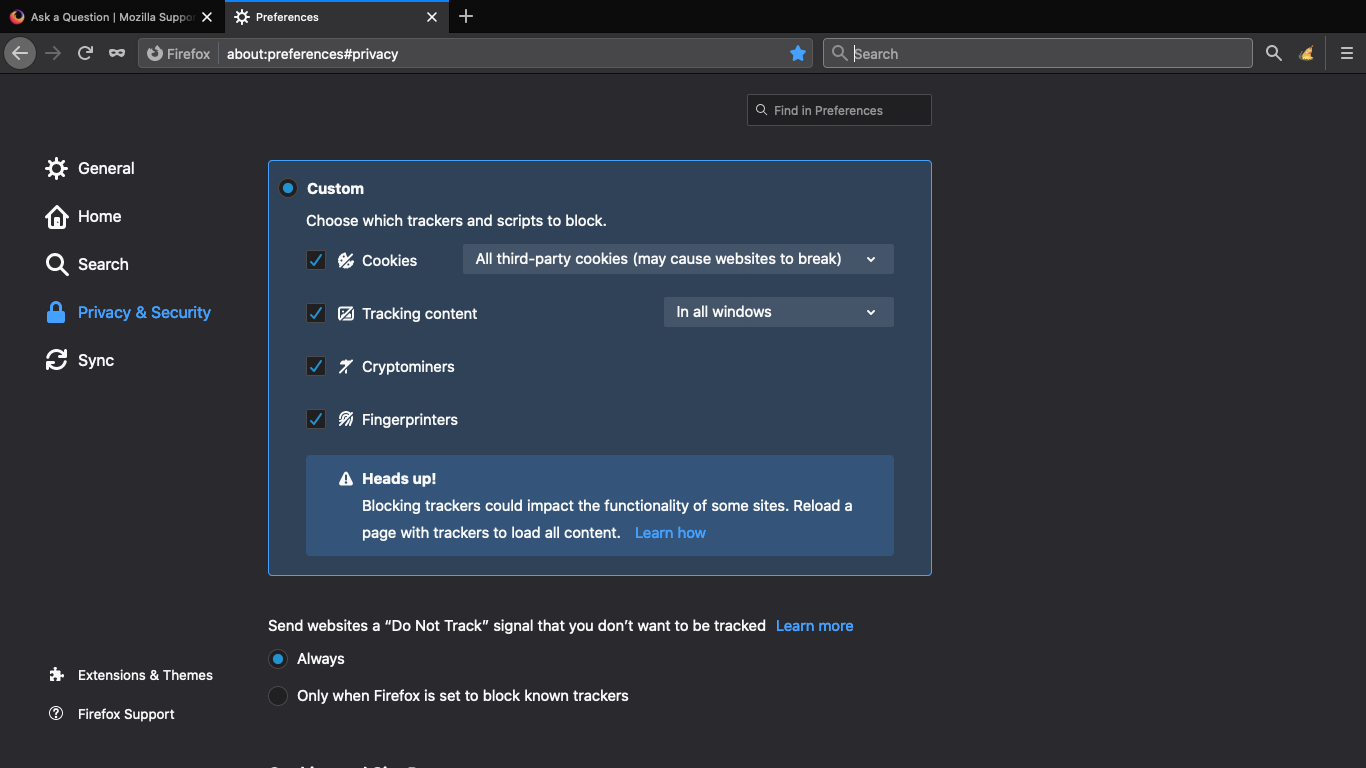
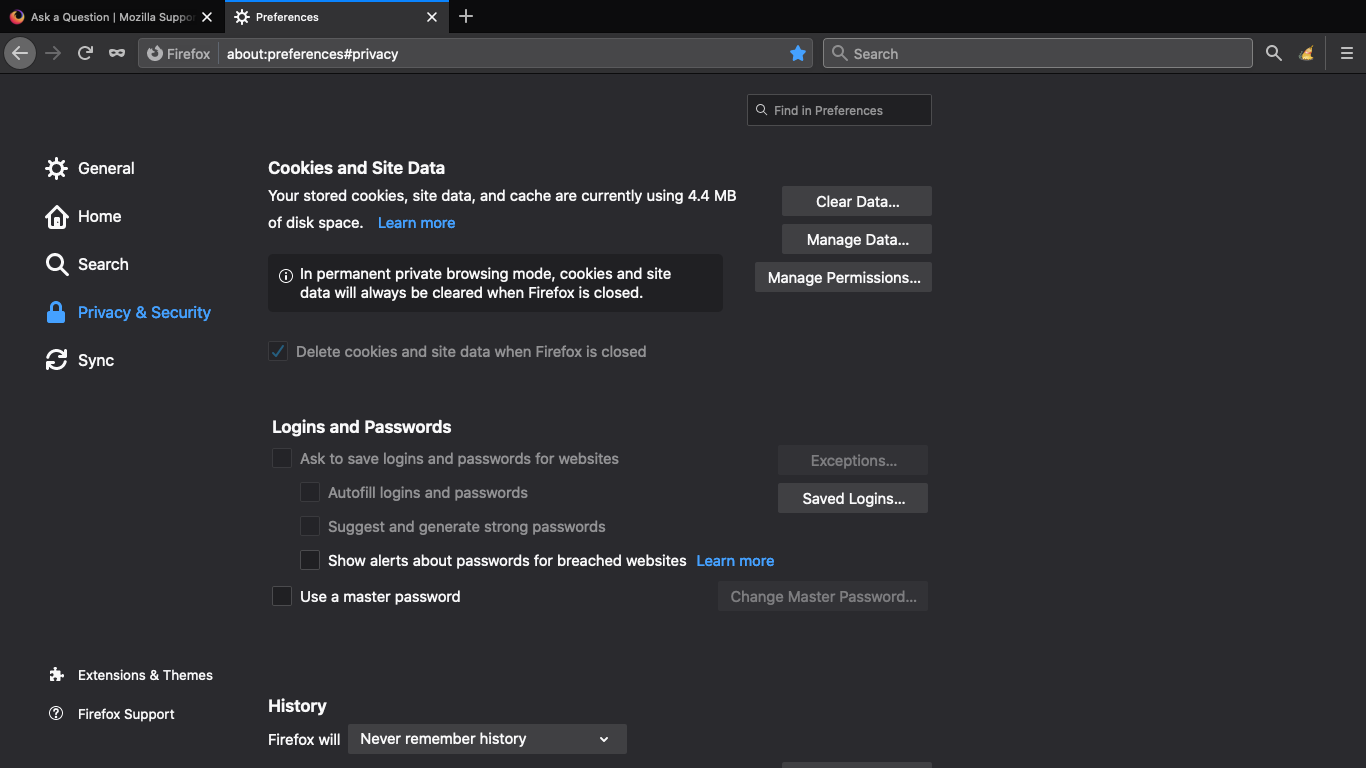
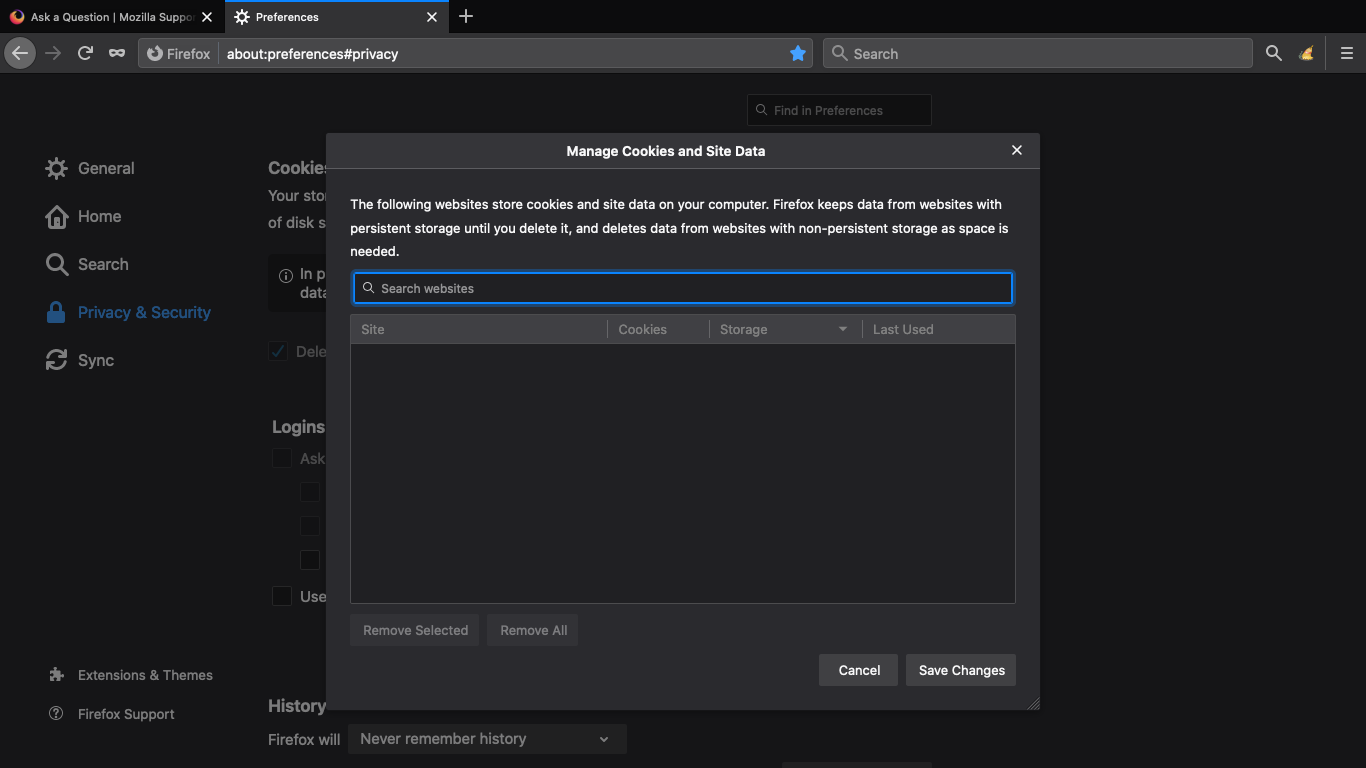
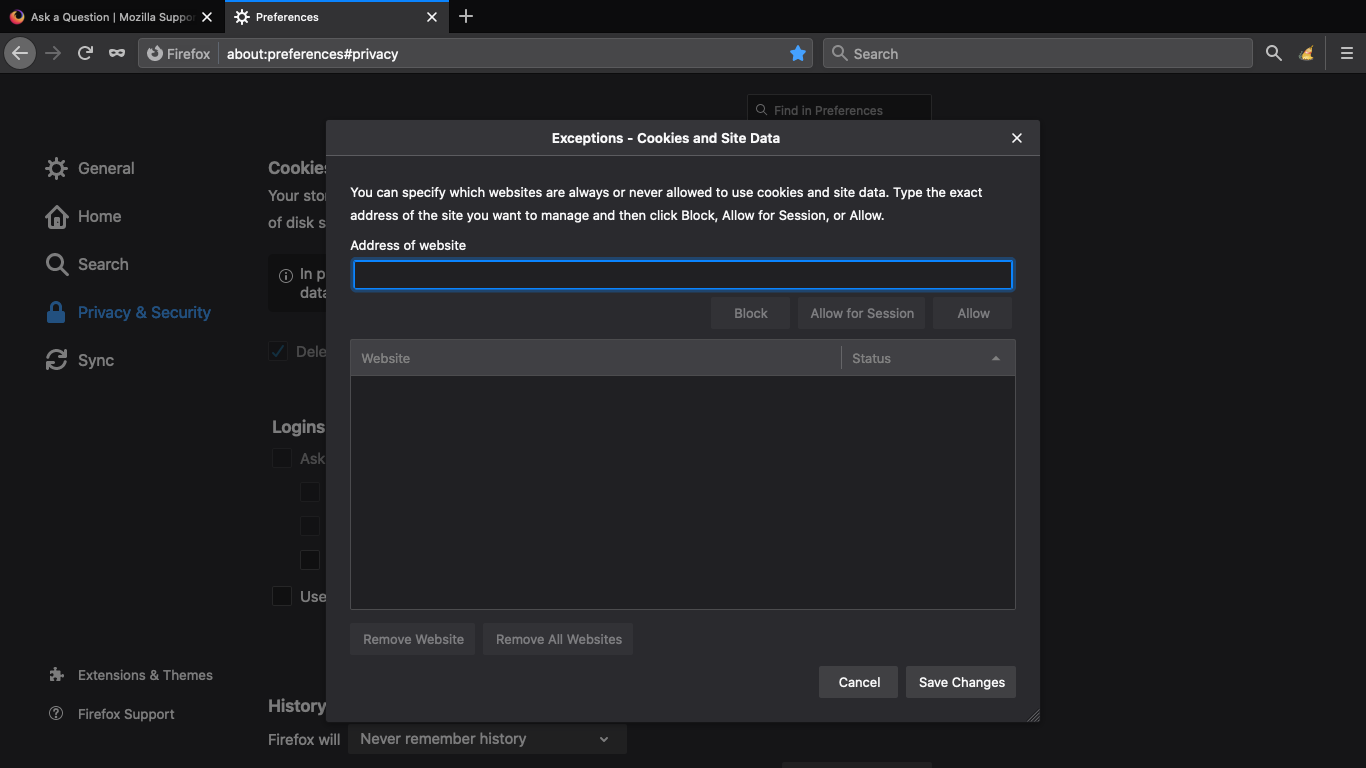
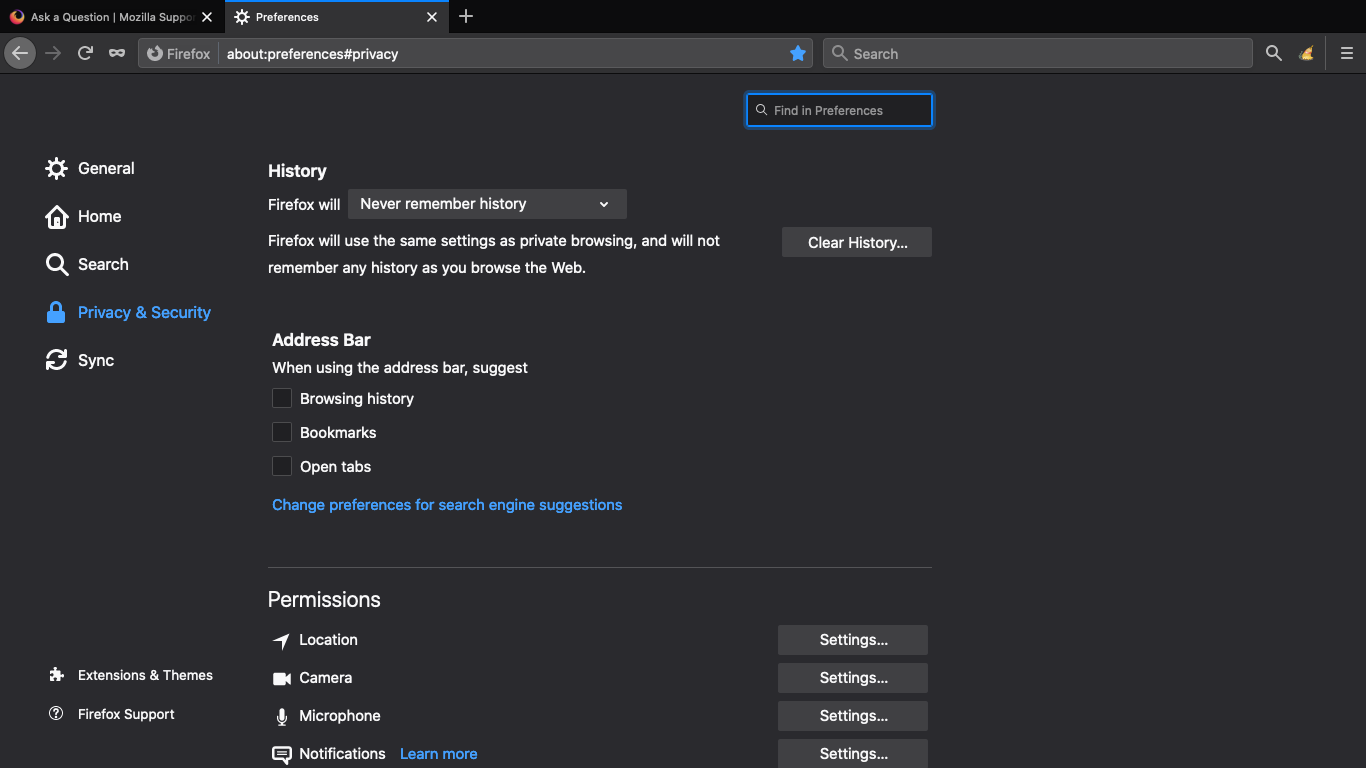
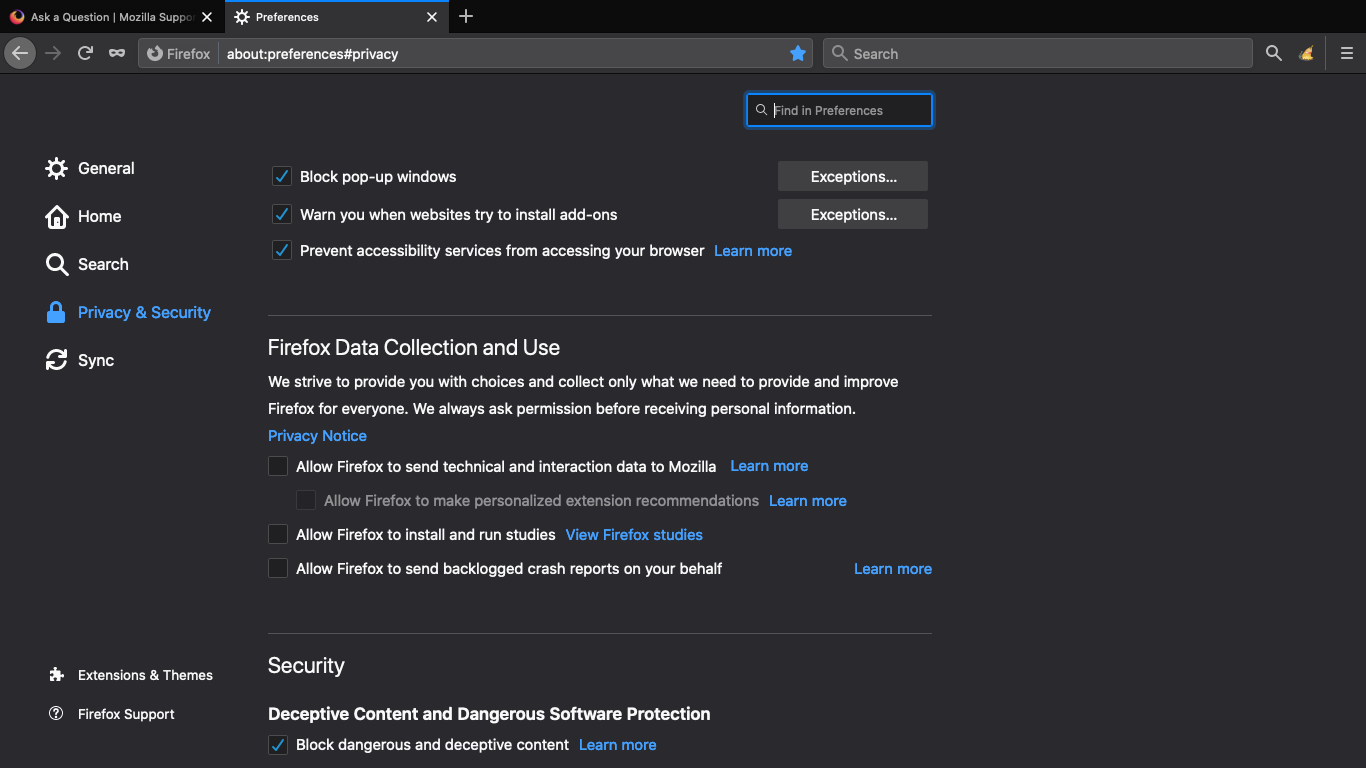
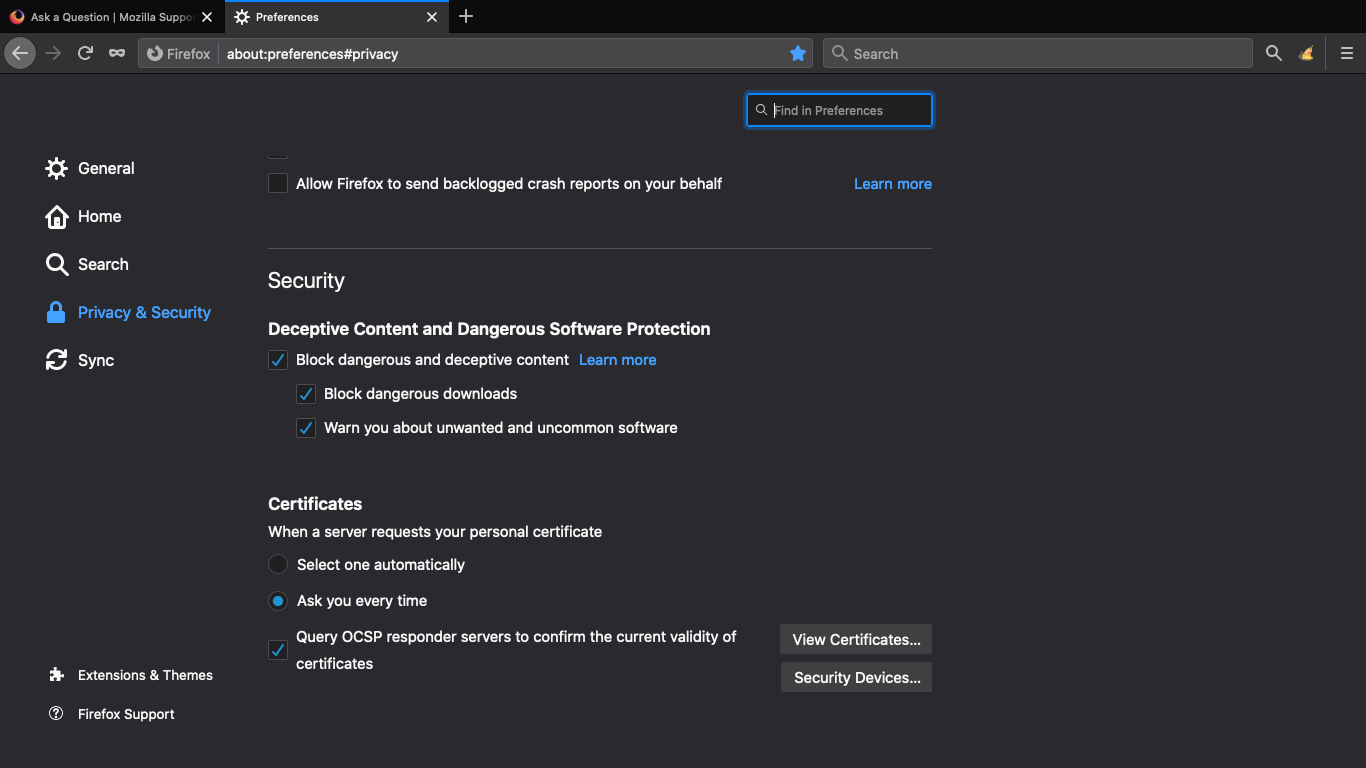
The attached images show my Privacy & Security settings.
Any suggestions? Thanks, in advance.
Επιλεγμένη λύση
You can open "about:" pages via the location/address bar
- "about:" is a protocol to access special pages
See also:
Firefox uses two locations for the Firefox profile folder Location used for the main profile that keeps your personal data (Root Directory on about:profiles).
- ~/Library/Application Support/Firefox/Profiles/<profile>/
Location used for the disk cache and other temporary files (Local Directory on about:profiles).
- ~/Library/Caches/Firefox/Profiles/
Όλες οι απαντήσεις (6)
I believe you can go to
Mac: ~/Library/Caches/Firefox/Profiles/
Close Firefox. Open your file browser to the above, and remove the folder.
to FULLY delete the cache, this thread might have more information too https://support.mozilla.org/en-US/questions/1269515
Thanks for your suggestion, Eve. Unfortunately, when I look at what's in Library/Caches/, there is no Firefox folder. The only folders there are (1) ColorSync, (2) com.apple.cloudkit, and (3) com.apple.iconservices.store.
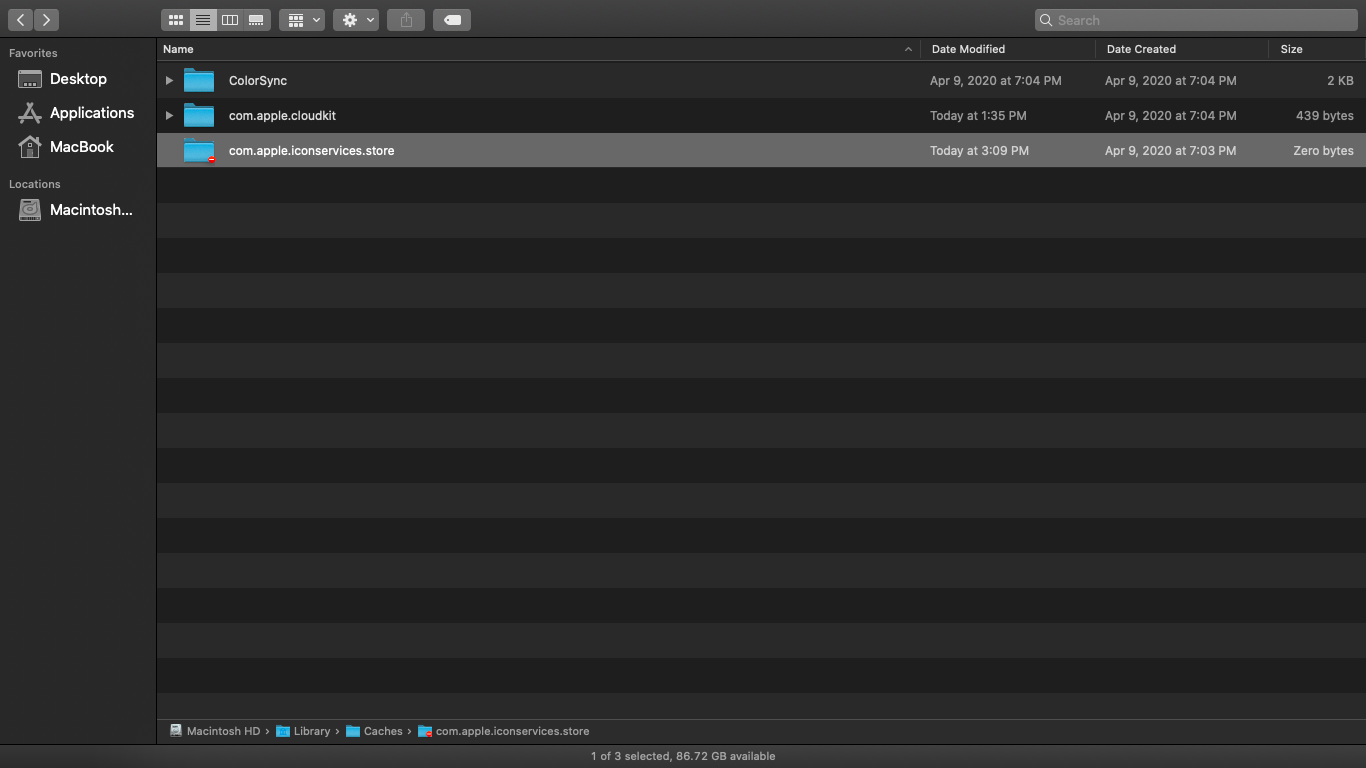
Note that this is ~/Library/Caches/ in your home directory.
You can find a button on the about:profiles page to go to the secondary (local) profile location.
cor-el said
Note that this is ~/Library/Caches/ in your home directory.
I thought that is where I looked, unless my home directory has more than one Library.
I'm not sure which "about" you're referring to. Thanks, nonetheless.
I saved my bookmarks, deleted Firefox and all associated folders, rebooted, installed Firefox and the cache is now clear. That's the only fix I could find.
Τροποποιήθηκε στις από τον/την jason
Επιλεγμένη λύση
You can open "about:" pages via the location/address bar
- "about:" is a protocol to access special pages
See also:
Firefox uses two locations for the Firefox profile folder Location used for the main profile that keeps your personal data (Root Directory on about:profiles).
- ~/Library/Application Support/Firefox/Profiles/<profile>/
Location used for the disk cache and other temporary files (Local Directory on about:profiles).
- ~/Library/Caches/Firefox/Profiles/
Thanks, cor-el. I learned something new today.
Followed your instructions and was able to find where you meant. Sorry for the trouble, making you spell it all out for me.