


iOS Firefox does not display all of page blank — Map not displayed

Page is https://www.ridgetorivers.org/trails/interactive-map/. Most of the page is a map. The page displays correctly (with the map) with Safari and Chrome.
iOS 12 and Firefox 13.2
Επιλεγμένη λύση
I tried force quitting Firefox and rebooting the iPad, and the map still did not load.
But, I noticed that your test was on an iPhone, so I tried the link on my iPhone, also running iOS 12. The map displayed there. I discovered that I had enabled Strick blocklist on my iPad and not on my iPhone. Setting blocklist to Basic on my iPad allowed the map to load.
Thanks for the hint.
Προβολή απάντησης εντός συζήτησης 👍 0Όλες οι απαντήσεις (2)

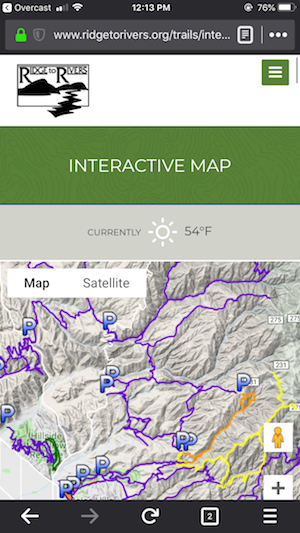
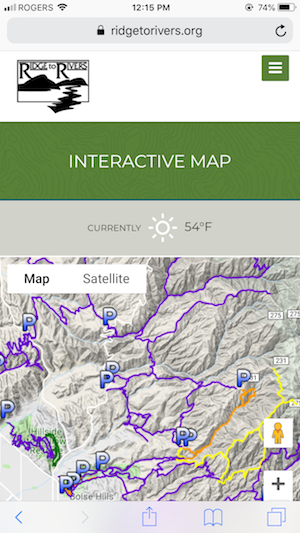
Hi Ben, I've tested the page by opening it in both Firefox and Safari, and both look the same here. Both show the map.
Let's try something simple like force-quitting the app.
- Double-tap the home button to bring up the application switcher.
- Scroll to the Firefox app.
- Swipe up the Firefox app.
Επιλεγμένη λύση
I tried force quitting Firefox and rebooting the iPad, and the map still did not load.
But, I noticed that your test was on an iPhone, so I tried the link on my iPhone, also running iOS 12. The map displayed there. I discovered that I had enabled Strick blocklist on my iPad and not on my iPhone. Setting blocklist to Basic on my iPad allowed the map to load.
Thanks for the hint.