


Windows 10 reached EOS (end of support) on October 14, 2025. For more information, see this article.

Αναζήτηση στην υποστήριξη

Προσοχή στις απάτες! Δεν θα σας ζητήσουμε ποτέ να καλέσετε ή να στείλετε μήνυμα σε κάποιον αριθμό τηλεφώνου ή να μοιραστείτε προσωπικά δεδομένα. Αναφέρετε τυχόν ύποπτη δραστηριότητα μέσω της επιλογής «Αναφορά παραβίασης».

Μάθετε περισσότερα

Αυτό το νήμα αρχειοθετήθηκε. Κάντε νέα ερώτηση αν χρειάζεστε βοήθεια.

Firefox Facebook issue

  • 2 απαντήσεις
  • 2 έχουν αυτό το πρόβλημα
  • 58 προβολές
  • Τελευταία απάντηση από philipp

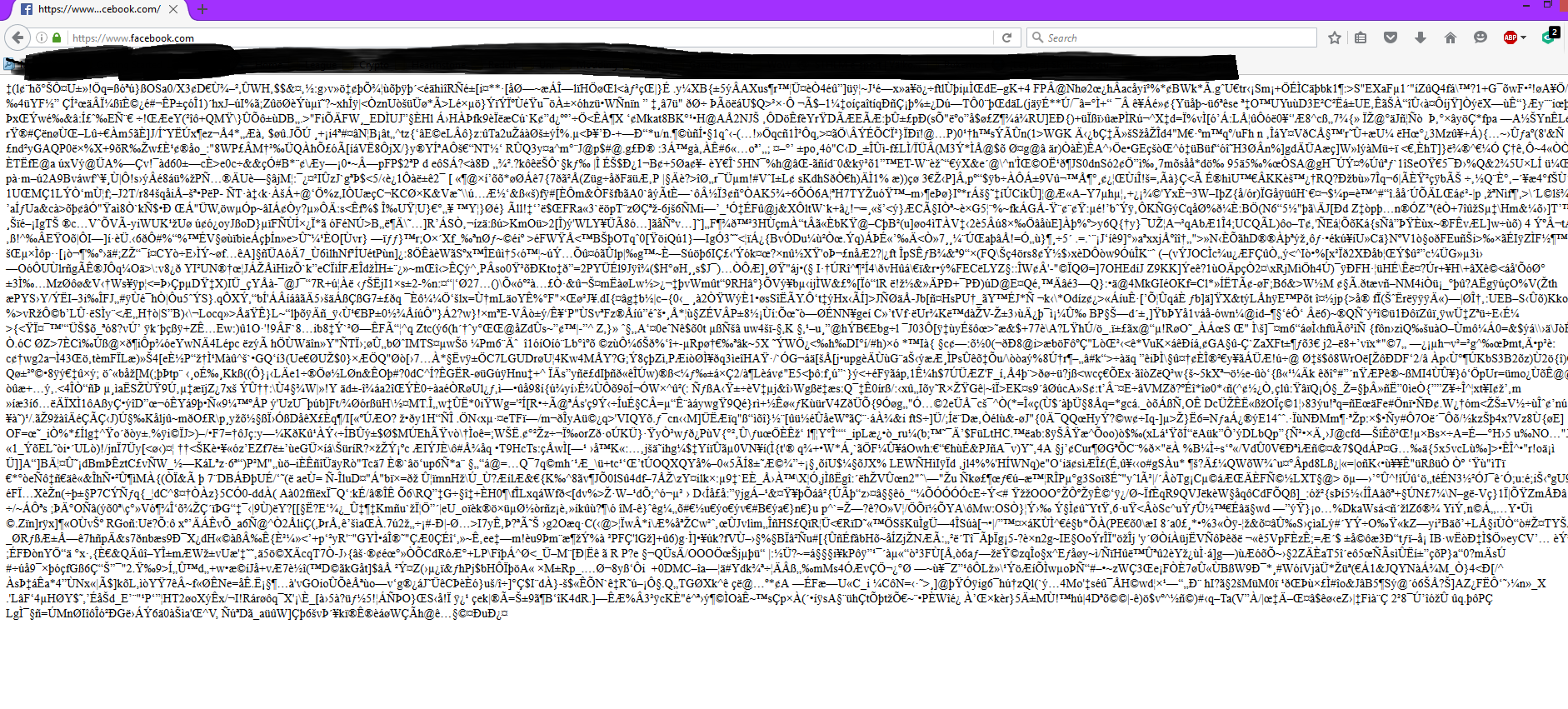
I have 2 Facebook profiles for different purposes made with 2 different emails. I'm constantly logged in on my main one and checked the email of the other account. I clicked on one of the emails and followed its "View on Facebook" link. It obviously logged out my main account, but nothing more. So i open a new tab with facebook and this happened (see image)

I have deleted cache, cookies active logins etc and also restarted my pc. How do i fix this?

I have 2 Facebook profiles for different purposes made with 2 different emails. I'm constantly logged in on my main one and checked the email of the other account. I clicked on one of the emails and followed its "View on Facebook" link. It obviously logged out my main account, but nothing more. So i open a new tab with facebook and this happened (see image) I have deleted cache, cookies active logins etc and also restarted my pc. How do i fix this?

Όλες οι απαντήσεις (2)

Image of how my browser looks
hi Lynxathrope, are you using kaspersky as your security program? if so, please disable the scanning of secure connections like it's described at https://support.mozilla.org/en-US/kb/troubleshoot-SEC_ERROR_UNKNOWN_ISSUER#w_kaspersky, reboot your system afterwards and see if the issue is still occurring...