


CKEditor copy-paste problem from Lotus Notes

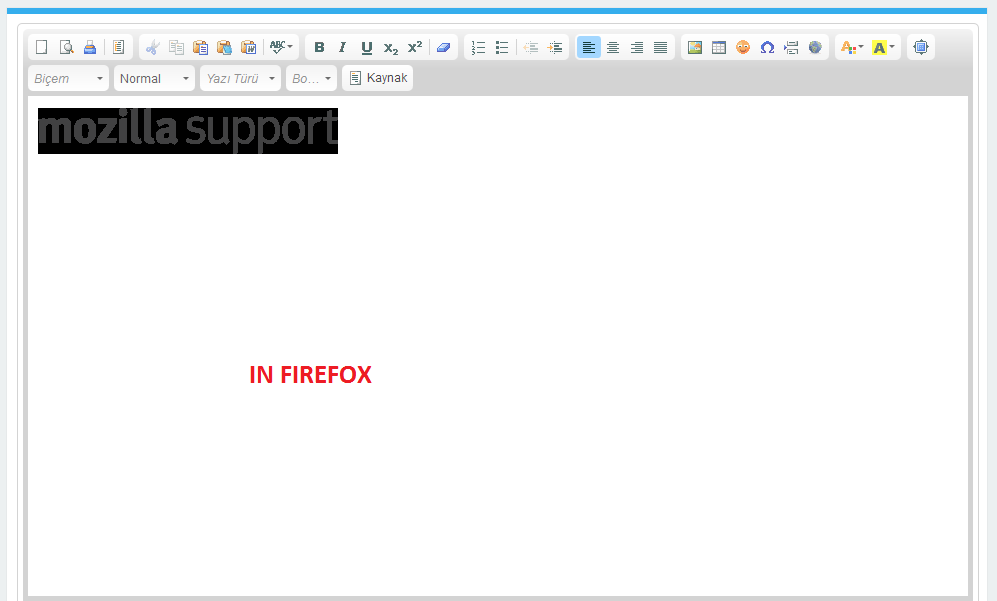
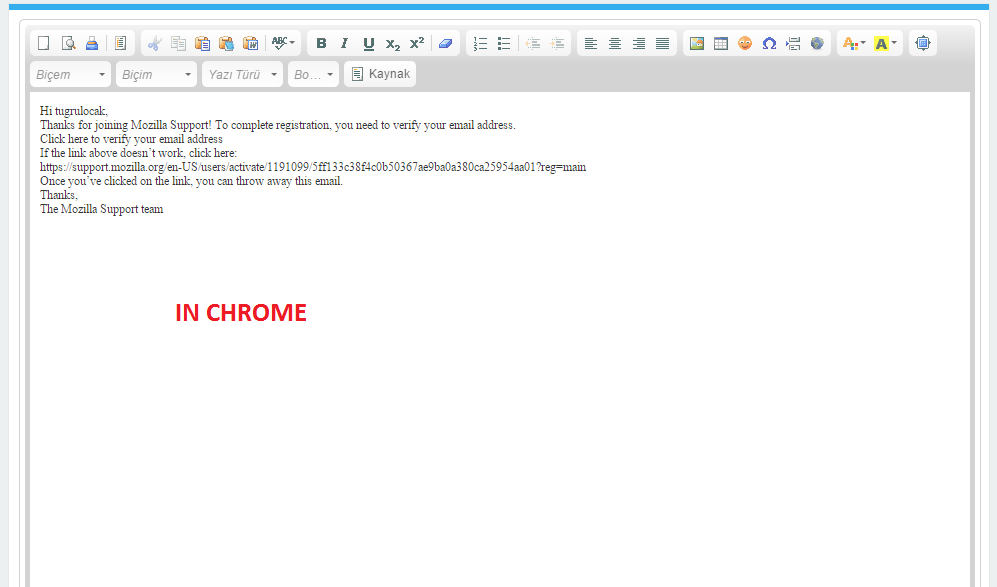
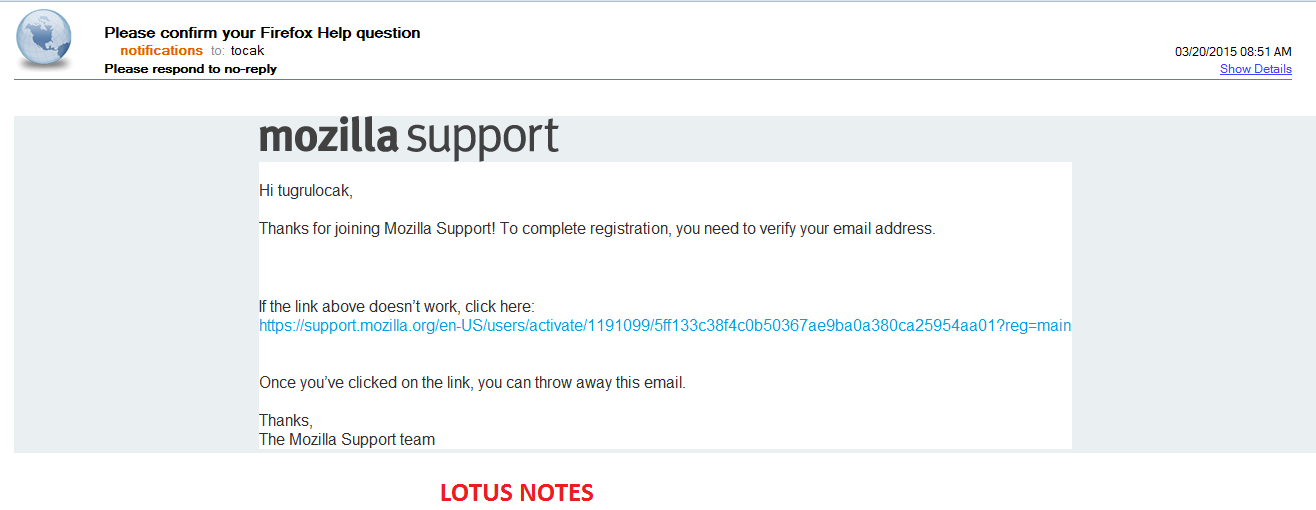
I use CKEditor in my web applications. When I want to copy a content from Lotus Notes which contains images CKEditor only accepts the image in my copy content and it is in inverted version. But when I repeat same operation in Google Chrome it accepts the text from content and this is acceptable for me. I am sending screen-shots of my issue. The content is the mail that you sent me about confirmation of my Firefox Help question. The copy content is the same for both screen-shots.
How can I handle this in Firefox?
Firefox version : 36.0
Operating System : Windows 7
Installed plugins :
- Adobe PDF Plug-In For Firefox and Netscape 11.0.10
- Creative Cloud Desktop Plugin.v_2_0_0_0
- AlternaTIFF v2.0.6
- Box Edit
- Google Update
- ImageCapture Suite Plugin Trial
- Intel web components for Intel® Identity Protection Technology
- Intel web components updater - Installs and updates the Intel web components
- NPRuntime Script Plug-in Library for Java(TM) Deploy
- Next Generation Java Plug-in 11.31.2 for Mozilla browsers
- Document scanning browser plugin
- NVIDIA 3D Vision Streaming plugin for Mozilla browsers
- NVIDIA 3D Vision plugin for Mozilla browsers
- Notes embedded control plugin for Mozilla
- NPWLPG
- Shockwave Flash 17.0 r0
- 5.1.30514.0
- Unity Player 4.6.3f1
Τροποποιήθηκε στις από τον/την tugrulocak
Όλες οι απαντήσεις (3)
Unfortunately I do not know much about this tool, however I did find a few options with a little research: It looks like there is an option to paste as plain text with the editor:
As well as an advanced filter:
Thank you for your interest and reply.
Unfortunately I already tried those and see documents but they didn't actually help my problem.
Thanks in advance
Not a problem, looks like others have also found this to be unsupported: http://dev.ckeditor.com/ticket/12925
However is it possible to change the format of Lotus notes to not include html?