


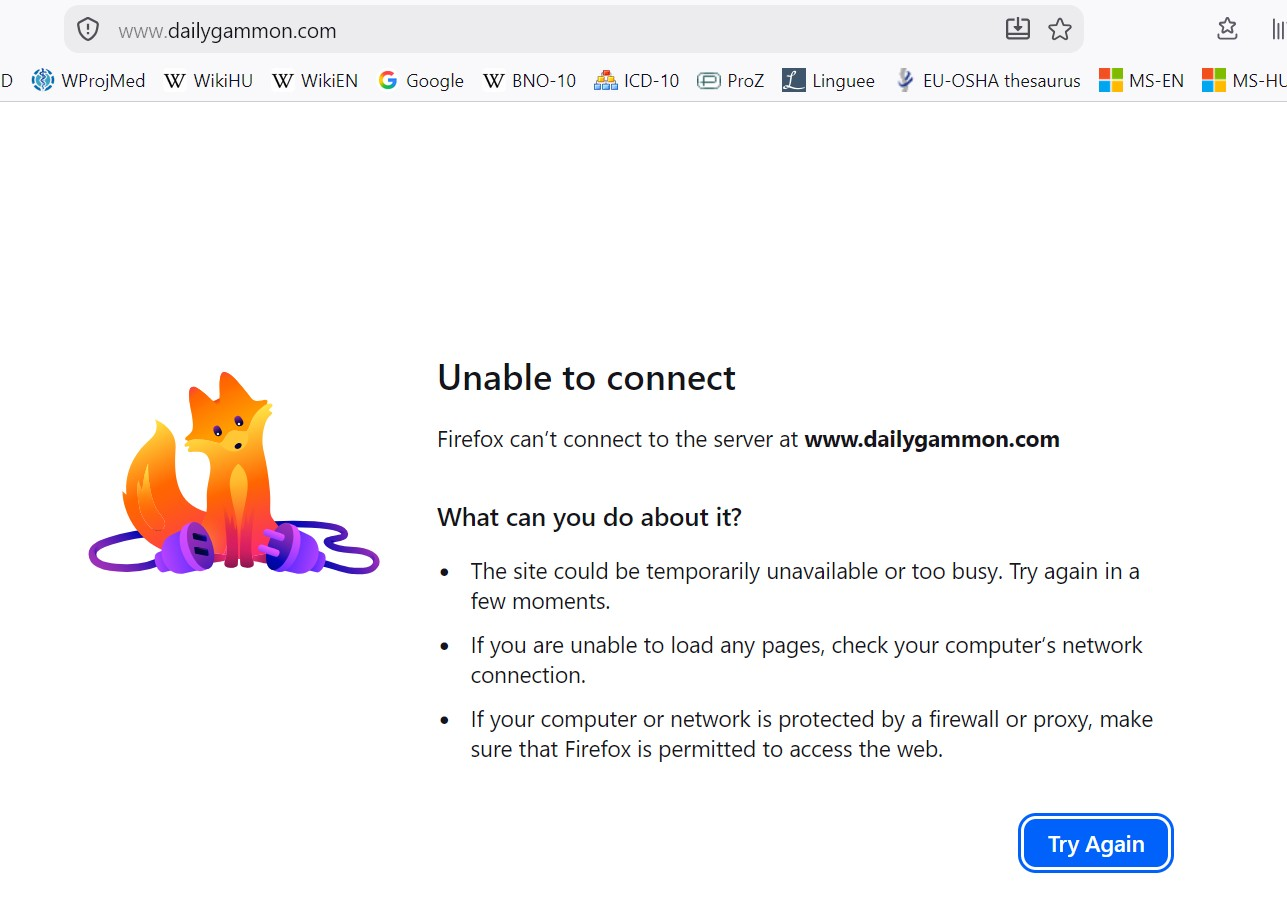
after a Windows update, Mozilla my browser times out and won't load: "http://www.dailygammon.com/bg/login"

After a Windows update, Mozilla my browser times out and won't load: "http://www.dailygammon.com/bg/login" It has been one of my bookmarks for years, I play Backgammon there every day. I have cleared my browser history and cache, it is still not loading. I tried with Edge and it loaded no problem. How do I fix this? Mozilla is my default browser.
All Replies (2)
Old HTTP site, no HTTPS. https://support.mozilla.org/en-US/kb/https-only-mode-firefox-android Menu>Settings>HTTPS-Only Mode>(toggle off)
Ah, it might break even with the above switch "off" — I think if the HTTPS upgrade is driven by "DNS over HTTPS" enabled and this is new for you in v155.x, you might be affected by this as well: support.mozilla.org/questions/1603229?page=2 — there should be a fix shipping tomorrow to verify.