



All Replies (1)
Hi
1. Ensure you are using the latest version of the browser.
2. Go to Help > Troubleshoot Mode. This disables extensions. If it works now, one of your extensions is causing the problem.
3. Clear Cookies and Cache Settings > Privacy & Security > Cookies and Site Data > Manage Data. Search for "whatsapp" and remove the selected data.
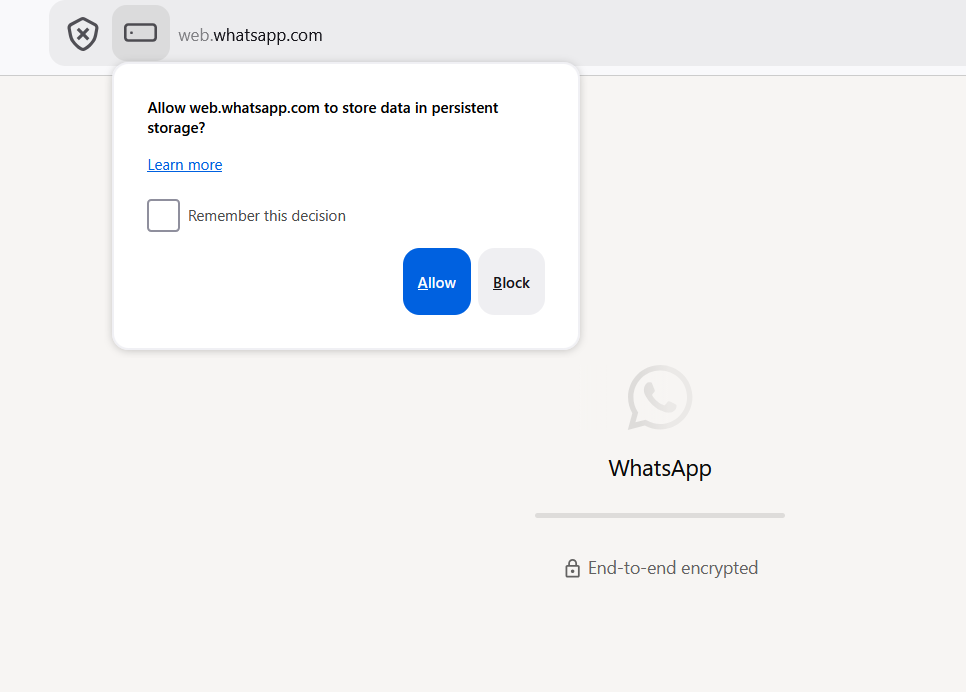
4. Check Enhanced Tracking Protection. Click the shield icon to the left of the URL bar and toggle the switch to OFF for WhatsApp.