Graphic glitches at google maps and pasting images

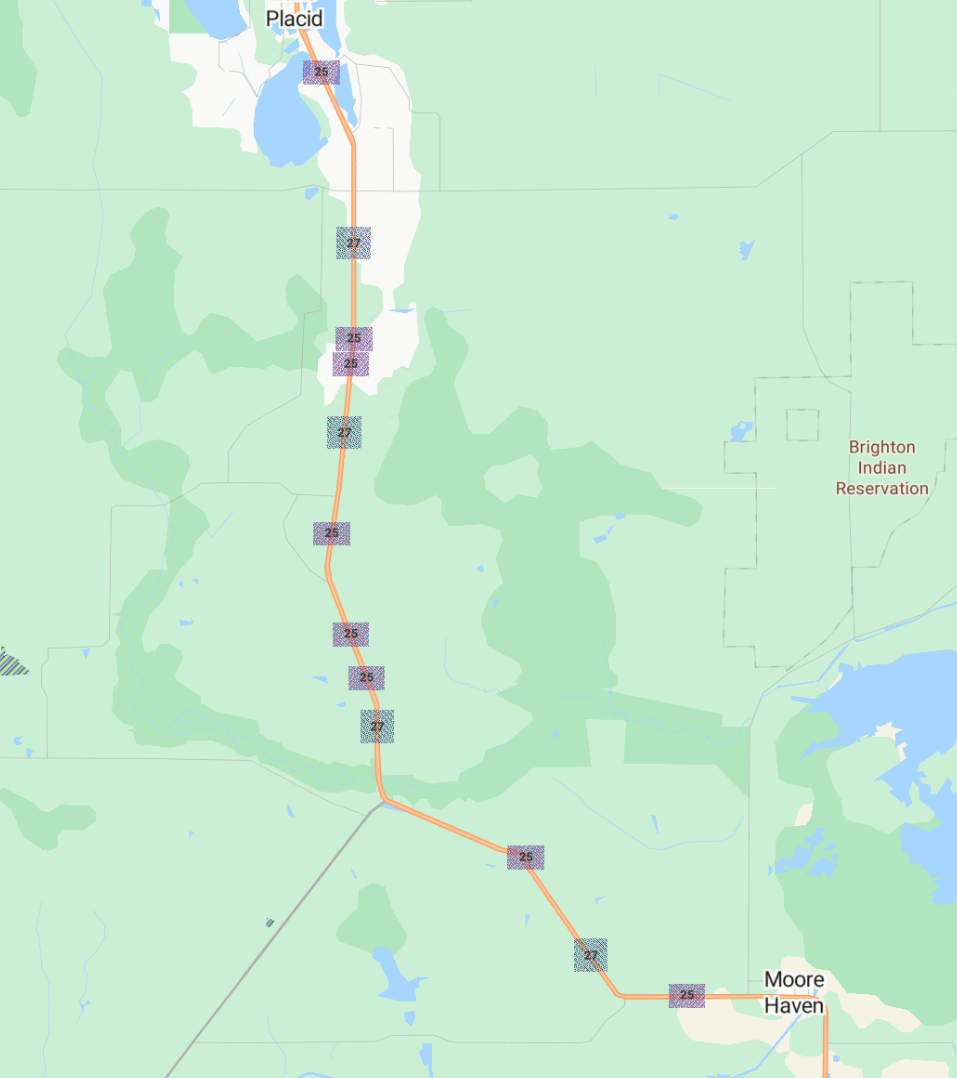
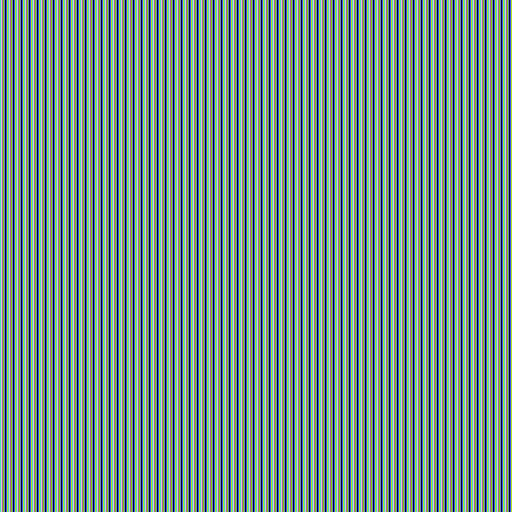
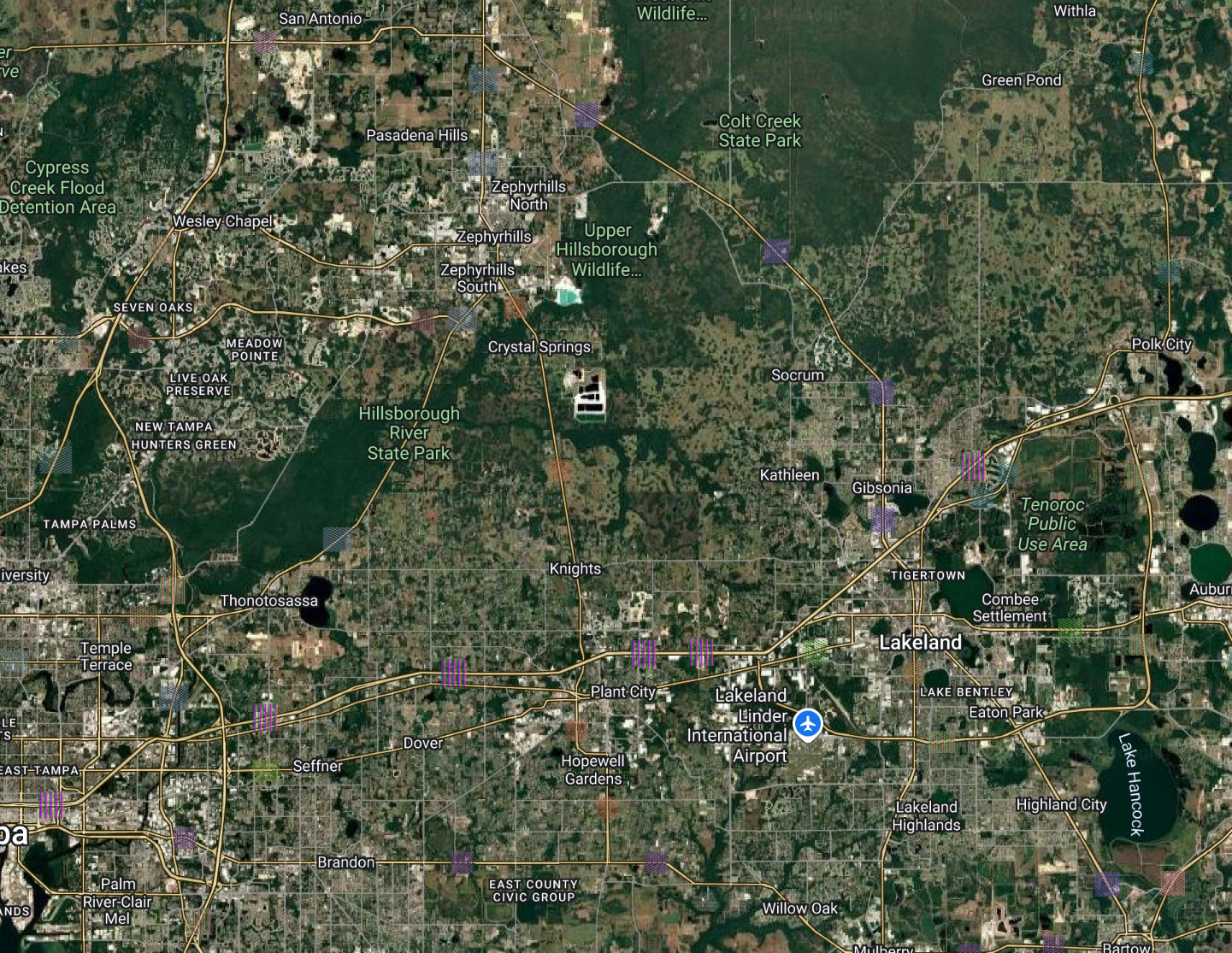
Firefox 147.0.3 windows 11 Getting colorful lines when pasting images (snip attached) Getting mystery squares on google maps (snip attached)
Settings that I've tried to change so far and that didn't help: Hardware acceleration - disable dom.event.clipboardevents.enabled webgl.all-angle-options webgl.enable-privileged-extensions webgl.force-enabled
Have no any issues with pasting and maps in Edge browser
All Replies (4)
Hello,
You can try updating graphics drivers (device manager)(go to display adapter or graphics card name), then rightclick, then update manually (update driver>automatically update)
You can also try clearing cache, and if not, try clearing cookies for google.
dessertdish trɔe
No available update, I've tried to reinstall firefox and that didn't help. Having the same issue in private mode