


OAuth sign in failed (Gmail)

One Gmail account imported all of the settings, including the Inbox. The other Gmail account recieves this:
Please sign in We'll redirect you to your email provider to sign in. You need to grant the app access to your email account.
Sign in with Google
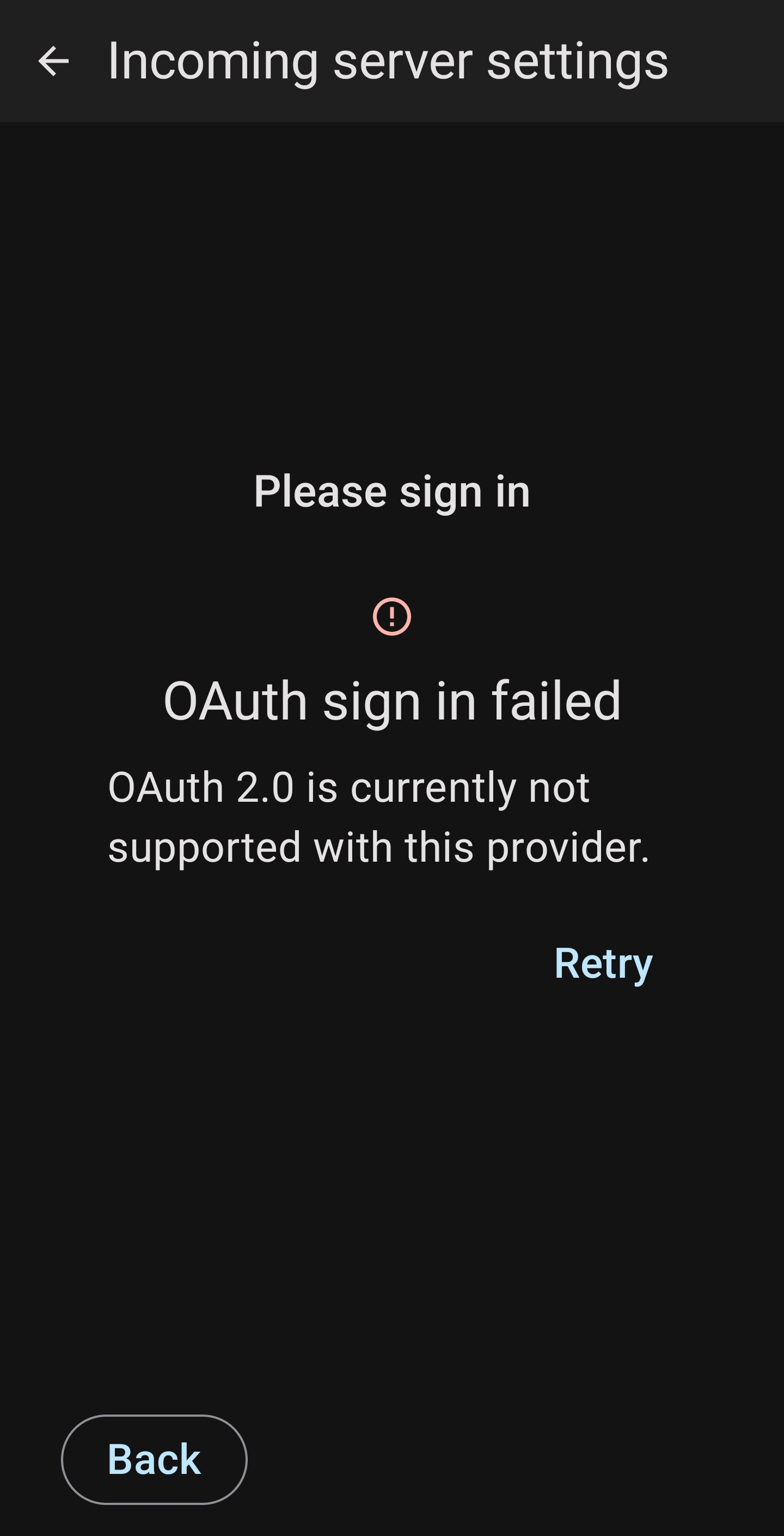
Then the following error, as it won't open to Google to confirm (it did with the other account)
Please sign in Oauth sign in failed OAuth 2.0 is currently not supported with this provider Retry

Ŋuɖoɖo si wotia
RESOLVED
Deleted the imported account that failed.
Added a NEW account.
Issue resolved.
Xle ŋuɖoɖo sia le goya me 👍 0All Replies (3)
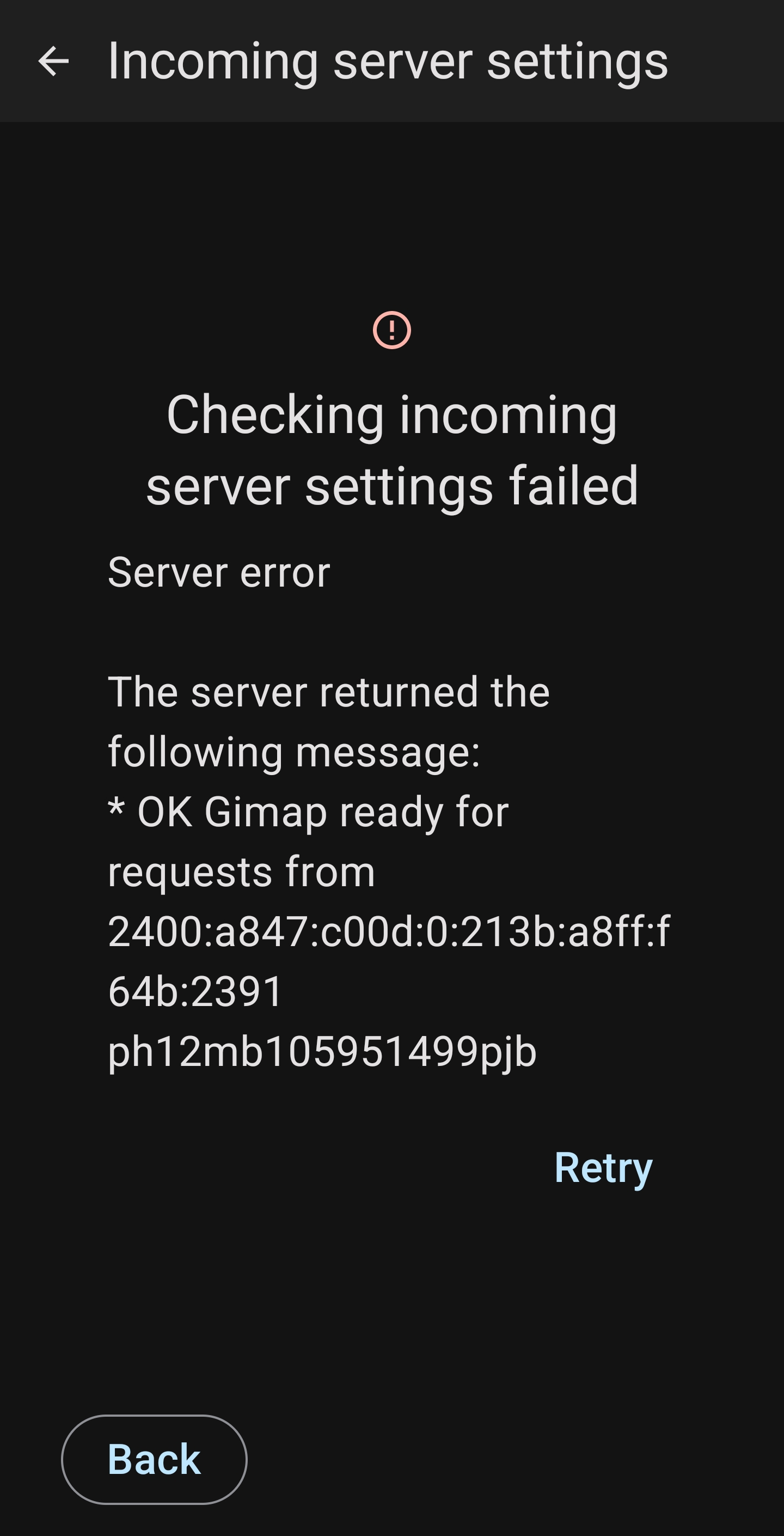
I changed the incoming settings to the same as the gmail account that works, then Gmail sign in popped up and requested to allow access. However, I recieved a further error (screenshot attached)

blackspear1 trɔe
Ɖɔɖɔɖo si wotia
RESOLVED
Deleted the imported account that failed.
Added a NEW account.
Issue resolved.

Thanks, worked for me also.