


Problem trying to open Thunderbird window id="messengerWindow"
When trying to open windows after a reboot I get the following message
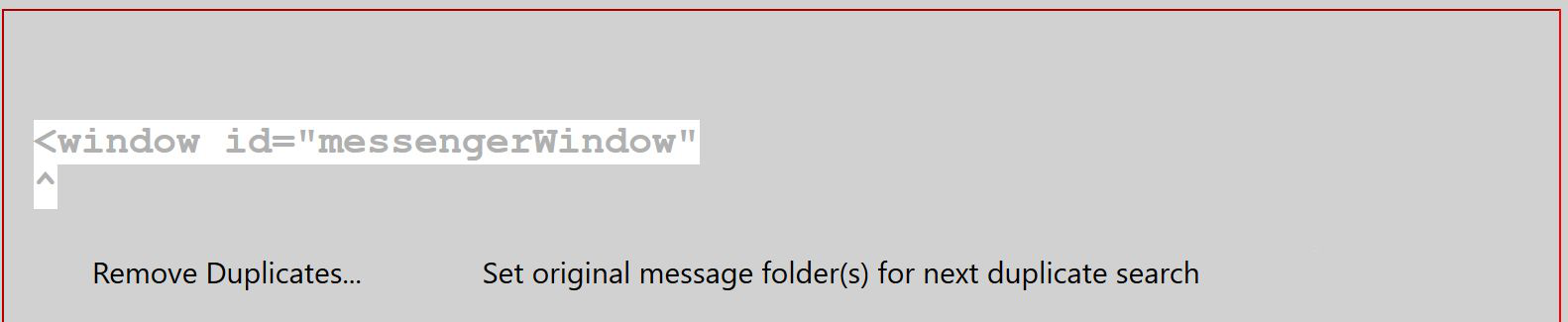
<window id="messengerWindow" ^ this is in a grey window, jpg attached. < p></window>
Any suggestions appreciated.
Wayne Mery trɔe
Ɖɔɖɔɖo si wotia
IanH, How have you managed since your last posting?
All Replies (3)
Does the grey window appear in safe mode (hold Shift when launching TB)? Check if the Remove Duplicates add-on is incompatible or needs to be updated.
I have removed Remove Duplicates and all the other extensions which no longer worked. I can open in safe mode but the two options do not solve problem. I have restarted computer but still get the same message but it no longer refers to the Remove Duplicates extension. I presume I now have to set up a new profile. Very appreciative of your efforts. Thanks.
Ɖɔɖɔɖo si wotia
IanH, How have you managed since your last posting?