I have two Firefox icons in my Win10 start menu. How do I remove one of them?
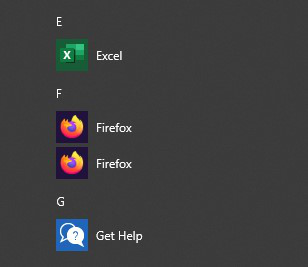
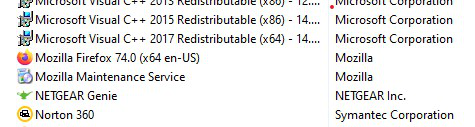
My Win10 start menu has two Firefox icons and both are version 74.0. When I click on the second icon, I receive a pop-up box that says Firefox is not my default browser. When I look at my list of programs to uninstall through the Control Panel, I only see one instance of Firefox in the list of programs. How can I delete the second icon? Thank you for any assistance you can provide.
My Win10 start menu has two Firefox icons and both are version 74.0. When I click on the second icon, I receive a pop-up box that says Firefox is not my default browser. When I look at my list of programs to uninstall through the Control Panel, I only see one instance of Firefox in the list of programs. How can I delete the second icon? Thank you for any assistance you can provide.
scortese70 trɔe
All Replies (2)
I have never had problem like that but It may help Right click on one of them > Open file location > Delete one shortcut then reboot and check.
Sky trɔe
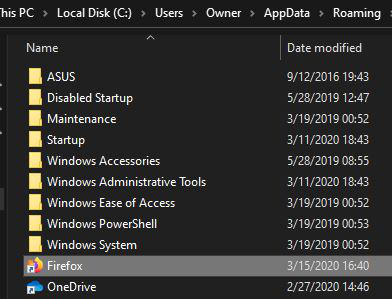
Good evening. I did as you instructed but as you can see from the screen grab, there's only one Firefox shortcut present.