TB 146.0.1 Keeps reverting to Manual Spam Sorting

Hello,
I run Thunderbird 146.01 under Windows 11 Version 10.0.22631 Build 22631... TB pulls messages from a POP Server.
Though I have tried many fixes TB keeps reverting to requiring that I manually run both Spam Sorting, and Filter Sorting, usually after running these functions automatically for about a week.
Might someone suggest a fix that will have some lasting benefit?
Many thanks,
Lothar
Wšykne wótegrona (6)
> Spam Sorting, and Filter Sorting,
You mean automatic Junk/Spam and automatic Filter?
Hi Wayne,
Yes... That's why I said TB keeps "Reverting" to my needing to manually move my Spam, and Filtered messages both of which are set to be moved automatically.
I will add that I have "ReTrained" my Spam criteria about four times, and that helps for about a week before TB reverts to requiring manual sorting again. This has been happening for many months...
Thanks, Lothar
Roughly what month/date did this start happening. You didn't change anything in account settings just prior to that? All filters fail? (you have more than one?) Do you have any settings on your spam folder to automatically delete messages?
Hi Wayne,
A rough estimate would be that the problem started about five months ago... I changed nothing just prior to this starting. I have perhaps twenty filters, and I have not studied this situation with care that would allow me to tell you if all filters are affected. My Spam folder deletes messages after they sit for more than eight days, and gets that setting from my Account Settings.
I also neglected to say that this problem is intermittent... On occasion, if I reboot the system, the messages will be moved automatically. Sometimes that will happen without a reboot. But far more frequently, I have the problem I have described. In addition, I did not explain that messages are marked as Spam, but establish residence in my Inbox rather than being moved to the appropriate folder.
Thanks, as before, Lothar
re : TB pulls messages from a POP Server.
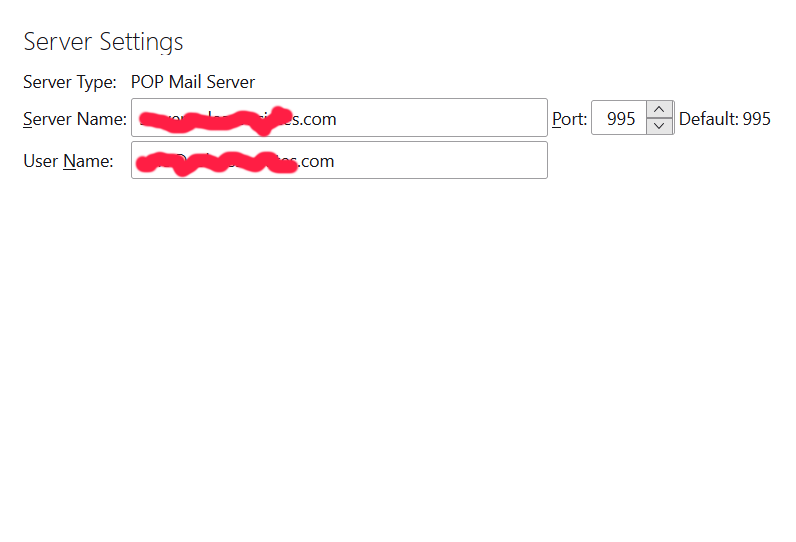
I presume you mean 'Account Settings' > 'Server Settings' says Server Type: Pop Mail Server
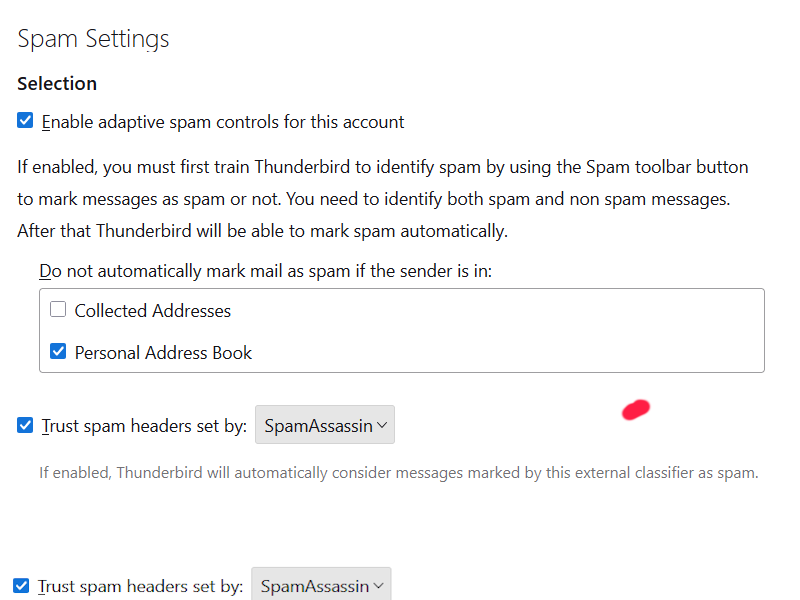
Please post an image of your 'Account Settings' > 'Spam Settings' for the pop account.