


rogers taking control of my email

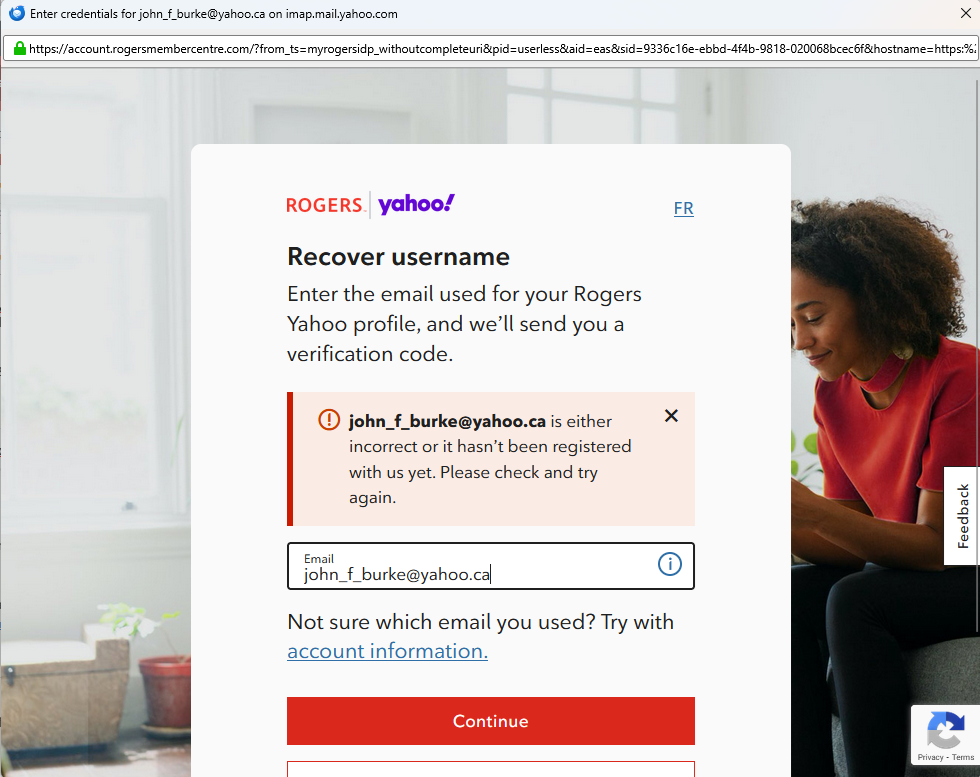
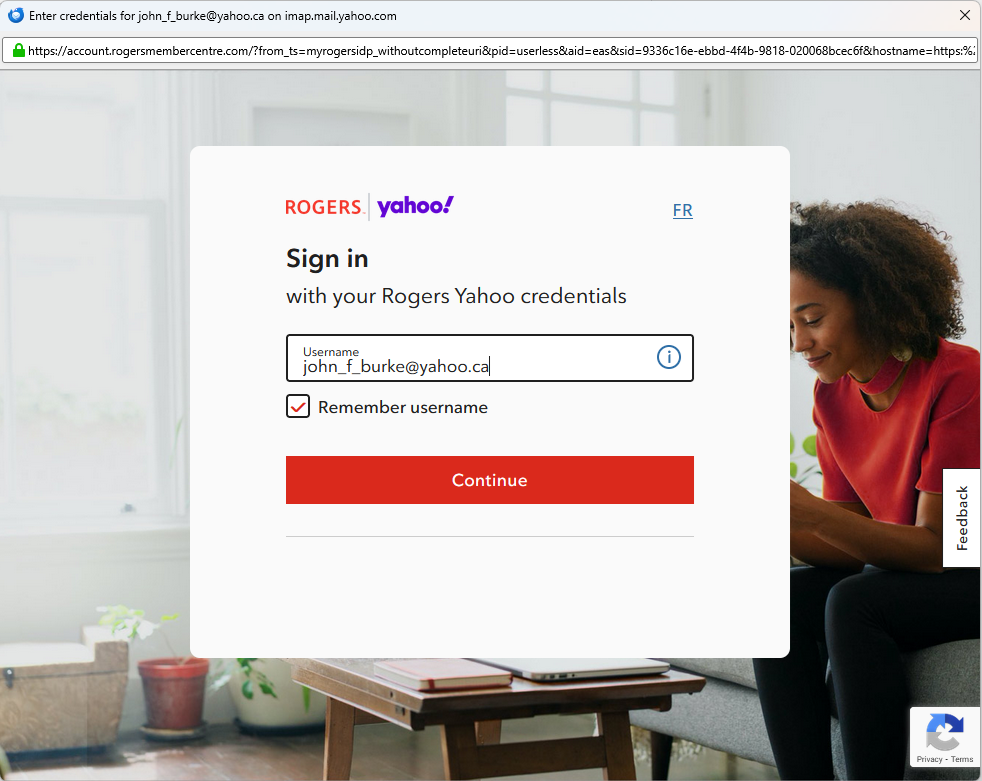
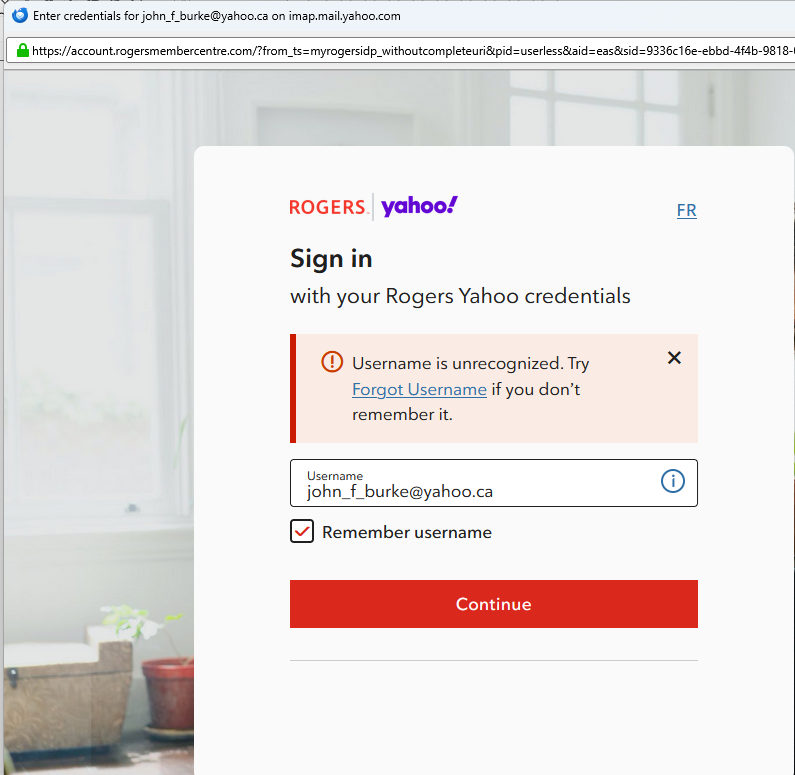
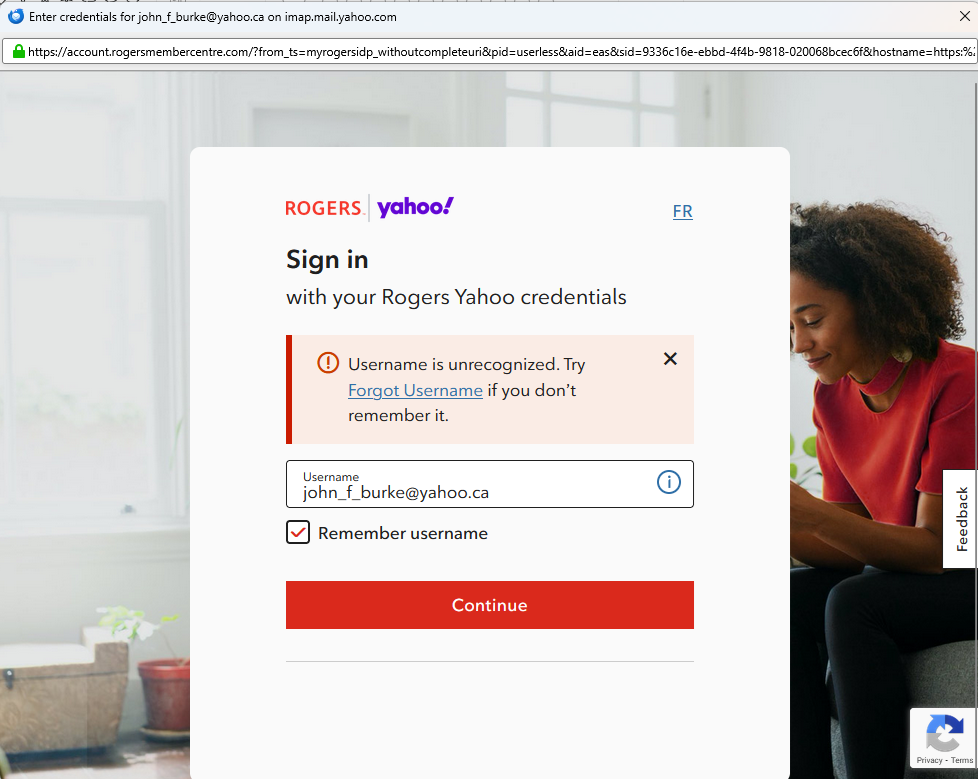
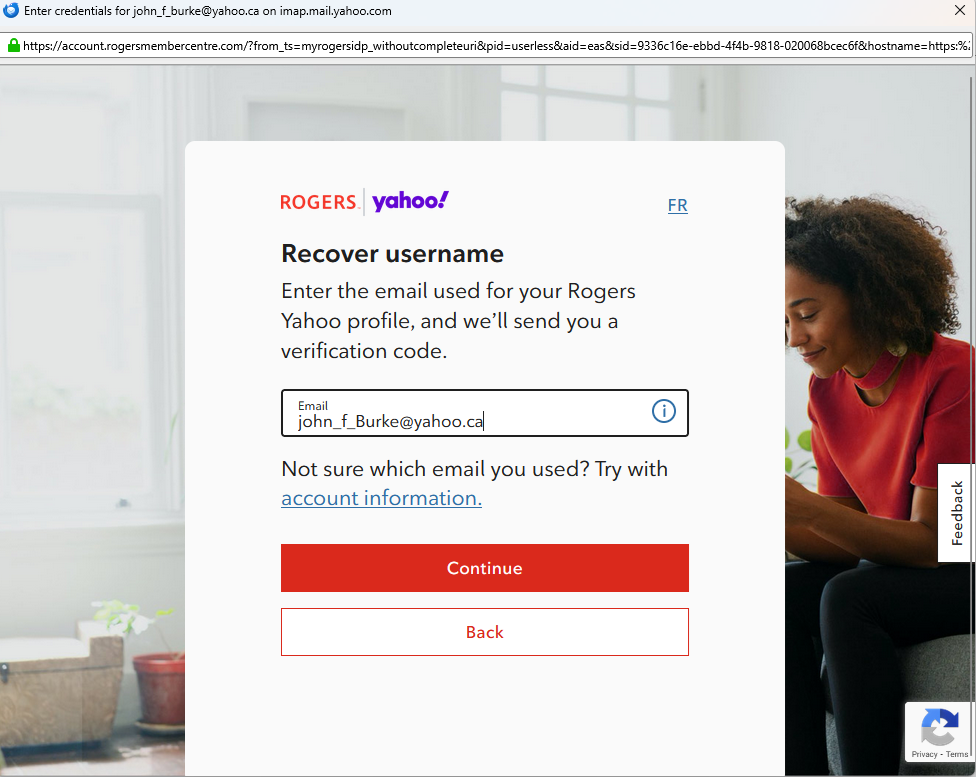
I have had my @yahoo.ca email for many years. I have always used Thunderbird to retrieve my email and read it locally on my desktop. Recently when Thunderbird launched Rogers take over and wants me to lo in to rogers. It is not a Rogers.com email address, it is a yahoo.ca email address.
Why has Rogers taken over my email.
I can still access my email on the web at the yahoo.ca website, but I want it back in Thunderbird as well.
john_f_burke@yahoo.ca
Wšykne wótegrona (9)
That was the setting I was using. I found this other one and tried that as well.
I just changed it back and still no folders when I 'subscribe'.
Is the solution to rebuild all the folders?

I may not be much help here...
So account login is successful, but we are not seeing any messages at all? Even for Inbox?
I can log in Ok and all emails are downloaded to my in box. It's just that I have no folders.
BTW, I use Thunderbird with Gmail and it works perfectly. It is only since Rogers took over my Yahoo.ca account that I have had issues.
When I read my email on the yahoo web, all the folders are there, but not locally.
Also all my filters for that account are missing as well.
So I rebuilt some folders hoping that would do it, but alas, it didn't.
What else can I do?
john
Sorry, John, I still don't understand your accounts. You got your Yahoo account while you were with Rogers, but did you get it through Rogers or is it independent of Rogers? Do you still get those messages that you first posted?
In your place, I would make a back-up copy of my profile, create a new profile, and set up my Yahoo account from scratch. If you do that, you'll have no old cookies (about which Matt was concerned) and no remnants of anything else, e.g., a Rogers account. If your Yahoo account is independent of your Rogers account, then everything should work fine as long as you know all the right server settings for incoming and outgoing mail or Thunderbird can find them.
If you have local folders, you will have to copy them to the new profile.
If this approach makes things worse, you can always return to your previous profile or the back-up copy of it.
I have had my yahoo email address for years, well before Rogers partnered with Yahoo.
About 6 weeks ago, all Thunderbird access to my yahoo email ceased. I got the Rogers window every time I tried to get my email through that account. Thunderbird still works with my gmail though.
I deleted all cookies from that account and then I was able to get my email, but the first time I used it all my folders started to disappear one by one until there was only my inbox, junk and trash folders.
I can receive all new email through Thunderbird, but all my mail comes to my inbox only.
When I go to Yahoo mail on the web, all my folders are still there and all the email is still in the folders.
I tried to get Rogers involved, but they wouldn't help as I am no longer a Rogers customer (we moved and Rogers was not available here).
All IMAP settings are correct as I do get my email.
It was mentioned that I need to delete thunderbird cookies - but that didn't work.
Matt mentioned: 'Your account is IMAP then and you have for not lost access to that account until you complete the authentication process at which time the folders will be downloaded again from the ail server.
It is in the nature of IMAP to synchronism to the server copies of everything. '
How do I complete the authentication process as I have not doe that yet?
Good Morning Thunderbird helpers.
Thanks for all your help.
"The definition of insanity is doing the same thing over and over again and expecting a different result." These words are usually credited to the acclaimed genius Albert Einstein.
So after trying everything you mentioned over and over (see above definition) I was finally going to start fresh and redo all my folders. I tried that once and it didn't pick up the contents automatically.
But before I did that I decided to try one more time to start another profile.
I renamed my existing one, restarted the program and created a new email profile.
Lo and behold, it finally worked and all my folder came back.
Not sure why it didn't happen the other many times I tried, but since it worked I figured I wouldn't try and figure out why this time.
So, now I have them all back. I just have to set up my filters and hopefully all will be well again in Thunderbird!
Thanks again for your time and assistance.
On another subject not relate to Thunderbird and I hope someone knows the answer...
Someone hacked my Facebook profile and changed the password so I cannot log in. My friends can see my profile and actually post to it, but I have no control over it as I cannot log in.
Anyone know how or someone you know could help.
Facebook is absolutely no help and there is no way to contact them as they do not have any Customer Service.
Their A.I. 'customer Service sucks.
Thanks again
john