


Formatting Now Missing from Email Task Bar

PLEASE put the format options back into the email task bar! My formatting needs to be done on a message by message basis. It is time consuming and counterproductive to have to go to settings each time. No matter what I tried in settings, I was not able to get Formatting back into the message task bar. At minimum, I need font, size, list and color options back in the message task bar. PLEASE HELP!
Wubrane rozwězanje
Matt, Thank you for the tip!
Wšykne wótegrona (9)
Would you please do a screenshot of what you're seeing. I'm confused on this. Also, what settings are you having to go to? Thank you
Here is my attempt at getting a screen shot. This email format is different from the email format before the last update. The task bar at the top of the message now includes: Send, Encrypt, Spelling, Save & Contacts. It used to include Format which had subcategories of Font, Color, Size and List and probably some others I don't remember because I didn't use them. Since writing my note, I found that Font and Color have been moved to the Task Bar after Subject but Size and List are still not available. I use both of those regularly. I don't understand why the Format option was removed from the top task bar but now that it has been, could Size and List please be added somewhere? Thank you for responding to my request .
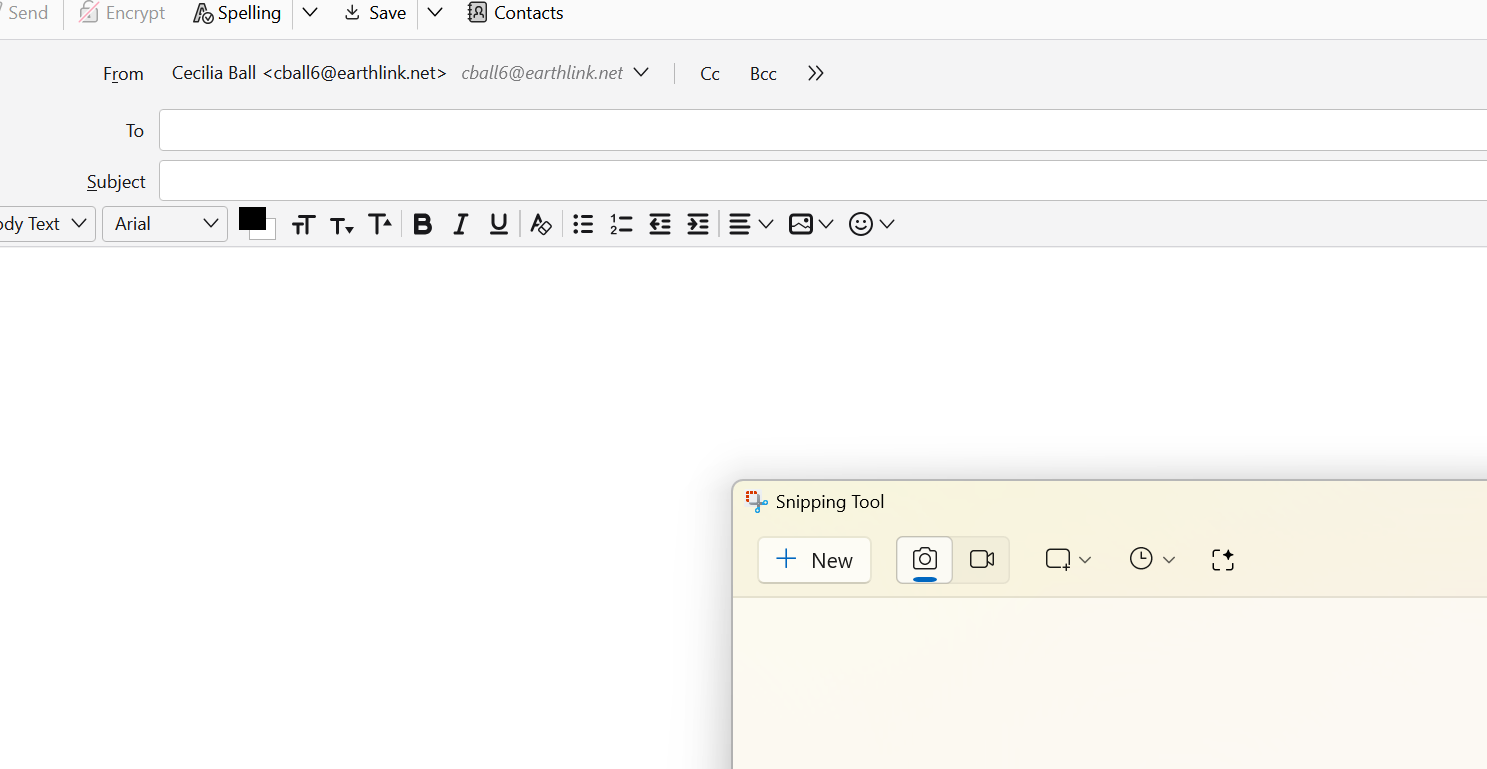

While on the Compose screen, press the ALT key, then click View > Toolbars > Menu Bar.
Ed,
Sorry for the late reply but thank you for your comment because it solved my problem. I can, once again, format within an email when I need to.

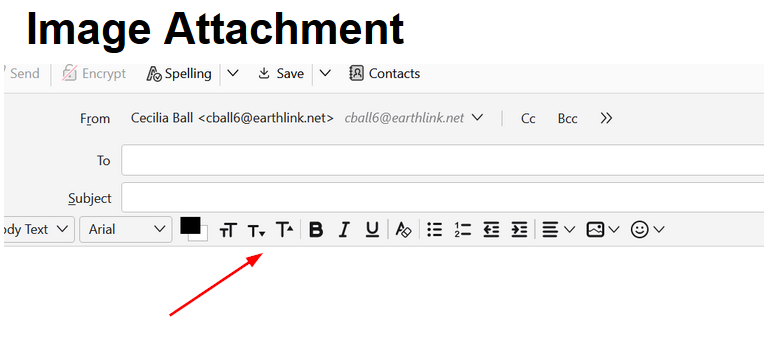
Cecilia, just curious: does the toolbar right above the compose area of the message in your screenshot have what you need?
Wót Rick změnjony
Yes, the toolbar has what I need. It disappeared in the latest version of software and I was so glad to learn that I could get the toolbar to appear by hitting the Alt key.
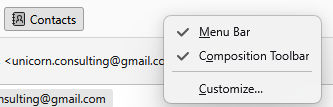
you can right click anywhere to the right of the word contacts in the image and a menu will appear that allows you to turn the menu bar on permanently.
Example of the menu from my compose window
cball6 said
Yes, the toolbar has what I need. It disappeared in the latest version of software and I was so glad to learn that I could get the toolbar to appear by hitting the Alt key.
Rick is talking about this toolbar. It does have options for Size and List, but not all the options for List that appear in the Menu Bar.
Wubrane rozwězanje
Matt, Thank you for the tip!