


Can't open any website

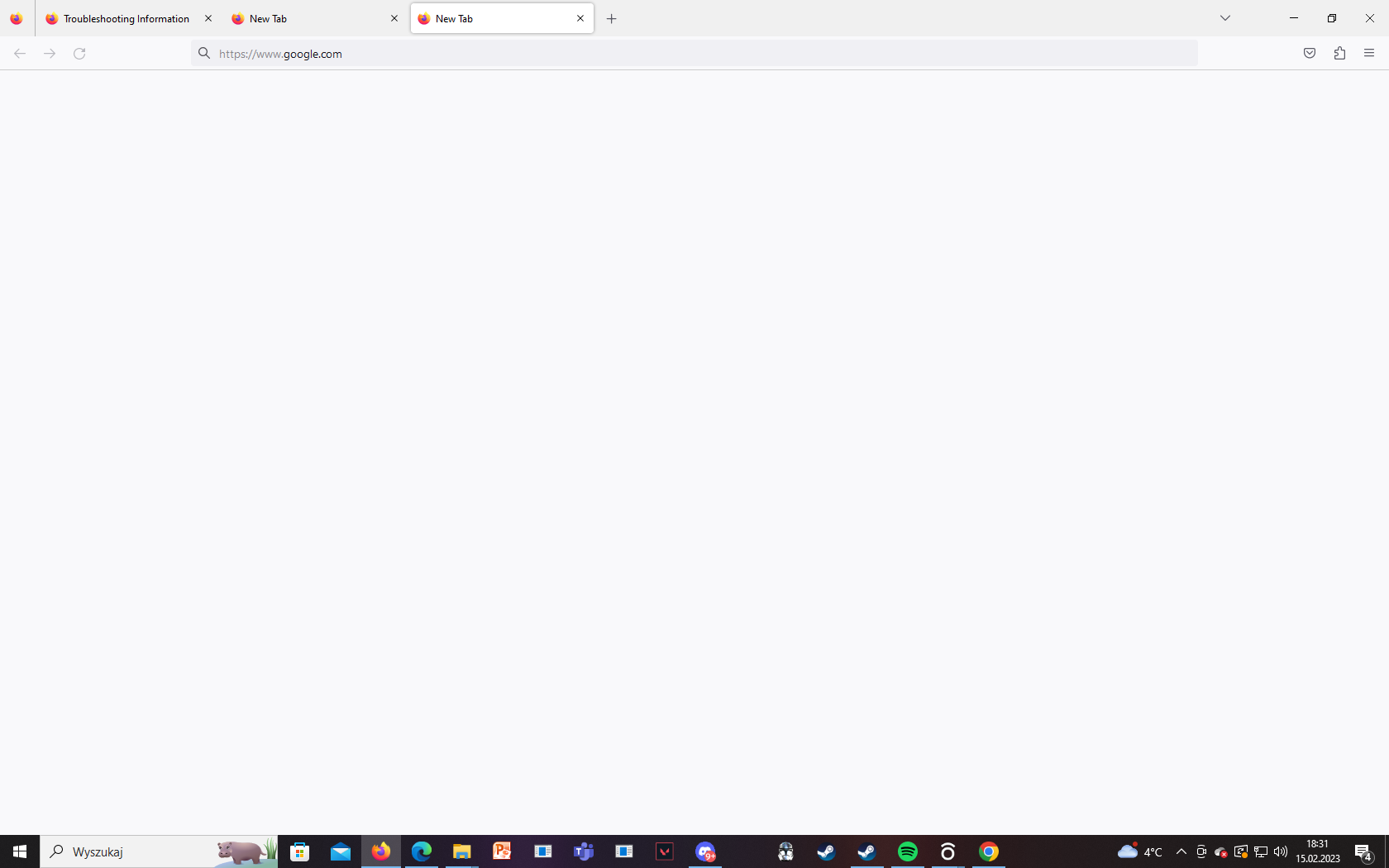
So, my browser is disabled. I can open it, but if I type anything in the adress bar (the home menu with recomendations and the search tab doesn't pop up) it will process the information, but then stop and gives me a blank screen. I send an image of it. For example if I type https://www.google.com the tab will go white and I can't do anything about it. In the apliccation menu, the only thing I can do is to go into troobleshooting mode by clicking the Help tab. Everything else (except for the new tab or window tool) is disabled. I beleive it is coused by the fact I can't open any website and those tabs are links. Please write back.
Wubrane rozwězanje
Did you recently uninstall an application that was using Visual C+ runtime components?
You can check for issues caused by a corrupted or incomplete Visual C++ installation that is missing runtime components (Redistributable Packages) required by Firefox, especially VCRUNTIME140_1.dll.
See "Visual Studio 2015, 2017, 2019, and 2022":
- https://docs.microsoft.com/en-US/cpp/windows/latest-supported-vc-redist
- https://aka.ms/vs/17/release/vc_redist.x64.exe
- https://aka.ms/vs/17/release/vc_redist.x86.exe
You may also have to install the Visual Studio 2013 Redistributable Package. You need to reboot the computer.
Try to start Firefox in Troubleshoot Mode to see if that works.
- Windows: hold down the Shift key while starting Firefox
- Mac: hold down the Options key while starting Firefox
Wšykne wótegrona (3)

Maybe try using Firefox in Private Mode browsing without anything else running to verify it's really a browser issue. As I see you got other apps running maybe using just the Browser by itself to verify what is the connection first.
Wubrane rozwězanje
Did you recently uninstall an application that was using Visual C+ runtime components?
You can check for issues caused by a corrupted or incomplete Visual C++ installation that is missing runtime components (Redistributable Packages) required by Firefox, especially VCRUNTIME140_1.dll.
See "Visual Studio 2015, 2017, 2019, and 2022":
- https://docs.microsoft.com/en-US/cpp/windows/latest-supported-vc-redist
- https://aka.ms/vs/17/release/vc_redist.x64.exe
- https://aka.ms/vs/17/release/vc_redist.x86.exe
You may also have to install the Visual Studio 2013 Redistributable Package. You need to reboot the computer.
Try to start Firefox in Troubleshoot Mode to see if that works.
- Windows: hold down the Shift key while starting Firefox
- Mac: hold down the Options key while starting Firefox
Co-rel Installing the C+ made it work. Thank you very much!!!! You're the best!!!