


firefox problems with youtube short videos

firefox, 106.0.5, 64bit problems with youtube short videos.
Only plays the first video. No other video in the list will play. This is a new problem.
Wubrane rozwězanje
Problem solved:
I normally keep my zoom level at 120% so I can read the text on websites. If I reduce the zoom level to about 80% then the sequential videos will play. Must have something to do with whether or not the entire thumbnail is in the screen(?)
YouTube changed the layout and size of the thumbnails recently. That's when the problem started.
Thanks for the assist.
Wšykne wótegrona (8)

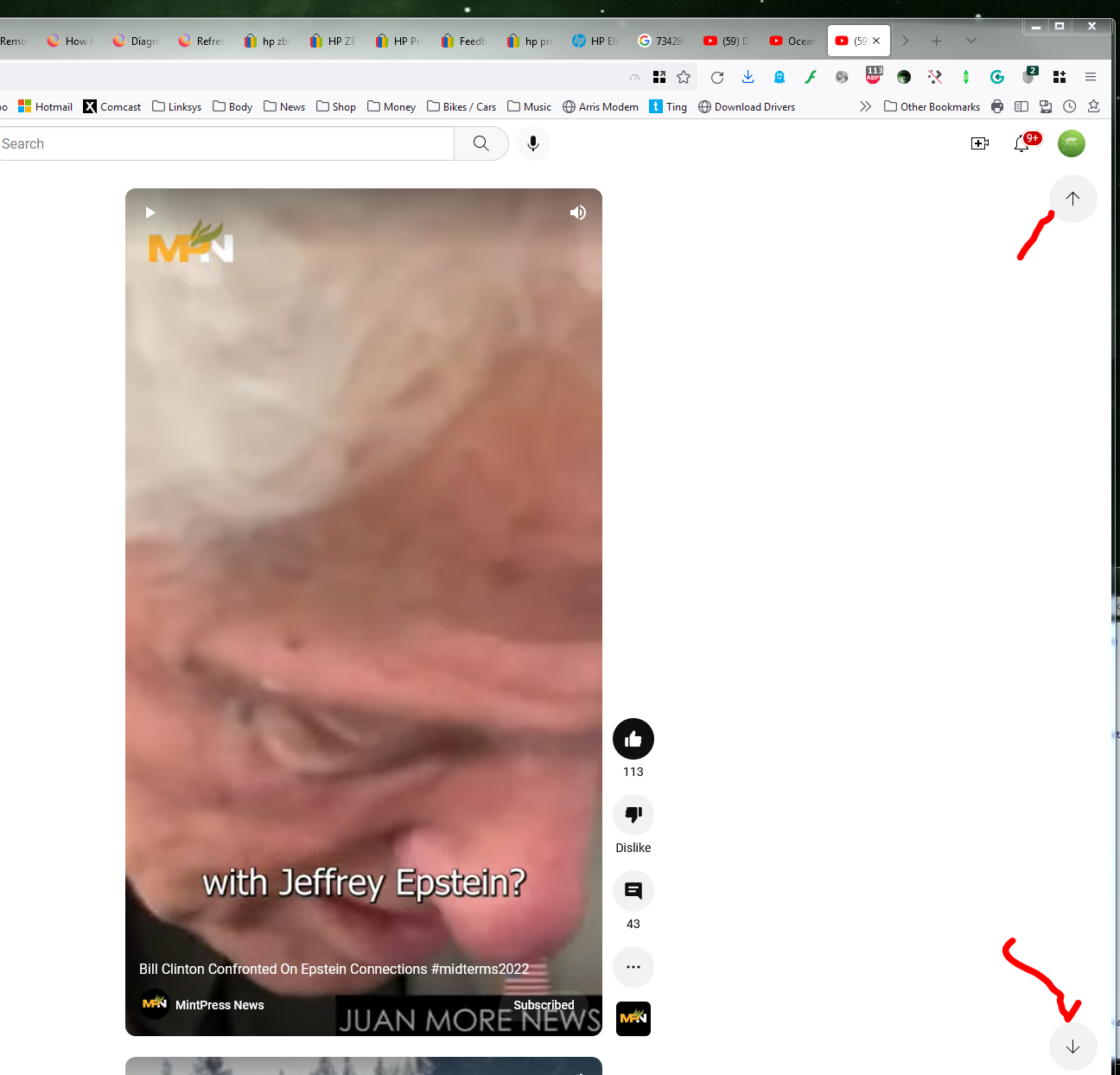
I see arrows to navigate. see screenshot
Wót jonzn4SUSE změnjony
I know about the arrows. It will take me to the next video short but it will not play the video. Clicking the pause / start button on the next video also has no effect.
Can we see what your getting when you go to the next video?
Did you try with Firefox in Safe Mode? What security software are you running?
What I see is the thumbnail of the next videos. They just won't play
No difference in safe mode. I use Windows security.
Here ya go. https://www.youtube.com/shorts/40nPBkqzPVo
Wubrane rozwězanje
Problem solved:
I normally keep my zoom level at 120% so I can read the text on websites. If I reduce the zoom level to about 80% then the sequential videos will play. Must have something to do with whether or not the entire thumbnail is in the screen(?)
YouTube changed the layout and size of the thumbnails recently. That's when the problem started.
Thanks for the assist.