


Google Popu Up

I am also getting the Google pop up, but it is for a gmail account that does not exist. Is accepting cookies really the answer to killing this super annoying pop up?
Wšykne wótegrona (4)

What Google pop-up exactly? Please post a screenshot. https://support.mozilla.org/kb/how-do-i-create-screenshot-my-problem
Wót christ1 změnjony
Here is a screen shot. Deleted the portion where it shows my company email address that is not a gmail account.
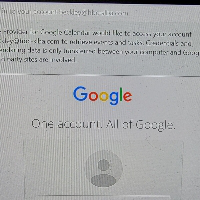
There is hardly to see anything, so I'm guessing you're talking about the Google OAuth2 authentication prompt. It doesn't have to be an email account, also a Google Calendar could trigger it. Certainly something you set up in your profile. Accepting cookies won't kill it.
I have made no changes to my preferences. My wife is also experiencing the same problem. I do not have google authorized for my calendar in preferences for my company email account. It would be helpful if someone could actually explain the steps to fix the QAuth2 authorization problem.