

Toś ta nitka jo se archiwěrowała.
Pšosym stajśo nowe pšašanje, joli trjebaśo pomoc.

Archiwěrowany
Google Shared Drives issue

Using Firefox on a Mac.
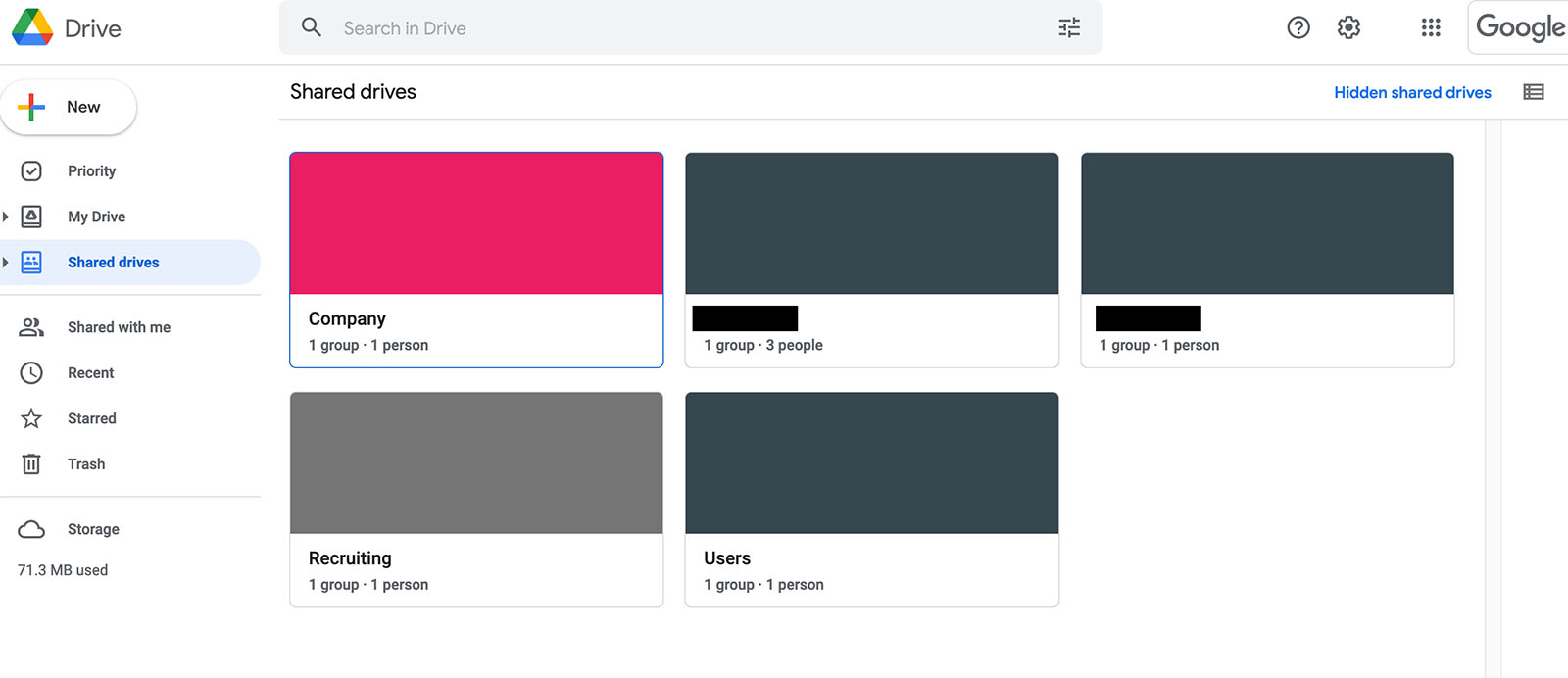
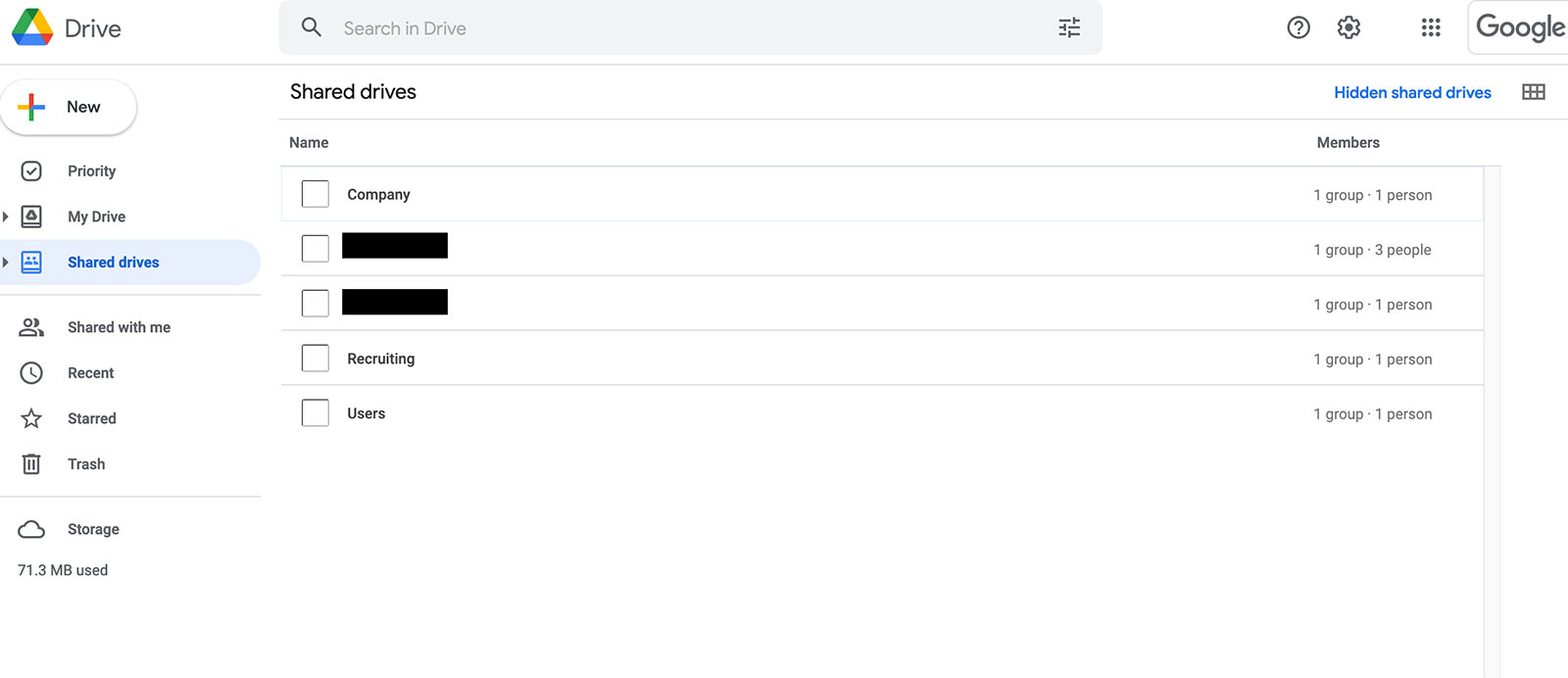
When I open Google Drive and view my Shared Drives, there are no banner images or icons associated with the drives. They're all blank.
But when I open Google Drive and view my Shared Drives in other browsers (i.e. Safari, Chrome), the banners and icons are there.
Please advise. Thanks.
Using Firefox on a Mac.
When I open Google Drive and view my Shared Drives, there are no banner images or icons associated with the drives. They're all blank.
But when I open Google Drive and view my Shared Drives in other browsers (i.e. Safari, Chrome), the banners and icons are there.
Please advise. Thanks.
Wšykne wótegrona (3)

Can we see the issue?
See attached screenshots. Again, when I view this on other browsers, the banner images and icons appear. Thank you.
Have you tried safe mode? Also show what it looks like in other browsers. Did you clear your browser cache?
Firefox safe mode: Click the menu button, click Help and select Restart with Add-ons Disabled…. Firefox will start up with the Firefox Safe Mode dialog.