


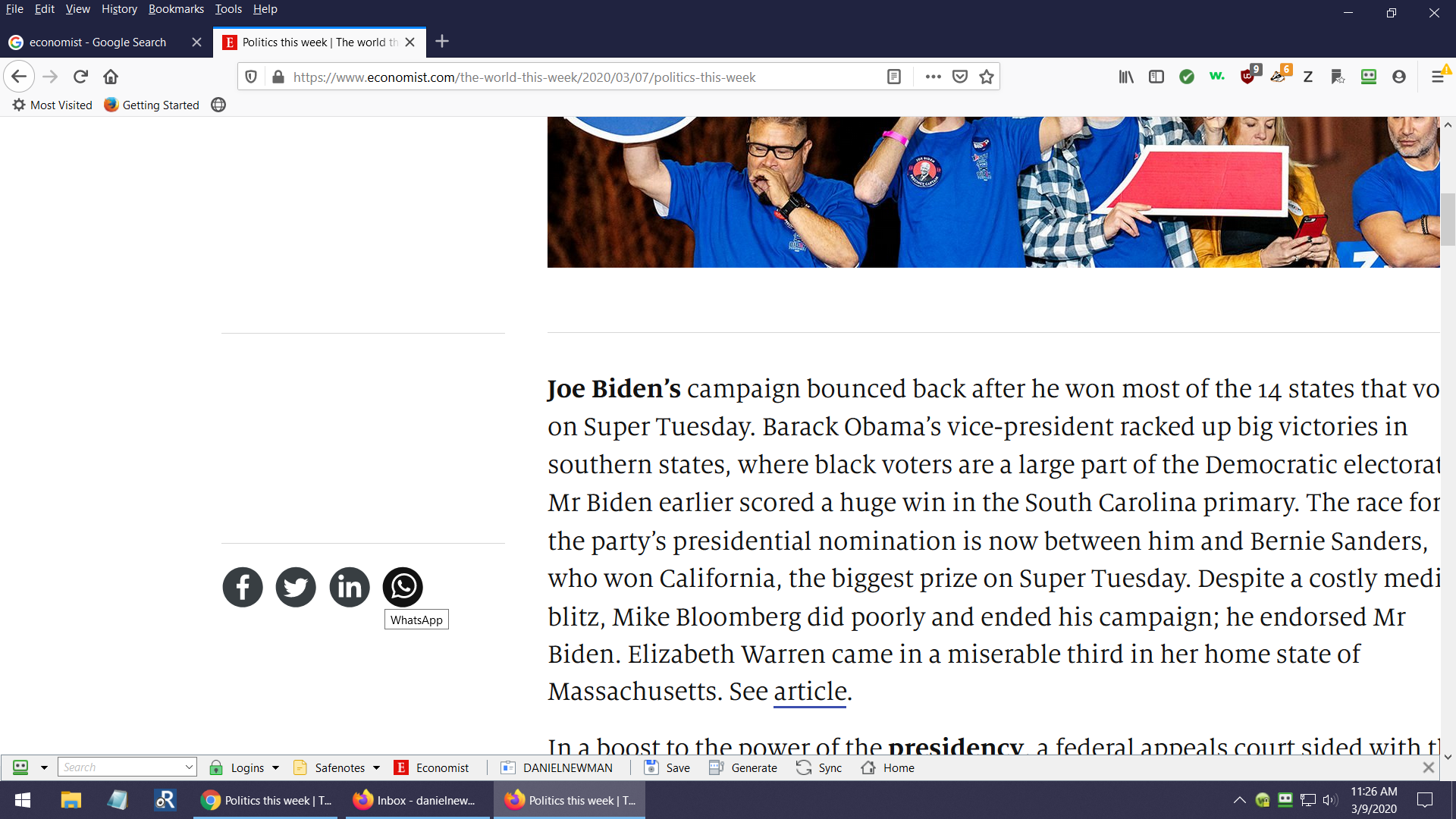
Firefox clips the last word from each line of text when I read The Economist online. how to fix?

I am running Win 10. When I read The Economist, Firefox clips the last word off of each line of text. I am unable to adjust Firefox to eliminate the problem. When I read the same article from The Economist using the Chrome browser, NO WORDS ARE CLIPPED FROM THE END OF EACH LINE OF TEXT. The Economist customer help says that this is a Firefox formatting problem
Wubrane rozwězanje
Hmm, thank you for sharing your add-ons list. Possibly this one might be causing the issue:
https://addons.mozilla.org/firefox/addon/zoom/
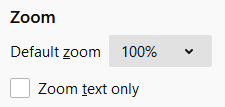
Firefox 73 has a new built-in Default zoom setting, and users with zoom-related add-ons may find some unusual behaviors as they interact with the new setting.
For reference, the built-in setting is on the Options page:

Wšykne wótegrona (3)

Look at the bottom of the web page. Is there a slide bar?
Check your zoom controls.
<Control> (Mac=<Command>) + (plus) enlarge - (minus) reduce 0 (zero) restore
I can't judge because I'm not registered for the site, but the teaser content uses a responsive layout that shifts to a mobile-style view when the window narrows, so I wonder whether you might be using an add-on that modifies the page layout and causes this issue?
Wubrane rozwězanje
Hmm, thank you for sharing your add-ons list. Possibly this one might be causing the issue:
https://addons.mozilla.org/firefox/addon/zoom/
Firefox 73 has a new built-in Default zoom setting, and users with zoom-related add-ons may find some unusual behaviors as they interact with the new setting.
For reference, the built-in setting is on the Options page: