


Can we change background color of calendar?
I am using the dark theme for email but when I look at the calendar it looks too bright. Is there a way to change the background color of the calendar (not the colors of individual calendar types but the background color of, for example, the monthly calendar)?
Wubrane rozwězanje
I can get the same results. This is where it is located. Menu icon > Options > Options > Calendar > 'General' tab uncheck 'Optimise colours for accessibility'
Reselect the 'Calendar' tab
Toś to wótegrono w konteksće cytaś 👍 1Wšykne wótegrona (8)
I've attached a picture of the monthly calendar in TB 68.2.1 with the dark theme. Which parts would you like to be darker?
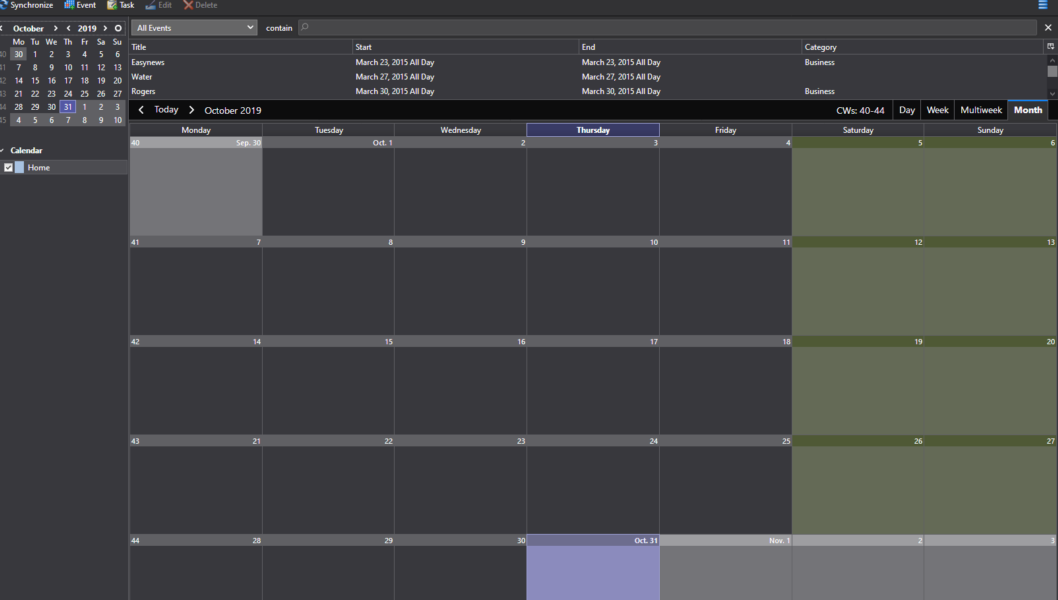
Thank you.
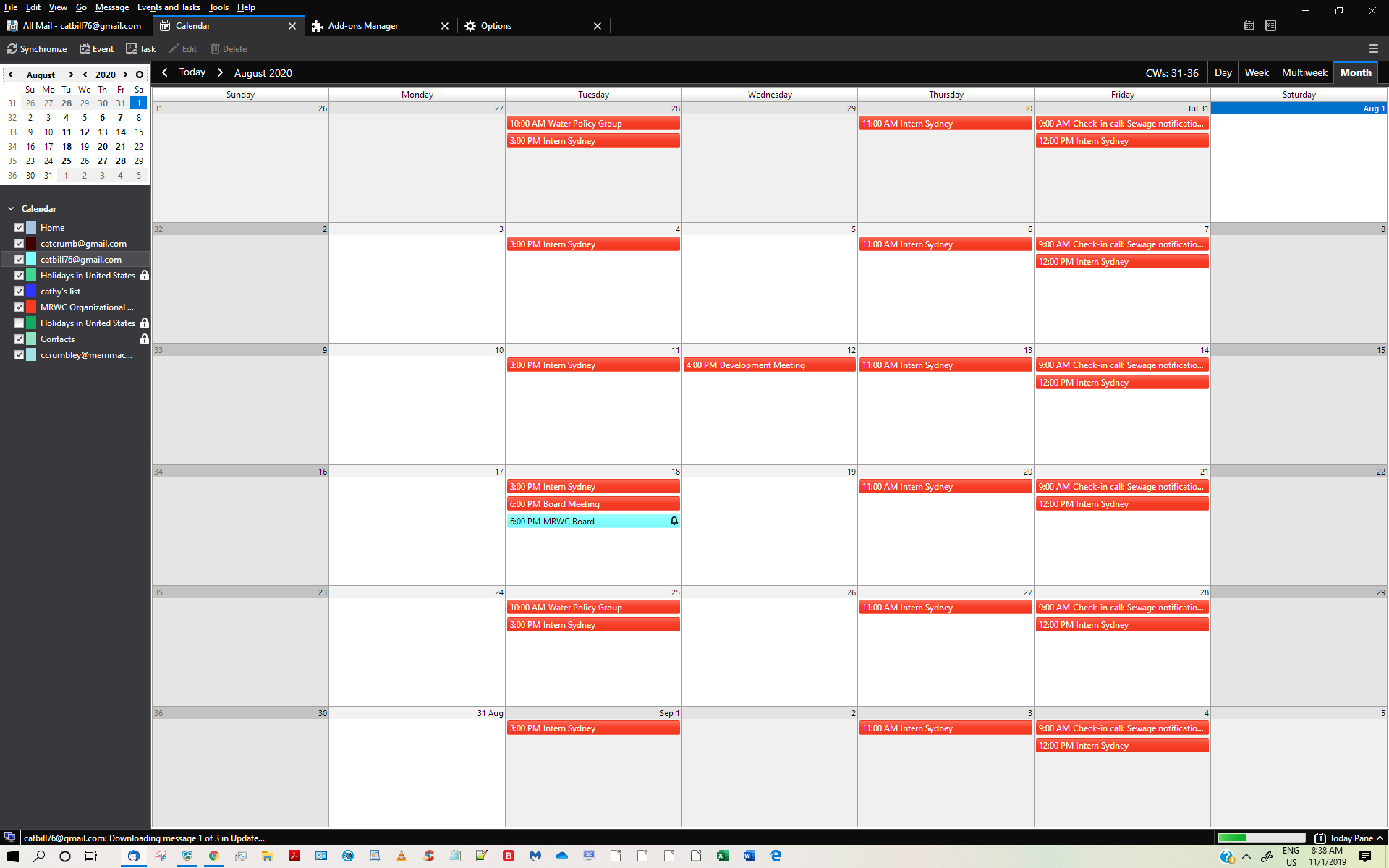
I should have been more specific about what I meant. Here is what my calendar looks like.
As you can see, it is not as dark as yours. Do you know what I can change to make the lighter parts darker?
In another question you found you had an addon altering your view of the compose 'Write' window. Identity Chooser add-on is what is making the background color yellow.
Suggest you check addons to see which is causing the problem.
Good point. However, with all add-ons (except for Lightning) disabled, the calendar is not any darker. Any other thoughts?
What is your version of TB and Lightning? My picture was for TB/Lightning 68.2.1. I can't recall what the dark theme calendar looked like in earlier versions, but there have been recent cosmetic changes for the dark theme.
Wubrane rozwězanje
I can get the same results. This is where it is located. Menu icon > Options > Options > Calendar > 'General' tab uncheck 'Optimise colours for accessibility'
Reselect the 'Calendar' tab
Confirmed: leave the Optimize box unchecked (the default) to have a dark calendar background in the Dark theme.
Thank you, everyone. Yes, unchecking Optimize colors for accessibility solved the problem. (Ironic since the calendar is now more accessible.)